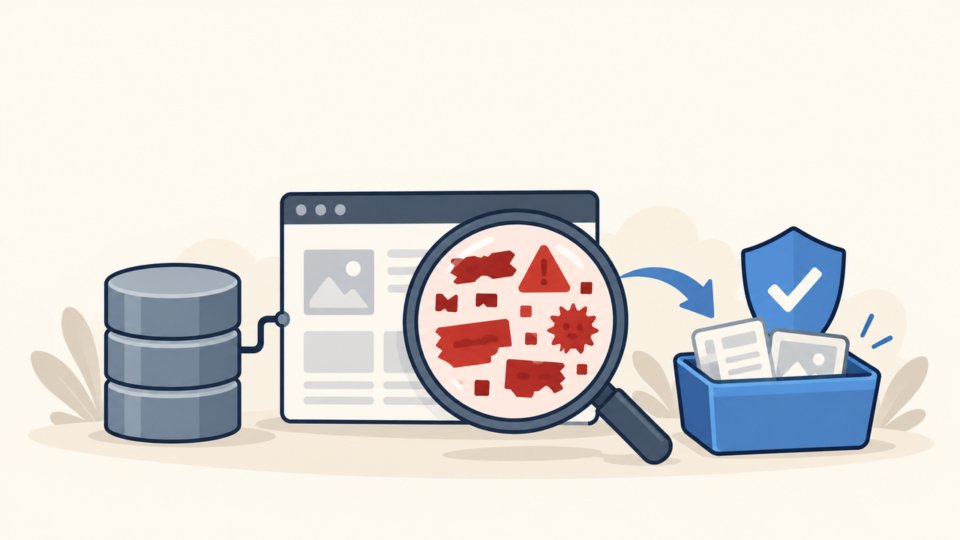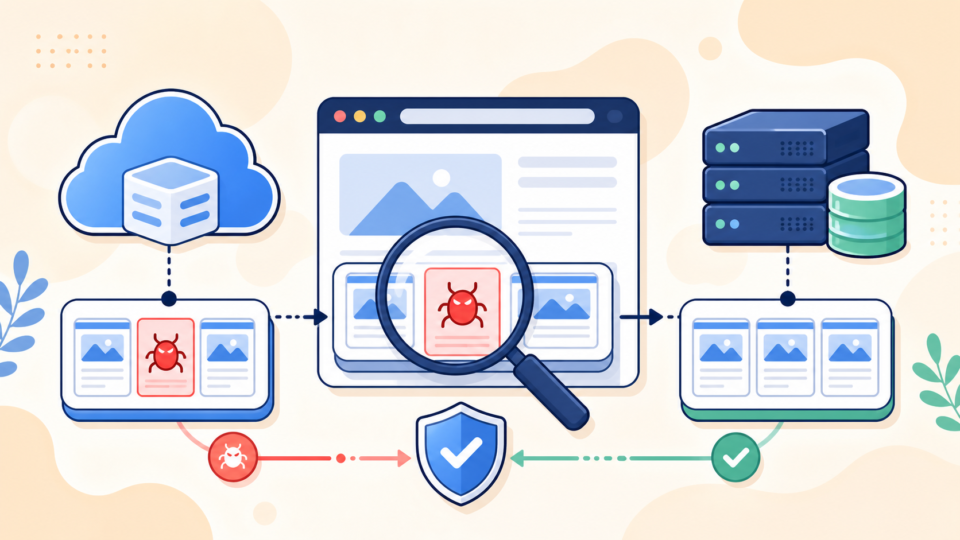
WordPress .user.ini malware can force PHP to load a hidden file before WordPress starts. If you found an unfamiliar auto_prepend_file directive, do not delete it and assume the site is clean.
Preserve the directive, referenced file, and metadata first. Then identify where it is active, what it loads, and how it was created.
 RyoheiYokoyama
I’m Ryohei Yokoyama, founder of SiteFixNow. I’ve worked as an IT engineer for over 20 years and handled many WordPress recovery and malware cleanup cases. This guide explains how to investigate a suspicious .user.ini and remove its persistence chain safely.
- Why
.user.inican run before WordPress. - How to find the effective
auto_prepend_filesafely. - How to preserve evidence, clean safely, and verify recovery.
WordPress .user.ini Malware Can Run Before WordPress Loads
PHP’s auto_prepend_file setting includes another file before the requested script. A malicious loader can therefore run before index.php, wp-login.php, or an admin request.
With CGI/FastCGI, PHP searches for user_ini.filename—normally .user.ini—from the script directory up to the document root. A file at public_html/.user.ini can affect WordPress and its subdirectories.
Replacing WordPress core may not help because the include can survive outside those folders and run again. See how to find the root cause when WordPress malware keeps returning.
.user.ini applies to CGI/FastCGI PHP. Other SAPIs may use different files, so confirm the website’s active SAPI.
WordPress .user.ini Malware Investigation Starts With Evidence
Start with read-only evidence capture. Copy .user.ini and its loader outside the web root, then record each path, owner, permissions, size, modification time, and hash.
Preserve a database export, access and PHP logs, alerts, and administrator and hosting account lists. Do not restore malicious evidence; use its paths and timestamps to trace persistence.
find /home/account -type f -name '.user.ini' -print
stat /home/account/public_html/.user.ini
sha256sum /home/account/public_html/.user.ini
Adjust the path to your account and keep the search read-only. Never execute the referenced PHP file or move it to another web-accessible folder for testing.
WordPress auto_prepend_file Checks Must Find the Effective Configuration
Finding one file is not enough; identify the directive PHP applies to web requests. Search the document root, relevant descendants, and sibling site roots available in the account.
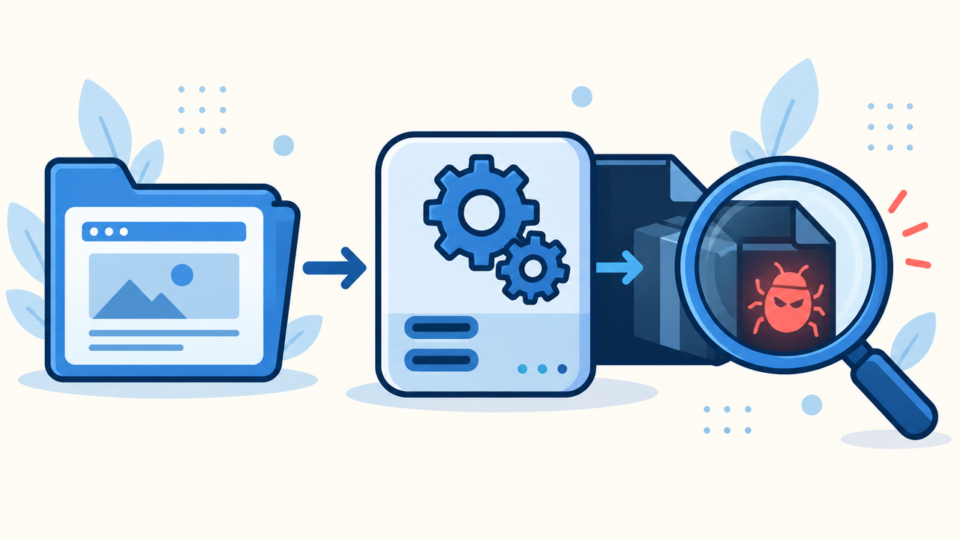
find /home/account -type f -name '.user.ini' -print
grep -RIn --include='.user.ini' -E 'auto_(prepend|append)_file|include_path' /home/account 2>/dev/null
Compare the value with the site’s control-panel PHP settings. php -i may use a different configuration from PHP-FPM, so CLI output does not prove the web value.
In a restricted PHP information page, check the loaded configuration, additional INI scan directory, user_ini.filename, user_ini.cache_ttl, and local/master auto_prepend_file values. Protect and delete any temporary diagnostic page immediately because it exposes server details.
- Which
.user.iniapplies to the request? - What file does
auto_prepend_fileresolve to? - Which sites and directories inherit it?
- When and under which account did it appear?
WordPress auto_prepend_file Malware Must Be Traced to Its Loader
The directive is only the first link. Resolve and preserve the referenced file, then inspect it without execution. For a relative value, use the effective PHP environment and include path.
Warning signs include encoded strings, unknown includes, remote requests, file-writing code, visitor conditions, and paths under cache, uploads, temporary, or hidden directories. A short file may load a larger second stage.
file /path/to/suspected-loader.php
stat /path/to/suspected-loader.php
sha256sum /path/to/suspected-loader.php
sed -n '1,220p' /path/to/suspected-loader.php
Do not judge one function name alone. Compare the path, owner, timestamps, purpose, and trusted package. A legitimate prepended file should be documented and explainable.
Check wp-config.php, plugins, themes, uploads, cron, and the database. See cleaning suspicious wp-config.php code and the uploads backdoor guide.
WordPress .user.ini Malware Cleanup Needs the Correct Order
Cleanup must prevent the malware from returning before traffic resumes. Deleting only .user.ini may leave its payload, stolen access, scheduled task, or vulnerable component.
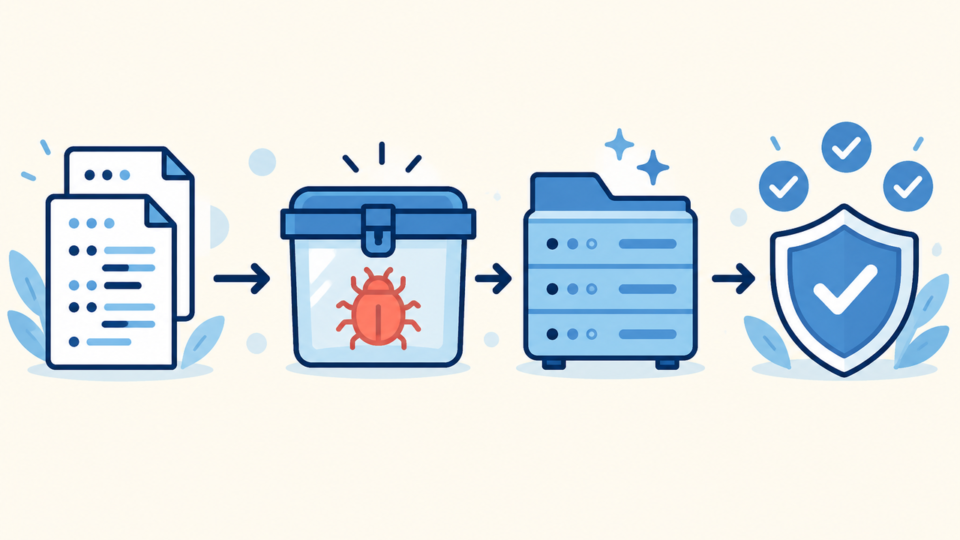
- Restrict traffic and stop automated deployments.
- Preserve files, database, logs, accounts, and hashes.
- Disable the malicious directive and quarantine its payload.
- Replace core, plugins, and themes from trusted packages.
- Remove unknown users, tasks, backdoors, and database injections.
- Patch the entry point, rotate access, invalidate sessions, and verify.
Review every site and deployment source under the account. Use the WordPress malware cleanup checklist for files, database content, and backdoors.
Rotate exposed hosting, SFTP, SSH, WordPress, database, CDN, and deployment credentials from a clean device. Remove unknown sessions and keys, then deploy the reviewed configuration atomically.
WordPress .user.ini Malware Removal Requires Cache-Aware Verification
A clean homepage is not proof. PHP caches user configuration for user_ini.cache_ttl, often several minutes, and managed hosts may add PHP-FPM or platform caching.
Wait through the cache interval or use the host’s documented PHP reload method. Test front end, login, admin, REST, cron, and PHP requests; confirm the web SAPI has no unexpected prepend file.
Repeat file, hash, account, task, database, and log checks. Test from a clean browser and mobile connection, then monitor through the former recurrence interval.
- The web PHP value no longer points to the loader.
- The directive and payload stay gone.
- No backdoor, account, task, or sibling site can restore them.
- Logs, desktop/mobile views, admin, and cron remain normal.
Apply our guide to securing WordPress after malware removal. The original entry point may differ from the loader location.
WordPress .user.ini Malware Frequently Asked Questions
WordPress .user.ini Malware Recovery Summary
A suspicious auto_prepend_file is one link in a loading chain. Preserve the configuration and payload, identify the effective web value, inspect without execution, and trace who or what created it.
Remove the directive, payload, backdoors, compromised access, vulnerable components, and reinfection sources. Account for the user INI cache, repeat the checks, and prove the files do not return.
If You Can’t Secure or Recover Your WordPress Site Yourself

If your website shows malware warnings, redirects to strange pages, or you are not sure whether it is secure,
SiteFixNow can help clean, repair, and recover your WordPress site.
- Your WordPress site may be infected with malware.
- Security warnings appear in Google or browser results.
- You found unknown admin users or suspicious files.
- The site redirects to spam or unknown websites.
- You need urgent WordPress hacked site repair.
- Reduce visitor risk and SEO damage.
- Find hidden malware and backdoors, not only visible symptoms.
- Recover the site safely without unnecessary data loss.