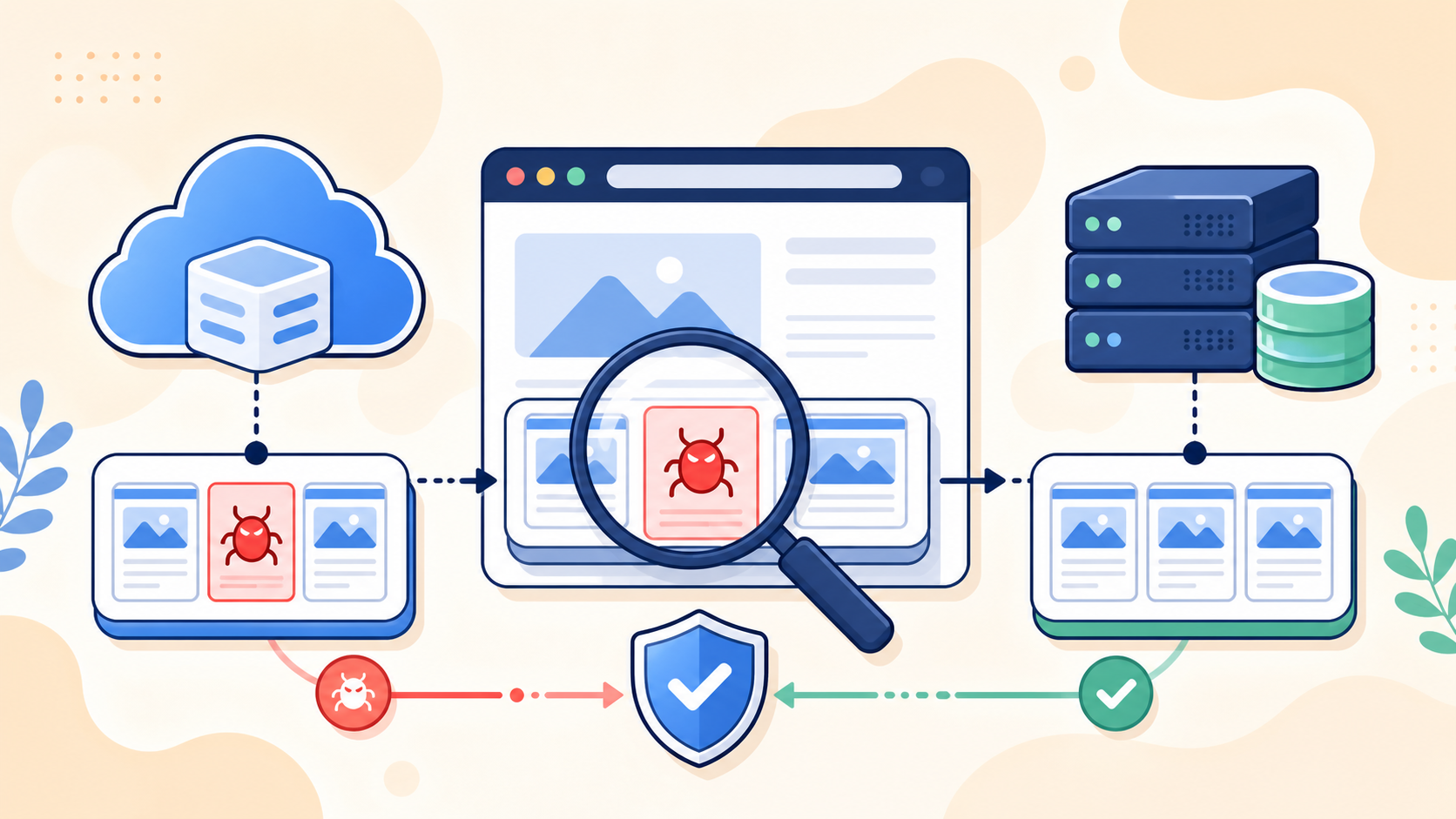
A page cache, object cache, reverse proxy, CDN, browser cache, or service worker can preserve output generated while the site was compromised. The safe response is to separate stale cached evidence from the current origin, clean the origin completely, and then purge each layer in a controlled order.
 RyoheiYokoyama
I’m Ryohei Yokoyama, founder of SiteFixNow. I’ve worked as an IT engineer for over 20 years and have handled many WordPress recovery, malware removal, hacked site repair, and security cleanup cases. In this article, I’ll explain how to investigate cached malicious output without erasing the evidence or mistaking a cache purge for a complete cleanup.
- How to tell whether malicious output is cached or still generated by the origin.
- Which evidence to preserve before clearing WordPress, server, CDN, and browser caches.
- Why the origin must be cleaned before cache layers are purged.
WordPress Cache Malware: Determine Whether Cache Is Involved
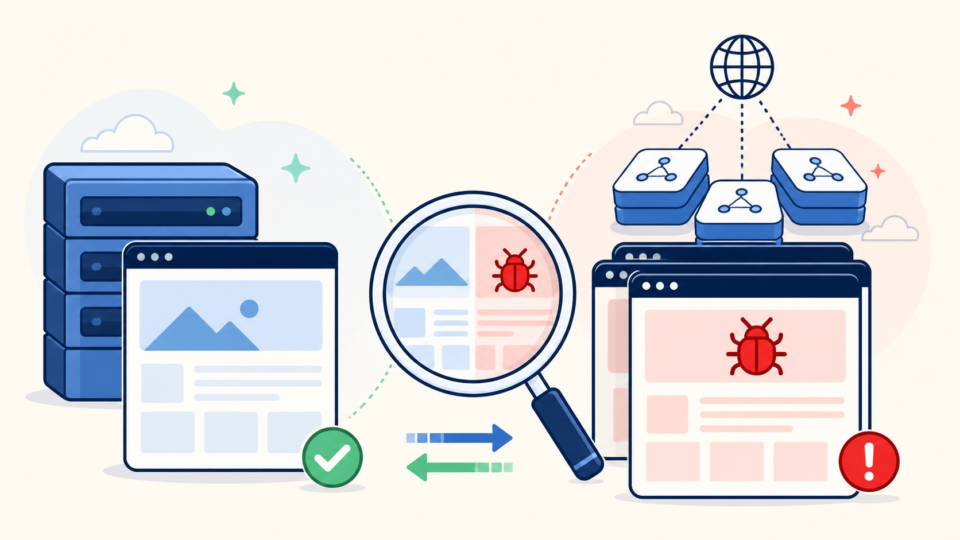
The first decision is whether you are viewing stale cached output or a response that the compromised origin still generates. Test the same URL through multiple paths before changing anything. A difference between paths is evidence; it is not yet a diagnosis.
Read response headers instead of guessing
Look for headers such as Age, X-Cache, CF-Cache-Status, X-LiteSpeed-Cache, or host-specific cache indicators. A HIT response that differs from a MISS is useful evidence. Headers vary by provider, so absence of one familiar header does not prove that no cache exists.
WordPress Cache Malware Evidence: Preserve Proof Before Purging
Preserve a small, focused evidence set before clearing anything. Cache purges are often irreversible, and the removed artifacts may contain the redirect target, injected script, timestamp, affected URL, or variation rule that explains why only certain visitors were targeted.
Copy suspicious cache artifacts without executing them
Common locations include wp-content/cache/, wp-content/litespeed/, wp-content/advanced-cache.php, and wp-content/object-cache.php. Host-managed Varnish, Nginx FastCGI cache, Redis, Memcached, or CDN edge storage may not be visible in the WordPress filesystem.
find wp-content/cache -type f -mtime -2 -print
grep -RniE 'base64_decode|gzinflate|eval\(|window\.location|document\.location|<script' wp-content/cache
For a wider evidence and cleanup scope, use the WordPress malware cleanup guide for files, database records, and backdoors. It explains why a visible cache symptom should not narrow the investigation prematurely.
WordPress Cache Malware Cleanup: Clean the Origin Before Cache Layers
The correct order is origin cleanup first, cache purge second. If the application, database, compromised administrator, scheduled task, or server configuration still generates malicious output, purging the cache merely gives the attacker a clean surface to poison again.
Contain the site and build a trusted working copy
Restrict public access when visitors are at risk, preserve a full file-and-database backup, and work in a protected copy. The WordPress backup restore guide after a hack explains how to choose a recovery point without overwriting evidence.
Inspect every source that can generate the cached response
Compare core against a trusted release, reinstall plugins and themes from trusted packages, inspect uploads, review active and must-use plugins, check administrators, and search the database. Also inspect .htaccess, wp-config.php, PHP auto-prepend settings, server cron jobs, and WordPress scheduled events.
Use the guide to scanning WordPress for malware and hidden backdoors, but validate findings against trusted packages and logs; one scan cannot prove the origin is clean.
A clean page immediately after a purge only proves that one response is currently clean. It does not prove that stolen credentials, a backdoor, malicious scheduled task, database payload, or conditional redirect has been removed.
WordPress Cache Malware Purge: Clear Every Layer in a Controlled Order
Once the origin has been cleaned and tested, purge caches from the application outward. This order prevents an old inner layer from repopulating a freshly cleared outer layer with the same malicious response.
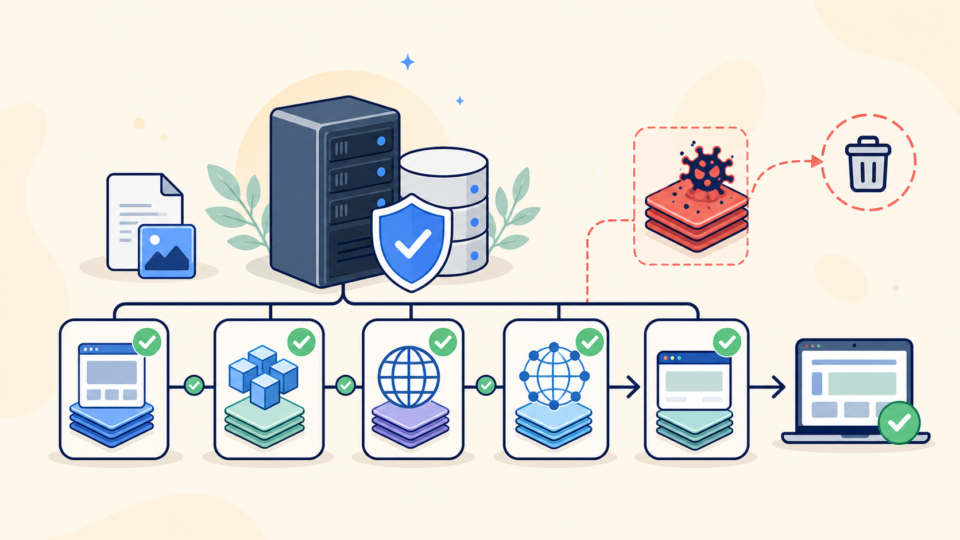
- WordPress page cache and generated static HTML.
- Object cache and transients, including Redis or Memcached where used.
- Server reverse-proxy cache such as Varnish or Nginx FastCGI cache.
- CDN edge cache, including cached redirects and error pages.
- Browser cache, service worker cache, and managed device web caches.
Use the plugin or hosting control designed for the active cache system. A typical WP-CLI object-cache operation is shown below, but confirm that WP-CLI is running against the intended site and environment before executing it.
wp cache flush
wp transient delete --expired
Avoid deleting unknown directories with a broad recursive command. Some cache plugins store configuration, exclusions, or preload state near generated files. Purge through supported controls, confirm the exact target, and retain the preserved evidence copy.
WordPress Cache Malware Verification: Test Every Request Path
Verification must compare the origin, cache MISS, cache HIT, browser, mobile device, and search-style request. One clean homepage load is not enough because malware may target only selected URLs, referrers, or first-time visitors.

Prime the cache, then repeat the same checks
Request each affected URL once for a MISS and again for a HIT. Compare status code, redirect chain, HTML hash, headers, and visible page. Repeat logged out and with the referrer that originally triggered the symptom.
Monitor after reopening instead of declaring victory immediately
Monitor logs, file changes, administrators, scheduled tasks, outbound requests, alerts, and CDN analytics. Rotate exposed credentials. The post-cleanup WordPress hardening checklist covers the access and monitoring work that follows cleanup.
WordPress Cache Malware Prevention: Reduce the Chance of Recurrence
Exclude login, account, cart, checkout, preview, nonce-bearing, and personalized pages from public caching. Cache redirects and errors only when intended. Protect purge APIs and deployment hooks, restrict cache permissions, and record configuration changes.
If malicious output returns or you cannot prove which layer is clean, stop testing on the live site. A professional website malware removal service should examine the origin, persistence, credentials, and cache infrastructure together.
WordPress Cache Malware FAQ
WordPress Cache Malware Cleanup Summary
Treat cache differences as evidence. Preserve the affected response, compare HIT and MISS paths, clean the origin, and then purge WordPress, object, server, CDN, browser, and service worker caches.
A purge can remove a symptom but cannot prove security. Reopen only after repeated requests remain clean and monitoring finds no surviving access or regeneration path.
If You Can’t Secure or Recover Your WordPress Site Yourself

If your website shows malware warnings, redirects to strange pages, or you are not sure whether it is secure,
SiteFixNow can help clean, repair, and recover your WordPress site.
- Your WordPress site may be infected with malware.
- Security warnings appear in Google or browser results.
- You found unknown admin users or suspicious files.
- The site redirects to spam or unknown websites.
- You need urgent WordPress hacked site repair.
- Reduce visitor risk and SEO damage.
- Find hidden malware and backdoors, not only visible symptoms.
- Recover the site safely without unnecessary data loss.