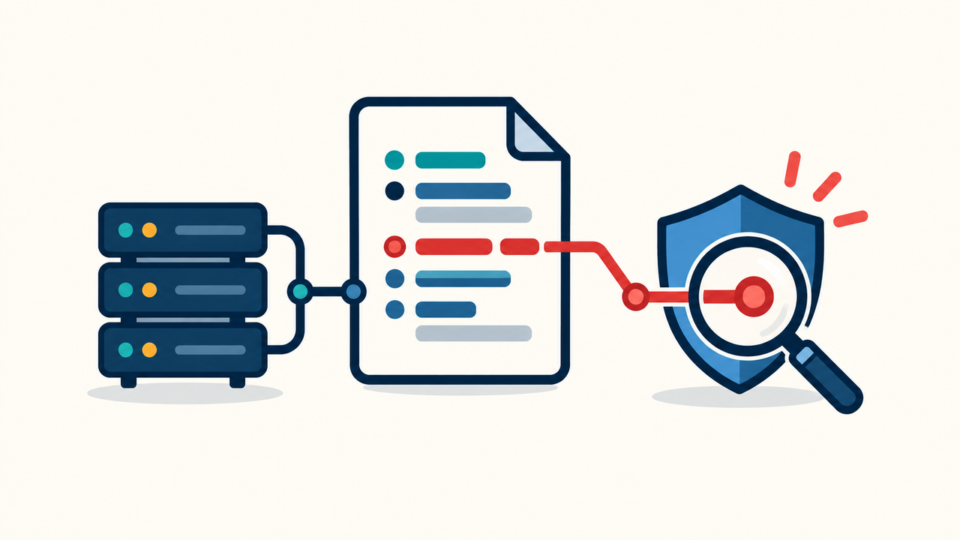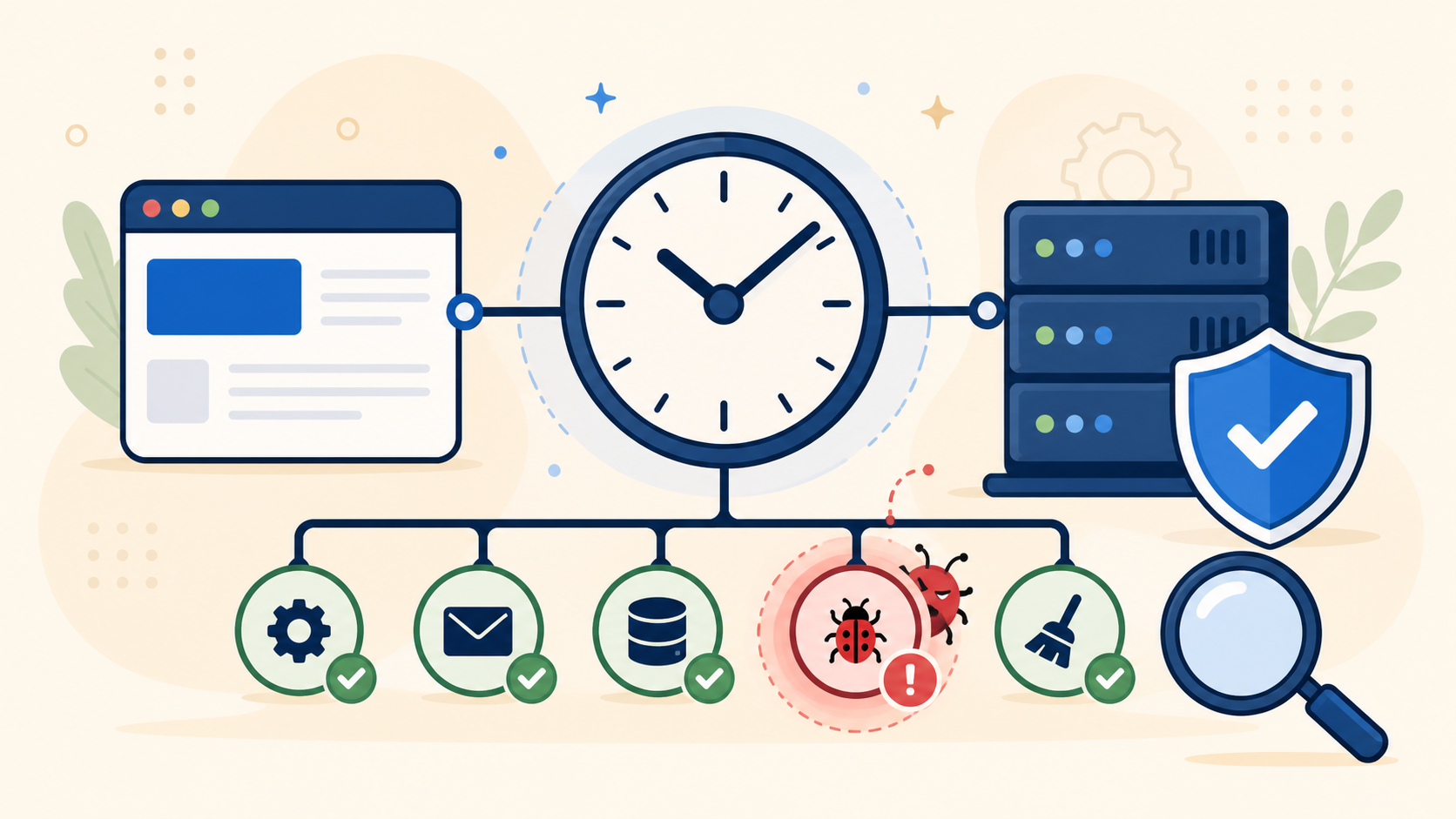
WordPress cron job malware can quietly recreate deleted files, add rogue users, send spam, or restore a redirect after a site appears clean. The visible infection may disappear, yet a scheduled callback can run minutes or hours later and put the malicious payload back.
 RyoheiYokoyama
I’m Ryohei Yokoyama, founder of SiteFixNow. I’ve worked as an IT engineer for over 20 years and have handled many WordPress recovery, malware removal, hacked site repair, and security cleanup cases. In this article, I’ll explain how to investigate suspicious scheduled tasks without breaking legitimate site automation.
- How WordPress scheduled tasks differ from Action Scheduler and server cron
- How to create an evidence snapshot before changing an event
- How to trace a hook to the plugin, theme, or malicious file that registered it
- How to remove the writer first and verify that the task stays gone
WordPress cron job malware can hide in four different scheduling layers
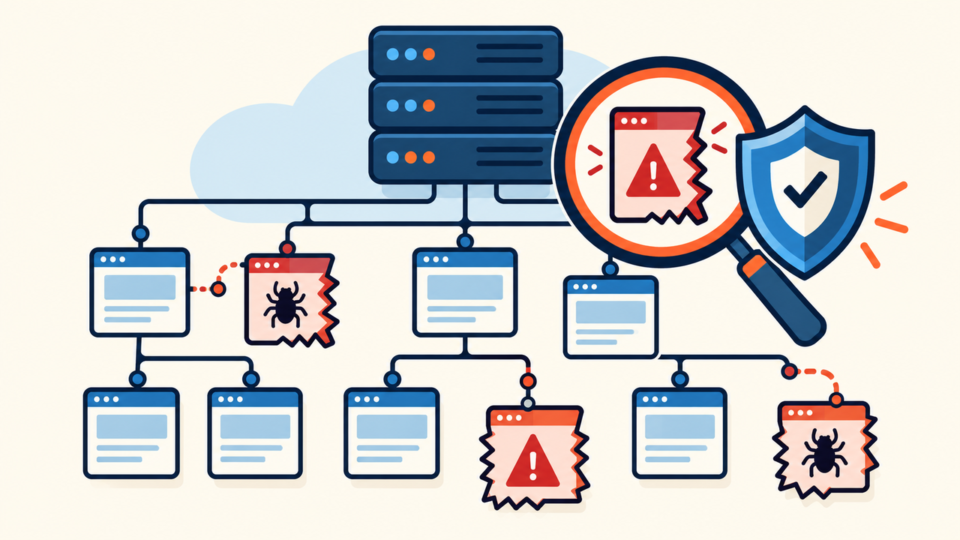
A complete investigation must separate four systems: WP-Cron events stored by WordPress, Action Scheduler jobs used by many plugins, operating-system cron entries configured by the host, and external services that call a URL on a schedule. Looking at only one layer can produce a false clean result.
WP-Cron is not a traditional always-running daemon. WordPress stores events in the database and normally checks whether work is due when the site receives a request. A malicious plugin or backdoor can register a hook with an innocent-looking name, while server cron may call wp-cron.php or an attacker-controlled PHP file directly.
WordPress cron job malware investigation starts with evidence and a complete event inventory
Before deleting anything, record the suspected reinfection time and affected files, then save the database, files, logs, and scheduled-event list outside the web root.
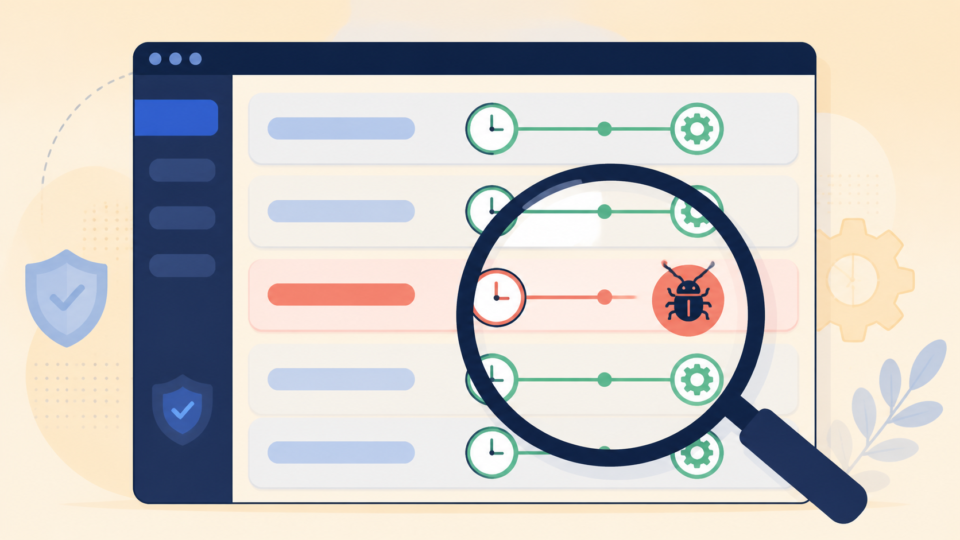
WP-CLI provides a readable inventory without manually editing serialized database data. Run commands from the correct WordPress document root and under the appropriate hosting user. Do not run an unknown event merely to see what it does; that could execute the payload.
# Confirm this is the intended site
wp option get home
wp option get siteurl

# List hooks, next run, recurrence, and arguments
wp cron event list --fields=hook,next_run_gmt,recurrence,args --format=table

# Save machine-readable evidence before cleanup
wp cron event list --fields=hook,next_run_gmt,recurrence,args --format=json > wp-cron-events-before.json
wp option get cron --format=json > wp-cron-option-before.json
Compare event times with the moment a deleted file returned or a redirect reappeared. That correlation often narrows hundreds of legitimate jobs to a small group worth tracing. For a broader compromise inventory, use the guide to scanning WordPress for malware and hidden backdoors.
WordPress cron job malware ownership must be traced before an event is deleted
The decisive question is not whether a hook name looks odd. It is which code registers the hook and which callback runs when WordPress fires it. A legitimate event usually maps to an active plugin, theme, or custom integration with a clear business purpose.
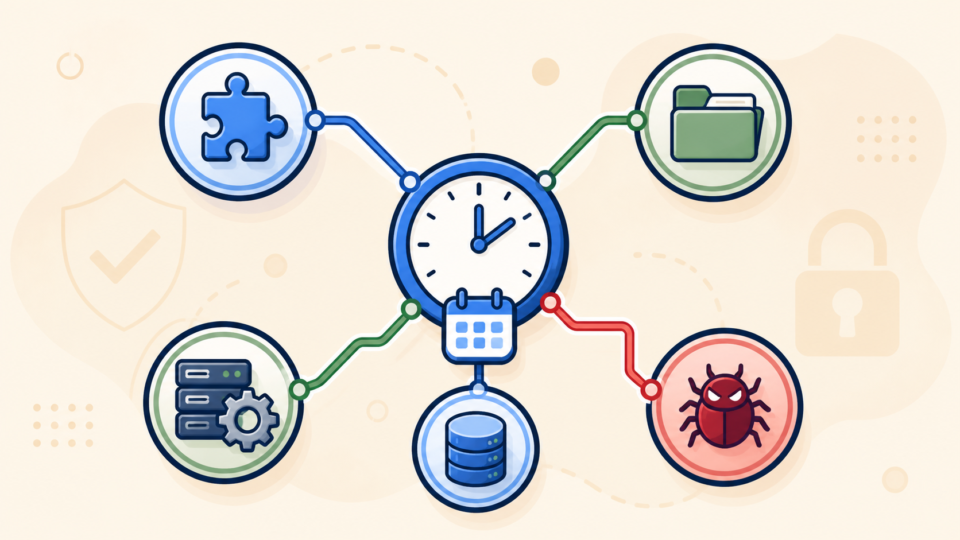
Search the WordPress files for the exact hook string. Check normal plugins, must-use plugins, the active theme, custom snippets, and recently modified PHP files. Also inspect autoloaded database options if no file contains the hook, because injected code can reconstruct callbacks dynamically.
# Replace suspicious_hook_name with the exact hook from the inventory.
grep -RIn --include='*.php' 'suspicious_hook_name' wp-content/plugins wp-content/mu-plugins wp-content/themes

# Look for common registration functions around recently changed PHP files.
find wp-content -type f -name '*.php' -mtime -14 -print
grep -RIn --include='*.php' 'wp_schedule_event\|wp_schedule_single_event' wp-content
Red flags include no known owner, callbacks loaded from uploads, encoded function names, unexpected remote requests, or a hook that returns after its plugin is removed. Several signals together justify containment; one unfamiliar name does not.
If the owner file is modified or unfamiliar, expand the investigation to WordPress file infection cleanup. Removing an event while leaving its registering backdoor intact only delays the next scheduled copy.
WordPress cron job malware may actually be Action Scheduler or server cron
If the WP-Cron list does not explain the behavior, inspect the other schedulers. WooCommerce and many plugins use Action Scheduler for queues, email, webhooks, subscriptions, and background processing. A compromised plugin can enqueue a malicious action that does not appear as a normal WP-Cron hook.
# Run as the correct hosting user.
crontab -l

# Review system schedules only if your account has permission.
ls -la /etc/cron.d /etc/cron.daily 2>/dev/null

# Investigate commands that call PHP, curl, wget, wp-cron.php,
# or unexpected scripts outside the intended document root.
Hosting panels may store cron jobs separately from the shell user’s crontab. Check the panel, container scheduler, deployment platform, and external monitoring account. A task that repeatedly calls an unfamiliar URL or PHP file is especially important, but confirm whether it belongs to backups, caching, imports, or uptime monitoring first.
WordPress cron job malware removal must disable the writer before deleting the schedule
Removal should follow a fixed order: contain the site, preserve evidence, disable the code or account that creates the event, delete the confirmed malicious schedule, clean its payload, patch the entry point, rotate exposed access, and test legitimate automation.
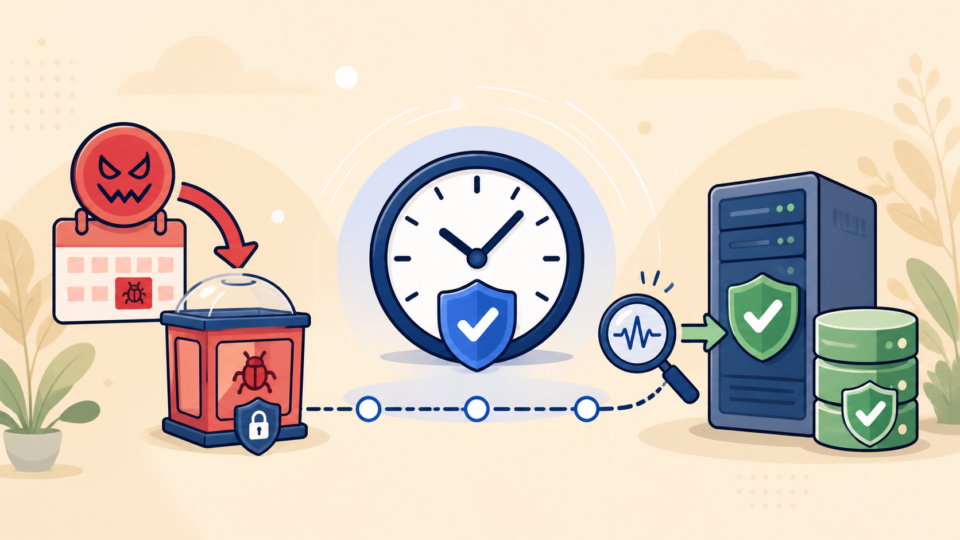
If a vulnerable or infected plugin registers the event, replace it from a trusted source or remove it after confirming the site’s dependency. If a rogue PHP file creates the hook, quarantine the file outside the web root rather than executing it. If a stolen administrator or hosting account created the task, revoke sessions and rotate credentials.
# Use only after ownership and malicious behavior are confirmed.
wp cron event delete suspicious_hook_name

# Confirm the hook is absent without executing it.
wp cron event list --fields=hook,next_run_gmt,recurrence --format=table

# Save an after-cleanup inventory for comparison.
wp cron event list --format=json > wp-cron-events-after.json
A cron event is only one incident artifact. Complete the related files, database records, and backdoor checks, then follow the urgent hacked WordPress site response if visitors or customer data may still be at risk.
WordPress cron job malware verification proves the task and payload do not return
Cleanup is complete only when the suspicious event stays gone and the associated symptom does not return. Compare before-and-after inventories, file hashes, user lists, database changes, outbound requests, access logs, and error logs across several normal traffic and scheduling cycles.
Monitor at the original trigger time. If a file previously returned every hour, checking five minutes after deletion proves little. Also test logged-out browsing, mobile visits, search-entry traffic, forms, checkout, backups, scheduled posts, and email so legitimate jobs still work.
If the event returns, do not delete it repeatedly. The registering code or compromised access remains active. Correlate its new timestamp with file changes and logs, recheck must-use plugins and sibling sites, and escalate to a full incident review. After recovery, use the guide to securing WordPress after malware removal.
WordPress cron job malware FAQ
WordPress cron job malware removal succeeds when the writer, schedule, and payload are all gone
Suspicious scheduled tasks are dangerous because they can make an incomplete cleanup look successful. The correct process is evidence first, complete inventory, ownership tracing, controlled removal, full-scope cleanup, and verification at the original trigger time.
If You Can’t Secure or Recover Your WordPress Site Yourself

If your website shows malware warnings, redirects to strange pages, or you are not sure whether it is secure,
SiteFixNow can help clean, repair, and recover your WordPress site.
- Your WordPress site may be infected with malware.
- Security warnings appear in Google or browser results.
- You found unknown admin users or suspicious files.
- The site redirects to spam or unknown websites.
- You need urgent WordPress hacked site repair.
- Reduce visitor risk and SEO damage.
- Find hidden malware and backdoors, not only visible symptoms.
- Recover the site safely without unnecessary data loss.