Hidden WordPress admin privileges can give a familiar account control of users, plugins, settings, and content. The decisive evidence may be in wp_usermeta, not the visible role label.
Do not delete the account or edit serialized values first. Preserve the state, compare WordPress, WP-CLI, and database results, then remove only proven unauthorized access.
 RyoheiYokoyama
I’m Ryohei Yokoyama, founder of SiteFixNow. I’ve worked as an IT engineer for over 20 years and handled many WordPress recovery and malware cleanup cases. This guide shows how to investigate hidden role changes without destroying evidence.
- Where WordPress stores roles and capabilities.
- How to compare wp-admin, WP-CLI, and
wp_usermeta. - How to remove and verify unauthorized privilege.
Hidden WordPress Admin Privileges Usually Live in wp_usermeta
WordPress stores identity in the users table but normally stores roles and per-user capabilities in usermeta. A familiar email and display name do not prove the account has only its intended access.
With the default prefix, the main role record is usually wp_capabilities. An administrator value contains the administrator role; extra permissions may appear as individual capabilities.
meta_key: wp_capabilities
meta_value: a:1:{s:13:"administrator";b:1;}
The key may not begin with wp_. Custom prefixes and multisite site IDs change it, so confirm wp-config.php and the network context first.
For an entirely new rogue user, follow the hacker-added WordPress admin checklist. Here the focus is hidden privilege on an existing account.
Hidden WordPress Admin Privileges Require Evidence Before Editing
Preserve evidence before changing roles, sessions, or metadata. A database export, account inventory, logs, and timestamps can show when privilege changed and what created it.
Record site and server timezones. Keep copies outside the web root, restrict access, and never restore a compromised export over the live database for investigation.
- A complete database export and its SHA-256 hash.
- User IDs, logins, emails, roles, and registration dates.
- Relevant usermeta, sessions, audit, web, and hosting logs.
- Recent component, cron, and file changes.
wp user list --fields=ID,user_login,user_email,roles,user_registered --format=json
wp user meta list 42 --format=json
wp user session list 42 --format=json
Replace 42 with the account ID and save the output securely. Do not remove roles or sessions until ownership and scope are confirmed.
Database compromise may extend beyond users. Use the database malware cleanup guide to inspect other suspicious values.
Hidden WordPress Admin Privileges Need a Three-View Comparison
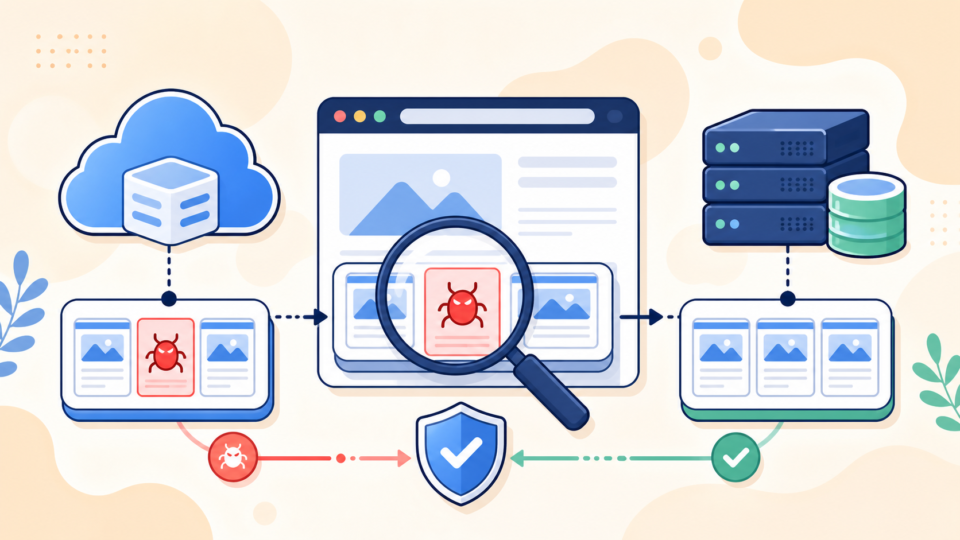
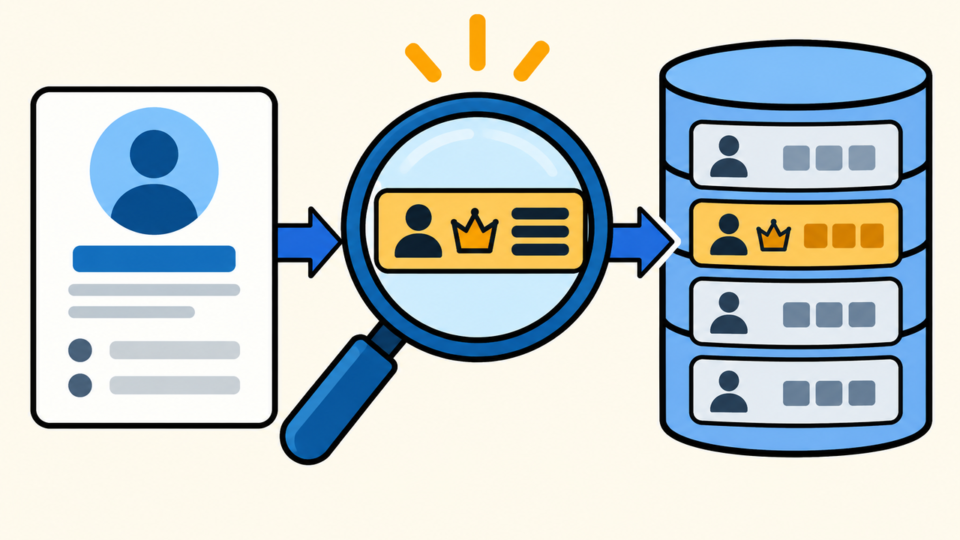
Compare three views: the Users screen, WP-CLI’s effective roles and capabilities, and database rows. A mismatch needs investigation but does not prove malware by itself.
Check the WordPress Users screen
Ask WordPress to interpret the account
WP-CLI reveals the roles and capabilities WordPress grants. Compare the suspect user with a clean account; a custom role name does not guarantee low privilege.
wp user get 42 --fields=ID,user_login,user_email,roles --format=json
wp user list-caps 42
Read the matching database rows
Use read-only SQL with the real prefix. Inspect every capability-style key for the user ID; an old prefix or unexpected site ID can preserve access.
SELECT u.ID, u.user_login, u.user_email, u.user_registered,
       m.meta_key, m.meta_value
FROM wp_users AS u
LEFT JOIN wp_usermeta AS m ON m.user_id = u.ID
WHERE m.meta_key LIKE '%capabilities%'
ORDER BY u.ID, m.meta_key;Hidden WordPress Admin Privileges Are Not Always Malicious
Explain a mismatch before removing it. Multisite super admins, store managers, approved extra capabilities, membership plugins, and support accounts can create legitimate unusual access.
Confirm the owner, business need, plugin documentation, site ID, and approval record. Identify who granted the capability and when it should expire.
Warning signs include an owner who denies the change, an unknown email, privilege added near a suspicious login, recurrence after removal, and unfamiliar sessions or application passwords.
Must-use plugins load automatically. Review the mu-plugins malware guide if code may be recreating roles or users.
Hidden WordPress Admin Privileges Must Be Removed in a Safe Order
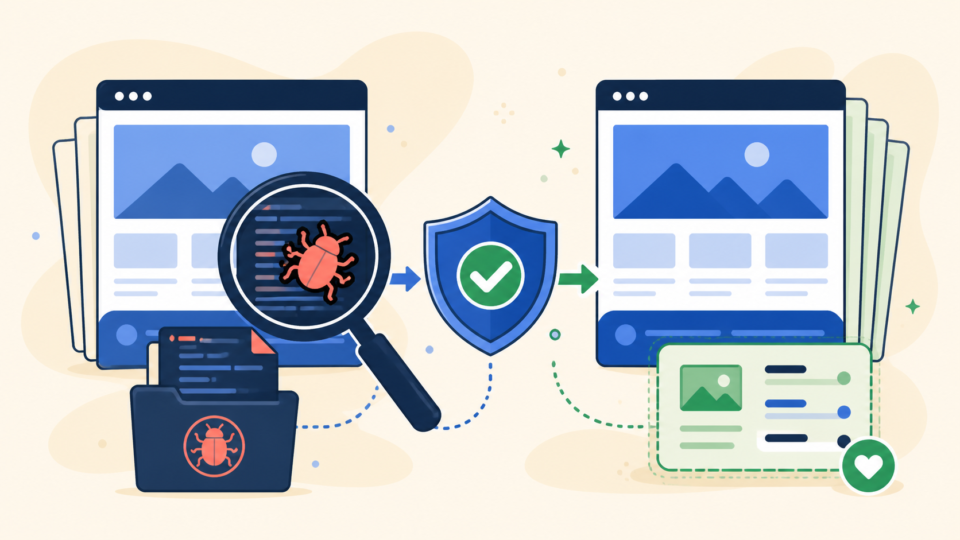
After preserving evidence and confirming a clean administrator, correct the role through WordPress or WP-CLI, revoke access, close the creation path, and monitor.
- Verify evidence, ownership, and a clean administrator.
- Restrict the suspect account without destroying evidence.
- Set the approved role or remove the unauthorized capability.
- Destroy sessions and unknown application passwords.
- Remove malicious code, vulnerable software, jobs, and persistence.
- Rotate affected access and verify every account.
# Examples only: confirm the intended role and user ID first.
wp user set-role 42 editor
wp user remove-cap 42 manage_options
wp user session destroy 42 --all
wp user application-password delete 42 --all
set-role replaces current roles. Confirm the approved role, and review content and evidence before deleting an account.
Rotate exposed site, hosting, server, email, CDN, registrar, and deployment access. Refresh salts deliberately because that logs out users.
If privilege returns, persistence remains active. Follow the reinfection root-cause process instead of repeatedly editing the row.
Hidden WordPress Admin Privileges Need Recurrence Testing
A corrected Users screen is only the first checkpoint. Repeat all three views after caches clear, cron runs, and the former recurrence interval passes.
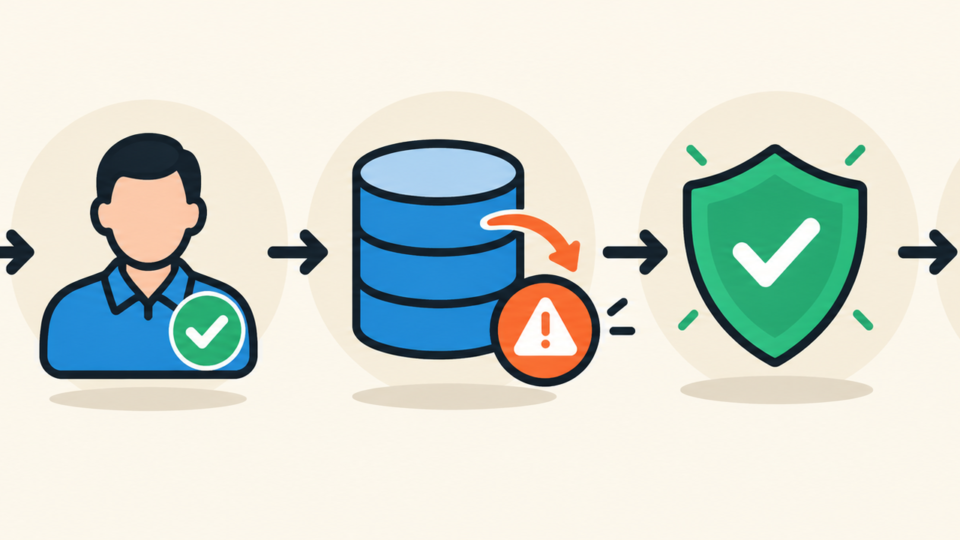
Test front end, login, admin, REST, cron, forms, ecommerce, and integrations. Confirm legitimate admins work and the corrected account cannot perform admin-only actions.
Monitor users, role changes, application passwords, sessions, files, mail, and database writes. Save a clean baseline for comparison.
- wp-admin, WP-CLI, and SQL agree.
- No unknown session, password, or capability remains.
- The privilege stays gone after cron and recurrence checks.
- The entry point is fixed and logs stay normal.
Complete the work with the post-malware security guide. Monitor only after the access path and persistence are removed.
Hidden WordPress Admin Privileges FAQ
Hidden WordPress Admin Privileges Detection and Recovery Summary
A familiar user can hold hidden administrator access through metadata. Preserve evidence and compare wp-admin, WP-CLI, and SQL before editing.
Remove unauthorized access, revoke sessions, close persistence, rotate exposed access, and finish only when every view agrees.
If You Can’t Secure or Recover Your WordPress Site Yourself

If your website shows malware warnings, redirects to strange pages, or you are not sure whether it is secure,
SiteFixNow can help clean, repair, and recover your WordPress site.
- Your WordPress site may be infected with malware.
- Security warnings appear in Google or browser results.
- You found unknown admin users or suspicious files.
- The site redirects to spam or unknown websites.
- You need urgent WordPress hacked site repair.
- Reduce visitor risk and SEO damage.
- Find hidden malware and backdoors, not only visible symptoms.
- Recover the site safely without unnecessary data loss.