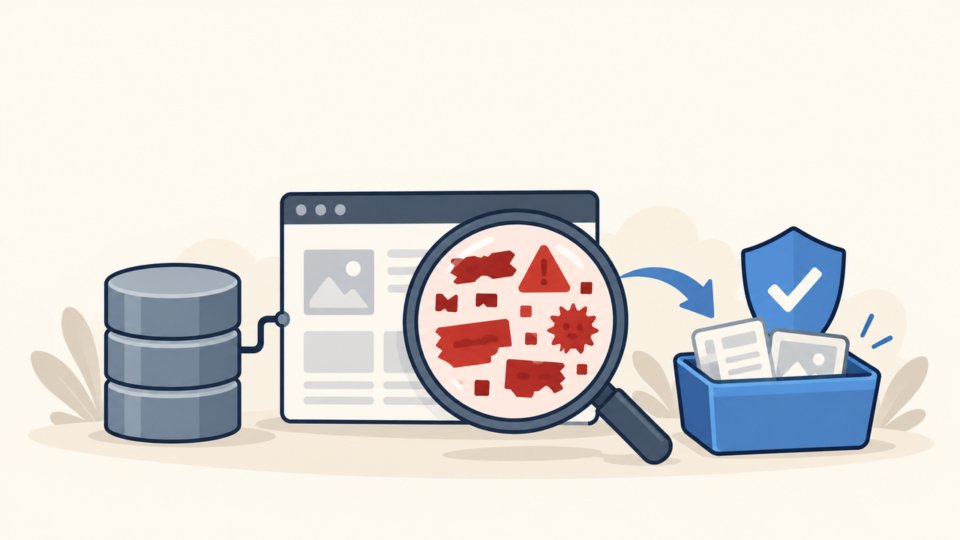
If WordPress suddenly sends hundreds of spam messages, treat it as an active security incident. The safe response is to stop outbound delivery, preserve enough evidence to identify the source, and then remove the cause—not merely delete the visible message or disable one form.
WordPress spam email malware may call wp_mail(), invoke PHP’s mail(), submit a legitimate form automatically, abuse a compromised SMTP account, or run outside WordPress entirely. Those paths require different fixes, so the first useful question is where the message actually entered the mail system.
 RyoheiYokoyama
I’m Ryohei Yokoyama, founder of SiteFixNow. I’ve worked as an IT engineer for over 20 years and have handled many WordPress recovery, malware removal, hacked site repair, and security cleanup cases. Here I’ll show you how to contain mail abuse, trace the sender, and verify a clean recovery.
- How to stop spam email without destroying the evidence you need
- How to distinguish WordPress, form, SMTP, and server-level sending paths
- How to trace suspicious PHP, cron events, queues, and mail logs
- How to clean the cause and prove legitimate WordPress mail still works
WordPress Spam Email Malware: Stop Sending and Preserve Evidence

- Two or three complete sample messages with full headers, timestamps, and recipient domains
- Mail queue IDs, SMTP account or authenticated user, and the provider’s abuse notice
- WordPress files, database, active users, plugins, themes, and scheduled events
- Web access, PHP, error, SMTP, and mail-transfer logs covering the incident window
Also record whether normal password resets, order notices, and contact-form messages are delayed. This baseline matters when you restore mail. Follow the emergency WordPress malware removal checks if the site also shows redirects, unknown users, or changed files.
If the provider suspended the website or mail service, do not try to bypass its restriction. Use the evidence and remediation requirements in the hosting suspension recovery checklist to coordinate safe access and reinstatement.
WordPress wp_mail Abuse: Identify the Real Sending Path
wp_mail() is a WordPress wrapper around PHPMailer; it is not a mail server and it is not automatically malicious. A plugin, theme, must-use plugin, scheduled task, form handler, or injected PHP file can call it. SMTP plugins may then relay the message through an external mailbox.
Start with full message headers and provider records. A queue ID can connect one spam sample to the mail server log. An authenticated SMTP username points toward stolen mailbox credentials or a compromised plugin configuration, while a local PHP user, working directory, or originating-script header points toward server-side code.
- WordPress: code calls
wp_mail()through PHPMailer. - Direct PHP: injected code calls
mail()or opens a remote SMTP connection. - Form abuse: a real form is automated to send notifications or copies.
- Stolen credentials: an attacker signs in to SMTP without touching WordPress.
Trace the WordPress Spam Email Sending Script and Schedule

Trace the incident by time. Match the first accepted spam message to web requests, PHP errors, file modifications, administrator logins, plugin changes, and scheduled events. One precise timeline is more useful than scanning every file without context.
# Run from a trusted shell and adjust the WordPress path.
cd /path/to/wordpress

grep -RInE 'wp_mail[[:space:]]*\(|mail[[:space:]]*\(' wp-content
find wp-content -type f -name '*.php' -mtime -14 -print
find wp-content/uploads -type f -name '*.php' -print

wp cron event list --fields=hook,next_run_gmt,next_run_relative,recurrence
wp plugin list
wp theme list
Inspect wp-content/mu-plugins/, active and inactive plugins, theme files, and PHP inside uploads. Review wp-config.php, .htaccess, .user.ini, and scheduled tasks because a loader may execute code stored elsewhere.
If an unfamiliar plugin folder contains the sender, preserve it and then use the infected plugin folder cleanup guide. Replacing a plugin with a trusted copy is safer than editing a few suspicious lines and leaving an unknown loader.
# Common examples; availability depends on the server.
exim -bp
postqueue -p

# Common log locations:
# /var/log/exim_mainlog
# /var/log/maillog
# /var/log/mail.log

# Search by a preserved queue ID or exact incident timestamp.
grep 'QUEUE-ID-HERE' /var/log/mail.log
Remove WordPress Spam Email Malware and Close Every Delivery Path
Cleanup must remove the malicious sender and the access that installed it. Deleting queued messages or disabling wp_mail() only stops one symptom. The attacker can switch to direct SMTP, restore the file, or abuse another site if persistence remains.
- Preserve evidence and contain outbound mail or the affected account.
- Remove confirmed malicious files, users, cron events, database records, and loaders.
- Replace WordPress core, plugins, and themes from trusted sources.
- Patch or remove the vulnerable component that provided initial access.
- Rotate SMTP, WordPress, hosting, SFTP, SSH, database, and mailbox credentials.
- Revoke sessions and application passwords, then replace WordPress salts.
Do not use a random old backup as proof of safety. Compare it with the incident timeline, update vulnerable software, and inspect custom code before deployment. The files, database, and backdoor cleanup guide provides a broader sequence for removing persistence.
Verify WordPress Email Recovery Without Breaking Legitimate Mail
Recovery is complete only when abusive messages stop and required website mail works. Test slowly with one controlled destination, then inspect the WordPress result, SMTP log, provider acceptance, and received headers.
- No unexplained queue growth or repeated mail events during the monitoring window
- Password resets, form notices, order messages, and administrator alerts work once each
- SPF, DKIM, and DMARC results match the approved delivery service
- No unknown SMTP logins, administrators, cron hooks, modified PHP, or new forwarding rules
- Provider limits and reputation warnings begin returning to normal
Follow the guide to secure WordPress after malware removal for ongoing updates, access control, backups, and monitoring. Mail limits are useful safeguards, but they do not replace root-cause removal.
WordPress Spam Email Malware FAQ
WordPress Spam Email Malware Response Summary
Do not stop at an empty queue. A clean result means the sender cannot return, approved messages work, and monitoring shows no unexplained mail, files, users, or scheduled tasks.
If You Can’t Secure or Recover Your WordPress Site Yourself

If your website shows malware warnings, redirects to strange pages, or you are not sure whether it is secure,
SiteFixNow can help clean, repair, and recover your WordPress site.
- Your WordPress site may be infected with malware.
- Security warnings appear in Google or browser results.
- You found unknown admin users or suspicious files.
- The site redirects to spam or unknown websites.
- You need urgent WordPress hacked site repair.
- Reduce visitor risk and SEO damage.
- Find hidden malware and backdoors, not only visible symptoms.
- Recover the site safely without unnecessary data loss.