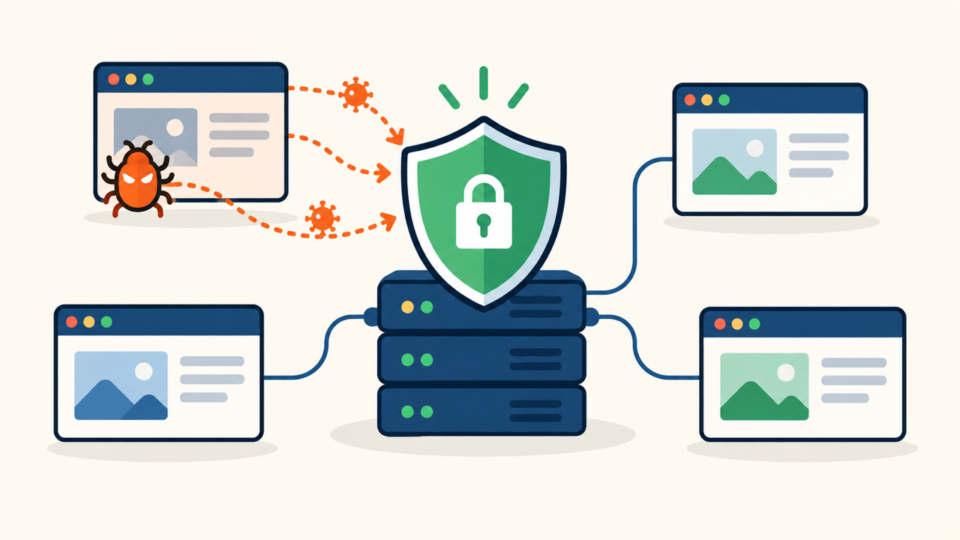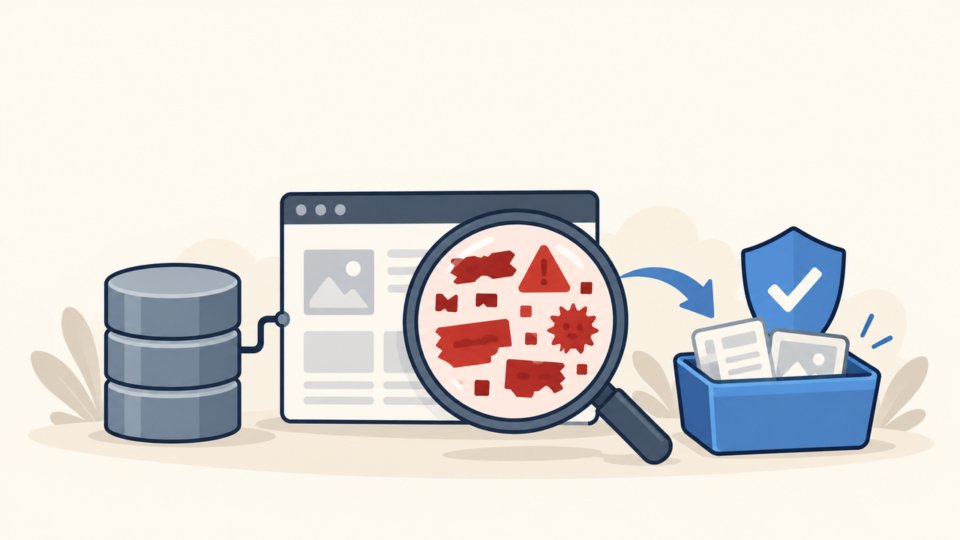
Finding a wp-content/db.php file can be alarming after a redirect, malware warning, database error, or hosting suspension. The name looks like a normal WordPress component, but this file is not included in a standard WordPress installation.
db.php is a special database drop-in that WordPress loads early when the file exists. A legitimate caching or hosting product may install it, but an attacker can abuse the same trusted location to run a hidden loader before ordinary plugins are fully available.
 RyoheiYokoyama
I’m Ryohei Yokoyama, founder of SiteFixNow. I’ve worked as an IT engineer for over 20 years and have handled many WordPress malware removal and hacked-site recovery cases. Here, I’ll show you how to investigate a suspicious database drop-in without destroying evidence.
- Why WordPress recognizes
wp-content/db.phpand when it can be legitimate. - How to preserve the file, trace its owner, and inspect the code safely.
- How to remove a malicious drop-in without leaving persistence behind.
- What to verify before declaring the WordPress site clean.
WordPress db.php Drop-In Malware Is Not Proven by the Filename Alone
The presence of db.php is a reason to investigate, not automatic proof of infection. WordPress deliberately supports this drop-in so database caching, query routing, or host-specific database layers can replace parts of the default database connection behavior.
Suspicious behavior matters more than an unusual name
Warning signs include encoded payloads, long unreadable strings, dynamic function construction, remote URL fetching, writes to unrelated directories, hidden administrator creation, or includes from temporary locations. A tiny file that loads another hidden file can be more dangerous than a large file with obvious code.
If visitors are being redirected or security warnings are active, follow the broader emergency WordPress malware removal checks while you investigate the drop-in. The visible symptom may come from another persistence layer.
WordPress db.php Investigation Starts With Evidence and Ownership
Before editing the live file, preserve a read-only copy and record enough context to reproduce your conclusion. This protects both recovery and accountability: you can compare later changes, identify an installer, and avoid losing the only clue that points to a larger compromise.
Record the full path, file size, owner, permissions, timestamps, and a cryptographic hash. Then save the original in an incident folder outside the public web root, with access restricted to the responder.
cd /path/to/wordpress
stat wp-content/db.php
sha256sum wp-content/db.php
cp -p wp-content/db.php /private/incident-copy/db.php.suspect
Match the file to an installer or documented service
Search installed plugin files, must-use plugins, deployment records, and host documentation for a distinctive class name or comment from db.php. Do not upload the suspicious file to a public scanning service when it may contain paths, credentials, customer data, or proprietary code.
Attackers often pair a drop-in with code under mu-plugins because both locations bypass the ordinary activation screen. Compare your findings with the guide to finding hidden mu-plugin backdoors before you conclude that one file is the whole incident.
WordPress db.php Loading Paths Reveal Whether the File Belongs
The strongest decision comes from following the loading path, not from searching for one suspicious keyword. Confirm the real WordPress content directory, identify every file the drop-in includes, and trace every configuration value that changes where those files live.
Confirm the actual content directory
Most installations use wp-content, but WP_CONTENT_DIR can point elsewhere. Check wp-config.php and deployment configuration before assuming the file you found is the one WordPress executes.
define( 'WP_CONTENT_DIR', __DIR__ . '/content' );
define( 'WP_CONTENT_URL', 'https://example.invalid/content' );
Trace every include and side effect
Build a simple chain: WordPress loads the drop-in, the drop-in includes a library, and that library establishes or modifies database behavior. Every path in that chain should resolve to a known package with a defensible purpose.

Database content must be checked separately from the filesystem. If the incident includes injected options, scripts, or spam links, use the focused process for WordPress database malware and suspicious options rather than running broad replacements against serialized data.
WordPress db.php Malware Removal Needs a Trusted Replacement Plan
Place the site in an appropriate maintenance state, take a fresh database and filesystem backup, and confirm that you have reliable hosting access. Then disable the malicious file and either regenerate a clean vendor copy or leave the drop-in absent when no legitimate product requires it.
cd /path/to/wordpress/wp-content
mv db.php /private/quarantine/db.php.suspect
# Regenerate only from the verified plugin or hosting tool, if required.
Clean the source that created the file
Replacing db.php is only symptom removal if a stolen administrator, vulnerable plugin, modified deployment job, or server-level task can write it again. Review recent access logs and file changes, then inspect WordPress core, plugins, themes, uploads, mu-plugins, configuration files, scheduled tasks, and database indicators.
The complete files, database, and backdoor cleanup workflow helps connect these layers. Replace compromised software from trusted sources instead of editing scattered malicious lines in place.
WordPress db.php Reinfection Checks Must Cover Every Persistence Route
A clean result means the site stays clean after normal traffic, scheduled jobs, cache rebuilds, plugin updates, and administrator logins. One successful page load immediately after cleanup is not enough.
Monitor the expected path and hash, but do not stop there. Rotate compromised credentials, invalidate active sessions, remove unknown administrators, update vulnerable components, and inspect hosting-panel, SFTP, SSH, database, SMTP, and deployment access as applicable.
wp-content/db.phpis absent or matches a verified clean vendor copy.- No included file, cron task, mu-plugin, or server directive recreates it.
- WordPress core and installed components match trusted sources.
- Database users, options, posts, and scripts show no related persistence.
- Frontend, wp-admin, forms, checkout, search, and scheduled jobs work normally.
- Logs and file monitoring remain clean through a realistic observation period.
Finish with the broader steps to secure WordPress after malware removal. Monitoring, least-privilege access, tested backups, and timely updates reduce the chance that the same write path will be abused again.
WordPress db.php Drop-In Malware FAQ
WordPress db.php Drop-In Malware: Verify First, Then Recover Completely
If the file is malicious, quarantine it outside the web root, restore only from a trusted source, and remove the access or persistence mechanism that created it. Recovery is complete only when the site works normally and the drop-in does not return through another compromised layer.
If You Can’t Secure or Recover Your WordPress Site Yourself

If your website shows malware warnings, redirects to strange pages, or you are not sure whether it is secure,
SiteFixNow can help clean, repair, and recover your WordPress site.
- Your WordPress site may be infected with malware.
- Security warnings appear in Google or browser results.
- You found unknown admin users or suspicious files.
- The site redirects to spam or unknown websites.
- You need urgent WordPress hacked site repair.
- Reduce visitor risk and SEO damage.
- Find hidden malware and backdoors, not only visible symptoms.
- Recover the site safely without unnecessary data loss.