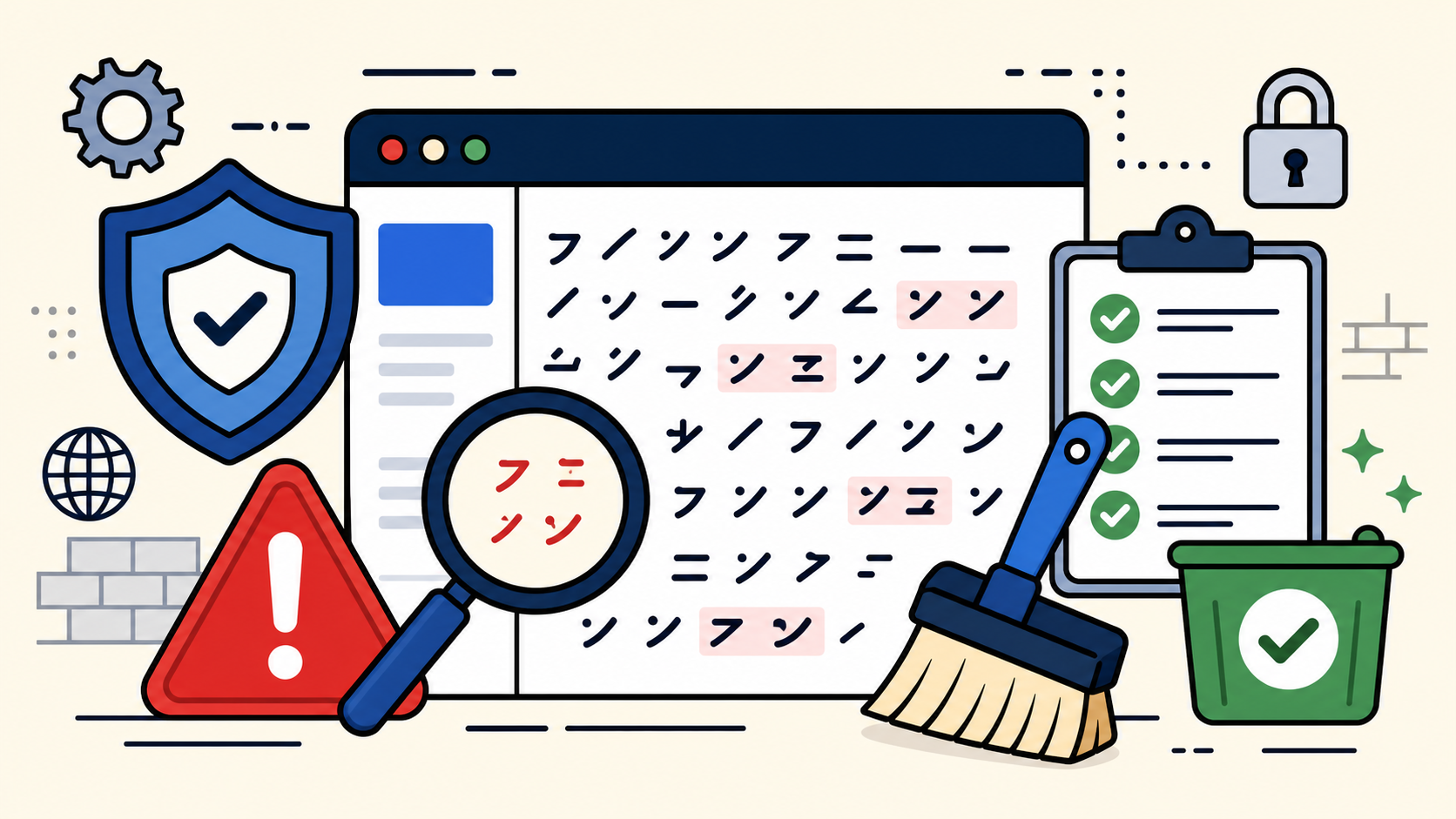
A Japanese Keyword Hack can make a normal WordPress site look fine to you, while Google shows strange Japanese spam pages that you never created. For beginners, this is especially confusing because the hacked pages may not appear in the WordPress dashboard.
The important point is simple: this is not a translation issue, a harmless search result bug, or a normal SEO problem. It is usually a hacked site problem, and the goal is to remove the spam pages, find the entry point, and stop the same attack from coming back.
In Google’s own guide to the Japanese Keyword Hack, this attack is described as a hack that creates autogenerated Japanese text pages on a site, often in random-looking directories. In this article, I’ll explain it in beginner-friendly terms for WordPress site owners.
 RyoheiYokoyama
I’m Ryohei Yokoyama, founder of SiteFixNow. I’ve worked as an IT engineer for over 20 years and have handled many WordPress recovery, malware removal, hacked site repair, redirect spam, and SEO spam cleanup cases. In this article, I’ll explain how to check a Japanese Keyword Hack safely before making the problem worse.
- What the Japanese Keyword Hack means in plain English.
- How to check whether Google has indexed spam pages from your site.
- Which WordPress files and settings are commonly involved.
- What to do first, and what beginners should avoid.
- How to reduce the risk of reinfection after cleanup.
Japanese Keyword Hack: What It Means
A Japanese Keyword Hack is a type of SEO spam attack where a hacker makes your site host pages full of Japanese-looking keyword content, fake product pages, or spam links. The pages are created to appear in search engines, not to help your real visitors.
The reason this hack is dangerous is that it uses your domain’s trust. Search engines may discover hundreds or thousands of spam URLs under your domain, and visitors may see warnings, unrelated pages, or strange search snippets.
For example, your real website might be at example.com, but Google may suddenly show URLs like this:
example.com/abc123/456.html
example.com/shop-brand-xyz/
example.com/wp-content/uploads/random-folder/page.html
example.com/google123456.html
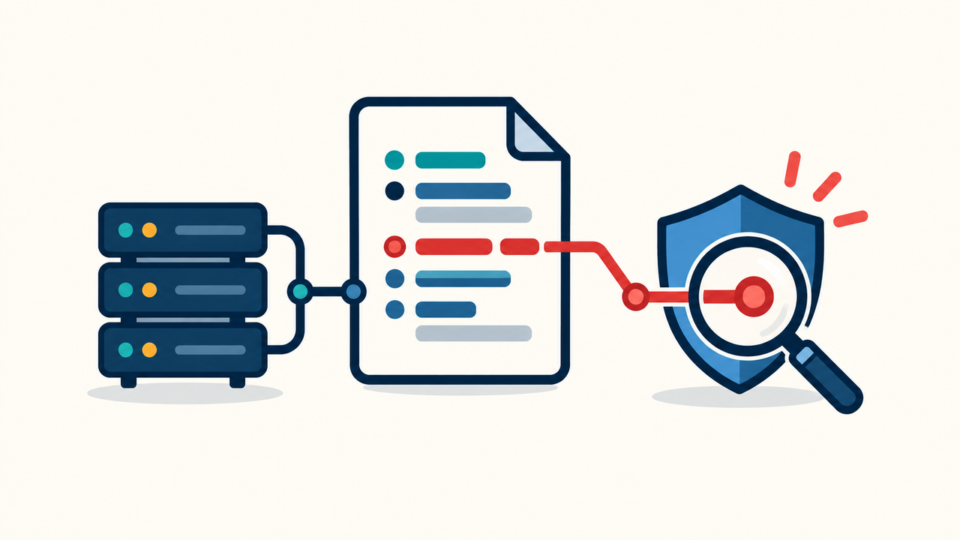
Those pages may not exist in the WordPress post list. They may be generated by malicious PHP files, rewrite rules, hidden files, altered sitemaps, or compromised plugins and themes.
This is why simply deleting suspicious posts from WordPress is usually not enough. The spam pages are often produced outside the normal post editor, so the real cleanup must include server files, WordPress users, Search Console access, and the database.
If your site also redirects visitors to strange pages, read our guide on WordPress redirect hack fixes. Redirect spam and Japanese keyword spam often appear together.
Japanese Keyword Hack Symptoms Beginners Can Check
The fastest beginner check is to search your own domain in Google and look for URLs or snippets that you did not create. You do not need advanced tools for the first check.
Use this search pattern and replace the domain with your own website:
site:example.comIf you see Japanese titles, fake brand terms, random folders, casino-style snippets, product spam, or pages that are not part of your site, treat it as a strong warning sign.
Search Console warnings
Google Search Console is one of the most important places to check. Look at Security Issues, Manual Actions, indexed pages, sitemap submissions, and user permissions.
A very serious sign is an unknown owner or user in Search Console. Attackers sometimes verify ownership so they can manipulate sitemaps or settings and keep the spam indexed longer.
- Google shows Japanese spam pages under your domain.
- Search Console reports hacked pages, spam, or security issues.
- An unknown Search Console owner or verification file appears.
- Your sitemap contains URLs you did not create.
- Visitors are redirected, but you cannot reproduce it while logged in.
WordPress dashboard signs
Inside WordPress, check admin users, recently modified plugins, unknown themes, unusual scheduled tasks, and suspicious SEO plugin settings. Do not assume the dashboard is clean just because the spam pages are not listed as posts.
If you are not sure whether the symptoms are malware, spam, or a normal error, compare them with our guide to WordPress virus symptoms.
Japanese Keyword Hack Recovery: Safe First Steps
The first step is not to delete random files immediately. The first step is to make a backup, preserve evidence, and reduce damage while you identify the real infection path.
This matters because beginners often delete visible spam files only to break the site, lose the evidence, or leave a hidden backdoor behind. A safer order gives you a much better chance of full recovery.
- Take a full backup of files and database before cleanup.
- Export or screenshot Search Console warnings and suspicious URLs.
- Change WordPress admin passwords, hosting passwords, FTP/SFTP passwords, and database passwords if compromise is likely.
- Remove unknown WordPress admin users and unknown Search Console owners.
- Check server files, database content, and sitemaps before requesting Google review.
For WordPress sites, also update WordPress core, plugins, and themes after making a backup. If a vulnerable plugin caused the compromise, cleaning the spam without updating the vulnerable software can lead to reinfection.
- Do not request a Search Console review before the site is actually clean.
- Do not delete the whole
wp-contentfolder. - Do not overwrite the database without knowing what will be lost.
- Do not trust only the homepage check; many spam pages hide deeper.
- Do not install many security plugins at once and hope they will clean everything.
If you need a broader step-by-step recovery path, use our WordPress malware cleanup checklist together with the Japanese keyword checks in this article.
Japanese Keyword Hack Cleanup: Where Spam Usually Hides
The cleanup must cover both visible spam and hidden control points. In WordPress, Japanese keyword spam commonly involves files, rewrite rules, database content, fake sitemaps, and unauthorized users.
Start with these locations because they are common places where hacked sites show suspicious changes:
.htaccessfiles in the root directory and subdirectories.wp-config.phpfor unfamiliar includes or encoded code.wp-content/uploads/for PHP files that should not be there.wp-content/plugins/andwp-content/themes/for modified or abandoned components.- Database tables such as
wp_posts,wp_options, and unknown custom tables. - Sitemap files and SEO plugin sitemap settings.
Check .htaccess carefully
The .htaccess file can be used to create fake verification files, redirect search users, or route spam URLs to malicious scripts. If you have a simple WordPress site, the default rules are usually short.
A normal WordPress .htaccess file often looks similar to this:
# BEGIN WordPress
<IfModule mod_rewrite.c>
RewriteEngine On
RewriteRule .* - [E=HTTP_AUTHORIZATION:%{HTTP:Authorization}]
RewriteBase /
RewriteRule ^index\.php$ - [L]
RewriteCond %{REQUEST_FILENAME} !-f
RewriteCond %{REQUEST_FILENAME} !-d
RewriteRule . /index.php [L]
</IfModule>
# END WordPress
If you see unfamiliar rules that generate Google verification files, redirect only certain visitors, or pass random URLs into a PHP file, treat them as suspicious and investigate before keeping them.
RewriteEngine On
RewriteRule ^google(.*)\.html$ suspicious/file.php?google=$1 [L]
RewriteRule ^[a-z0-9_-]+/[0-9]+\.html$ wp-content/uploads/cache.php [L]
Check uploads for PHP files
The uploads folder should usually contain images, PDFs, and media files. It should not normally contain active PHP scripts. A hidden PHP file inside uploads can regenerate spam pages after you think cleanup is complete.
If you have SSH access, a developer can search for PHP files under uploads with a command like this:
find wp-content/uploads -type f -name "*.php" -printDo not run deletion commands blindly. First, identify the file, check its modification date, compare it with backups, and confirm whether it belongs to a legitimate plugin or is malicious.
Check database and sitemap spam
Some Japanese keyword spam appears as database content, not only as files. Search for suspicious terms, unfamiliar URLs, encoded strings, and unexpected sitemap entries.
If you use an SEO plugin, regenerate your sitemap only after cleanup. Submitting a clean sitemap before removing the hacked URLs can confuse the recovery process.
For deeper file-level cleanup, see our guide to WordPress file infection cleanup in wp-content and wp-config.php.
Japanese Keyword Hack Prevention After Recovery
Prevention starts after cleanup, not before it. A security plugin is useful, but it cannot replace removing the backdoor, updating the vulnerable component, and locking down accounts.
The reason is simple: if the attacker still has a hidden file, stolen password, unknown admin user, or verified Search Console ownership, they may be able to recreate the spam even after you delete visible pages.
- Update WordPress core, plugins, and themes.
- Remove unused plugins, themes, and old backup files from public folders.
- Reset passwords for WordPress, hosting, database, FTP/SFTP, and email accounts.
- Review all WordPress admin users and Search Console owners.
- Block PHP execution in uploads where your hosting setup allows it.
- Keep regular off-server backups so you can compare clean files later.
A simple hardening rule for Apache servers is to prevent PHP execution inside uploads. The exact setup depends on your server, but this is a common pattern used in an .htaccess file inside wp-content/uploads/:
<FilesMatch "\.php$">
Require all denied
</FilesMatch>
On some hosting environments, this rule may need adjustment or may not be supported. Test it carefully, and do not place server rules in random directories without understanding how your hosting environment handles them.
For broader security habits, read how to secure WordPress after malware removal and how to prevent WordPress malware with simple security habits.
Japanese Keyword Hack FAQ for Beginners
Japanese Keyword Hack Cleanup Summary
A Japanese Keyword Hack is a hacked-site problem that creates Japanese keyword spam pages under your domain. It can damage SEO, visitor trust, and search visibility even if your homepage looks normal.
Beginners should start with safe checks: search site:yourdomain.com, review Search Console, look for unknown owners, and check whether suspicious URLs appear in sitemaps or server files.
The correct recovery path is backup, evidence preservation, account cleanup, file and database inspection, spam removal, vulnerability patching, hardening, and then Search Console review. Skipping the hidden backdoor check is the most common reason the hack comes back.
If you need help cleaning an infected site without losing important content, SiteFixNow can help with WordPress malware removal, hacked site repair, SEO spam cleanup, and reinfection prevention.
If You Can’t Secure or Recover Your WordPress Site Yourself

If your website shows malware warnings, redirects to strange pages, or you are not sure whether it is secure,
SiteFixNow can help clean, repair, and recover your WordPress site.
- Your WordPress site may be infected with malware.
- Security warnings appear in Google or browser results.
- You found unknown admin users or suspicious files.
- The site redirects to spam or unknown websites.
- You need urgent WordPress hacked site repair.
- Reduce visitor risk and SEO damage.
- Find hidden malware and backdoors, not only visible symptoms.
- Recover the site safely without unnecessary data loss.