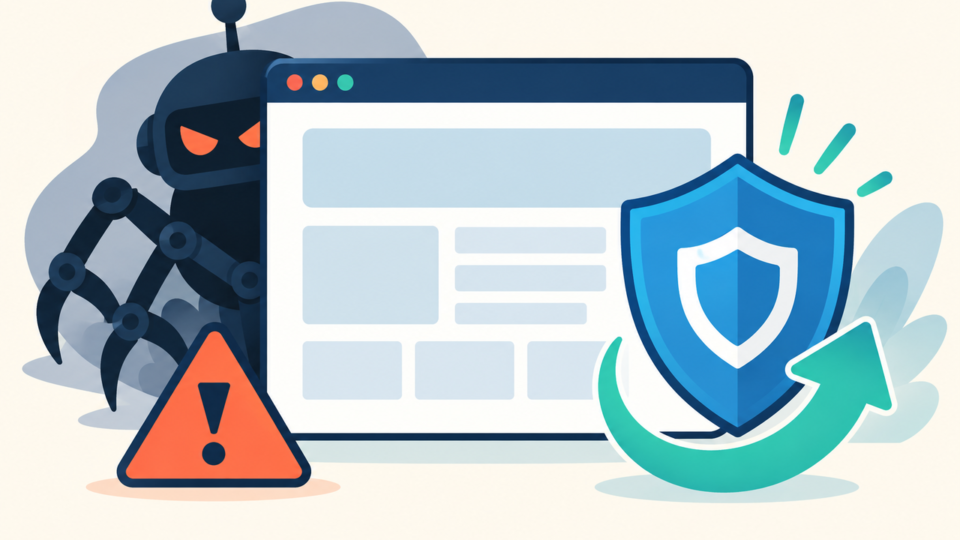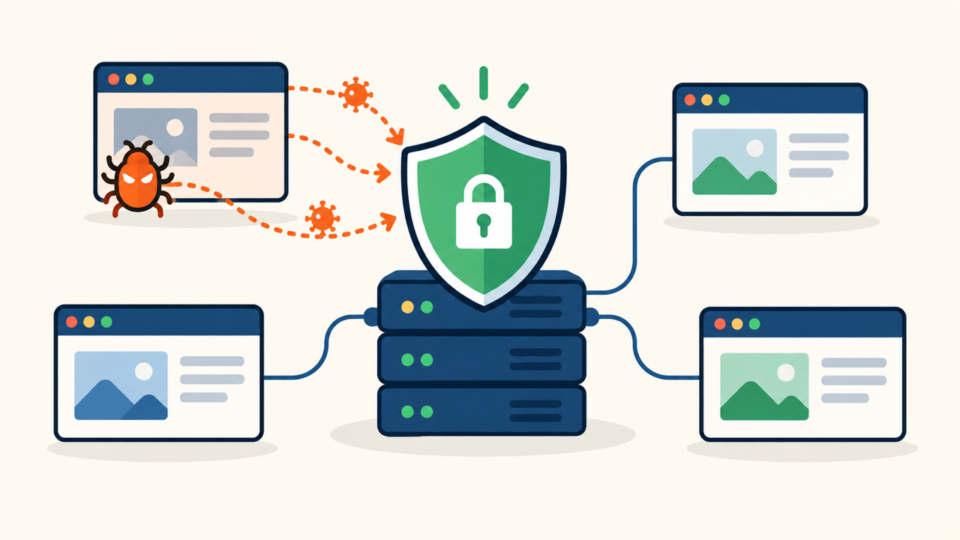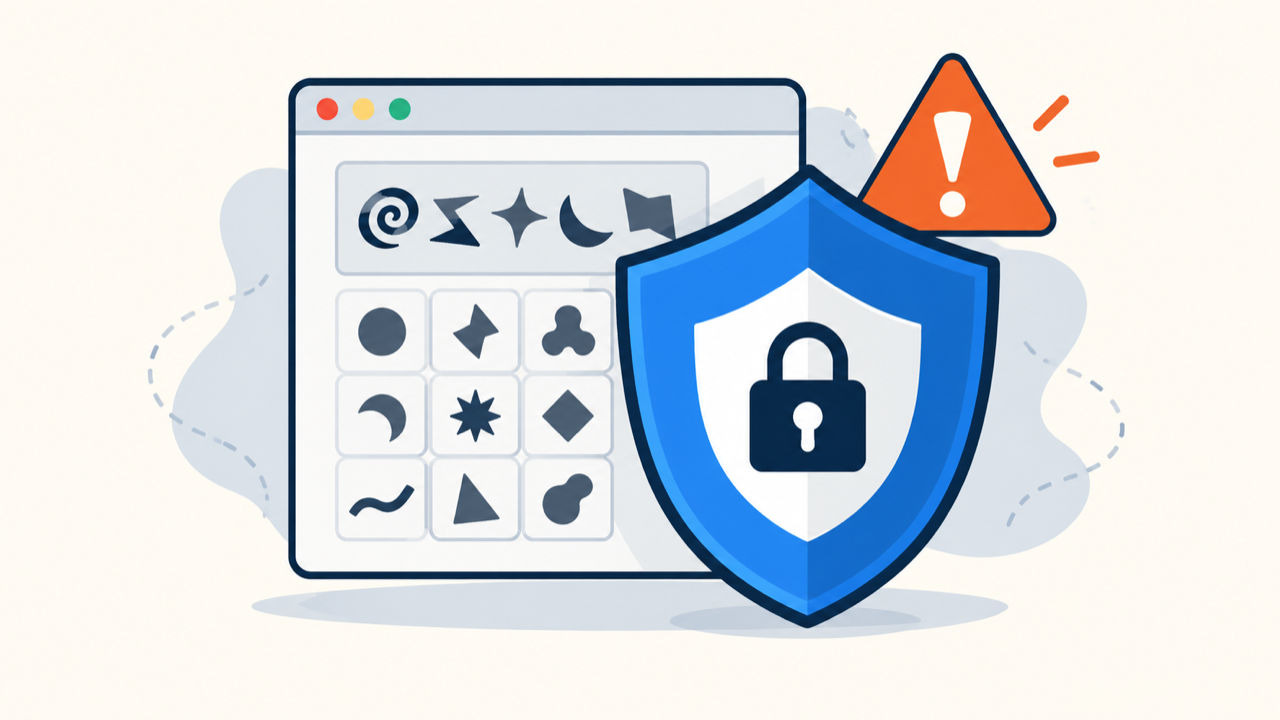
A fake CAPTCHA on WordPress is not a normal verification error. If it tells visitors to copy a command, open the Run dialog or Terminal, allow notifications, install an update, or download a file, treat the site as actively compromised.
Contain the page before investigating it. The safe order is to protect visitors, preserve evidence, trace the delivery chain, remove the payload and persistence, respond to possible device compromise, and verify that the attack cannot return.
 RyoheiYokoyama
I’m Ryohei Yokoyama, founder of SiteFixNow. I’ve worked as an IT engineer for over 20 years and have handled many WordPress recovery, malware removal, hacked site repair, and security cleanup cases. Here I’ll explain how to investigate fake verification malware without following the attacker’s instructions.
- How to contain a fake CAPTCHA without triggering it.
- Where its scripts, redirects, and persistence may hide.
- How to clean WordPress and protect affected visitors.
Fake CAPTCHA Malware Requires Immediate Containment
Stop the fake verification page from reaching more visitors. Do not click its checkbox, grant notification permission, copy clipboard text, run a displayed command, or complete the challenge “to see what happens.”
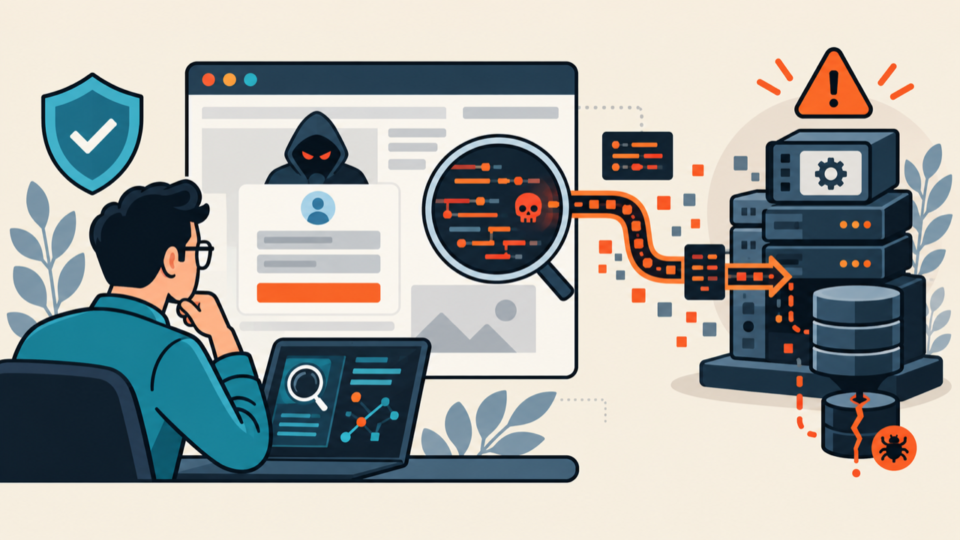
- Restrict the malicious URL or the entire site at the server or CDN layer.
- Preserve files, database, logs, URLs, timestamps, and screenshots.
- Use an isolated analysis environment instead of a daily-use device.
- Record visitor reports without asking anyone to repeat the steps.
Return a neutral 403, 404, or maintenance response for the malicious route. If behavior changes by visitor, restrict the whole site. Preserve an isolated infected-state backup, and follow the phishing page response for evidence handling.
Fake CAPTCHA Malware Must Be Verified Without Triggering It
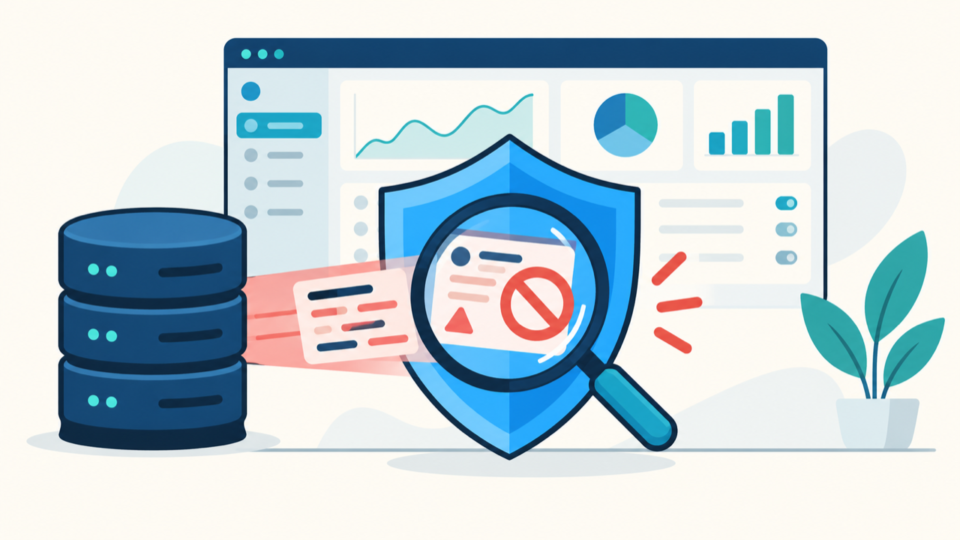
Observe what the page loads instead of completing its instructions. A legitimate CAPTCHA may ask for an in-page click or image choice; it should not request an operating-system command, browser-console action, security change, unrelated credential, or unknown download.
In an isolated browser, inspect source, DOM changes, scripts, redirects, storage, service workers, and requests. Disable downloads, never submit credentials, and compare logged-out, mobile, desktop, and search-referral views.
curl -I https://example.com/suspicious-path/
curl -sS -D headers.txt -o page.html https://example.com/suspicious-path/
grep -Eio 'script[^>]+src=[^ >]+' page.html
These requests can establish headers, redirects, and server output without touching the prompt, although they do not reproduce every browser condition. Use the mobile-only redirect testing guide when only selected visitors see the attack.
Fake CAPTCHA Malware Delivery Must Be Traced Through WordPress
Trace browser requests to a site component
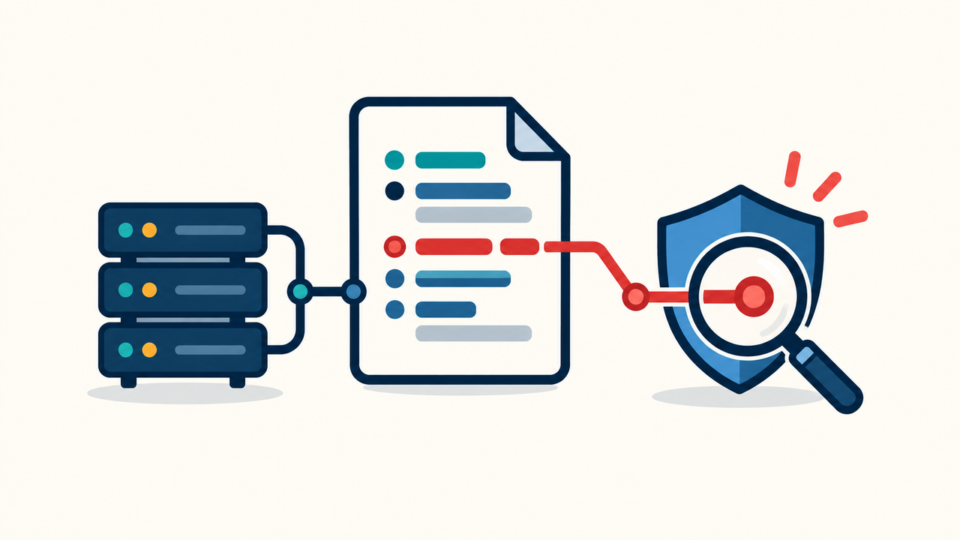
Trace external scripts, hidden iframes, POST requests, clipboard or notification APIs, and service workers. Match local files to real components and compare them with the same trusted release.
find . -type f -mtime -14 -print
find wp-content/uploads -type f \( -name '*.php' -o -name '*.phtml' \) -print
wp plugin list --fields=name,status,version,update
wp user list --fields=ID,user_login,roles,user_registered
wp cron event list
Inspect files, database, redirects, and caches
Search posts, blocks, widgets, options, theme settings, plugin tables, and post metadata for the malicious domain or a distinctive script fragment. Follow the database malware guide so serialized settings are not damaged by a blind replacement.
Inspect .htaccess, Nginx, CDN, DNS, and headers. Use the .htaccess malware guide to separate normal rewrites from malicious conditions.
PHP in wp-content/uploads deserves careful review because media folders rarely need executable scripts. Use the uploads-folder checklist to compare and quarantine suspicious files safely.
Fake CAPTCHA Malware Should Be Removed in a Controlled Order
Remove delivery and persistence together. Deleting only the overlay may hide the symptom while a loader, stolen account, scheduled task, or database injection rebuilds it.

- Keep the malicious page inaccessible.
- Quarantine confirmed payloads and record paths and hashes.
- Remove unauthorized loaders, records, tasks, and users.
- Replace compromised components from trusted packages.
- Invalidate service workers and purge every cache layer.
- Patch the entry point and rotate exposed access.
Remove only confirmed malicious database records and keep a rollback copy. Then unregister unauthorized service workers and clear WordPress, hosting, object, CDN, and browser caches before retesting.
Fake CAPTCHA Malware May Also Compromise Visitor Devices
If a visitor pasted a command into Windows Run, PowerShell, Command Prompt, macOS Terminal, or a browser console, assume the device may be compromised even when nothing visible opened. Cleaning WordPress does not clean that endpoint.
- Isolate a device that ran a command or unknown download.
- Preserve the instruction and execution time; do not rerun it.
- Obtain qualified endpoint-security assistance.
- Rotate passwords and revoke sessions from a known-clean device.
- Review hosting, email, financial, and administrator accounts.
Review form endpoints, logs, outbound requests, and email activity. Seek appropriate advice if credentials, personal data, or payment details may have been exposed.
Fake CAPTCHA Malware Recovery Requires Verification
Review administrator users, application passwords, sessions, cron events, SSH keys, file-manager access, and deployment logs. If code returns, follow the WordPress reinfection root-cause workflow instead of repeating the same deletion.
- Test logged-out, private, desktop, and mobile sessions.
- Test direct, search, advertisement, and referral visits.
- Recheck source, requests, redirects, storage, and service workers.
- Monitor files, users, tasks, logs, DNS, and outbound traffic.
Fake CAPTCHA Malware FAQ
Fake CAPTCHA Malware Removal Must Protect Visitors
The correct order is containment, evidence, safe observation, delivery-chain tracing, controlled cleanup, endpoint response, entry-point closure, and repeated verification. Never follow the attacker’s prompt to investigate it.
Remove the fake page together with the script, redirect, database entry, service worker, account, task, or server rule that keeps it available. Test multiple visitor conditions and monitor recurrence before declaring the WordPress site safe.
If You Can’t Secure or Recover Your WordPress Site Yourself

If your website shows malware warnings, redirects to strange pages, or you are not sure whether it is secure,
SiteFixNow can help clean, repair, and recover your WordPress site.
- Your WordPress site may be infected with malware.
- Security warnings appear in Google or browser results.
- You found unknown admin users or suspicious files.
- The site redirects to spam or unknown websites.
- You need urgent WordPress hacked site repair.
- Reduce visitor risk and SEO damage.
- Find hidden malware and backdoors, not only visible symptoms.
- Recover the site safely without unnecessary data loss.