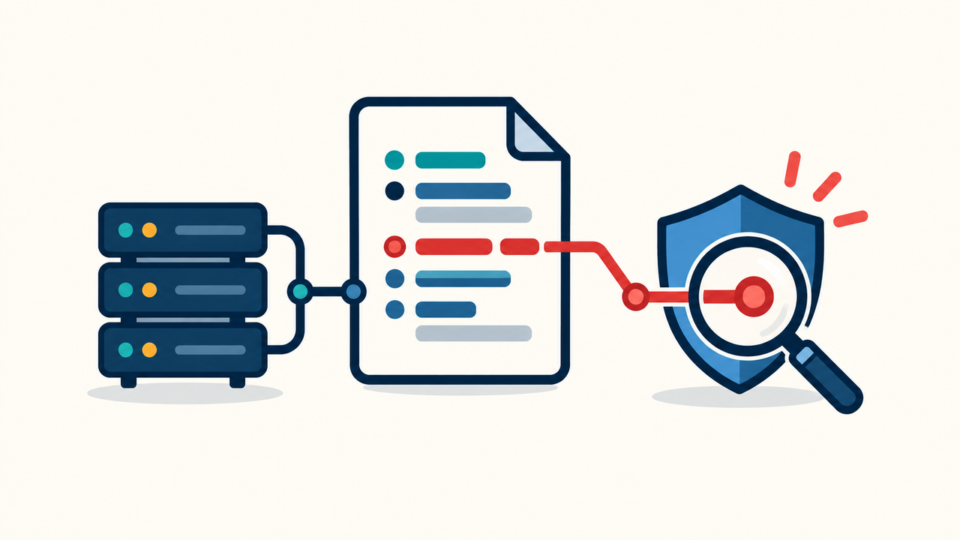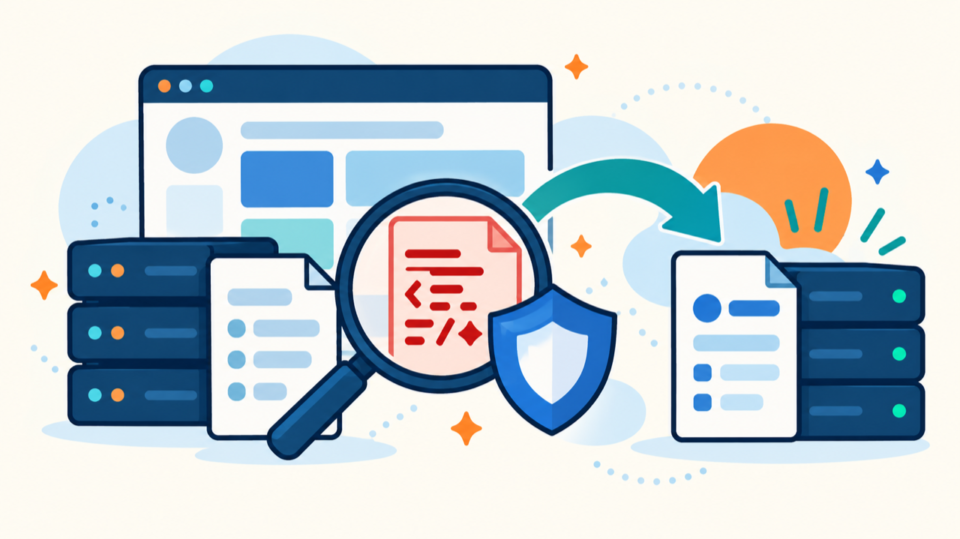
An unfamiliar active entry in WPCode or Code Snippets should be treated as executable code, not as an ordinary database record. A malicious snippet can create administrators, redirect visitors, inject spam, reopen a backdoor, or download a second-stage payload while every visible plugin file still looks normal.
 RyoheiYokoyama
I’m Ryohei Yokoyama, founder of SiteFixNow. I’ve worked as an IT engineer for over 20 years and have handled many WordPress recovery, malware removal, hacked site repair, and security cleanup cases. Here I’ll explain how to inspect plugin-managed PHP without accidentally running it or losing the evidence needed to stop reinfection.
- How to stop a suspicious snippet while preserving evidence.
- Where WPCode and Code Snippets may store executable PHP.
- How to distinguish an unfamiliar snippet from confirmed malware.
- Which persistence routes must be checked before recovery is complete.
Malicious WPCode or Code Snippets Entries Require Immediate Containment
The first priority is to prevent the unknown PHP from running again without erasing it. If the dashboard remains trustworthy, disable the specific snippet and record its name, identifier, scope, status, modified time, and visible code before making other changes.
If opening the snippets screen triggers errors or redirects, do not keep clicking it. Put the site behind maintenance controls, preserve a database export and file copy, then disable the snippet plugin from the filesystem or hosting control panel. Renaming the plugin directory can stop its execution, but it does not remove the stored payload.

WPCode and Code Snippets Store Executable PHP Differently
You must identify the plugin and version before querying the database. WPCode commonly represents snippets through a custom post type, while Code Snippets commonly uses a dedicated table based on the WordPress table prefix. Storage details can change, so verify the installed plugin rather than assuming a fixed table name.
Build a read-only inventory first
wp post list --post_type=wpcode --post_status=any --fields=ID,post_title,post_status,post_modified --format=table
wp db tables | grep -E 'snippets|wpcode'
wp option get active_plugins --format=json
For Code Snippets, replace the example prefix with the real prefix reported by wp db prefix. A read-only query can inventory identifiers, names, activation state, scope, and modification time before any destructive action.
SELECT id, name, active, scope, modified
FROM exampleprefix_snippets
ORDER BY modified DESC;
Do not run a copied DELETE or UPDATE statement just because a search result calls the entry malicious. The broader WordPress database malware cleanup workflow explains why exports, prefixes, serialized values, and targeted searches matter.
A Database-Stored PHP Audit Must Establish Ownership and Behavior
An unfamiliar snippet is suspicious, but unfamiliarity alone is not proof. Establish who created it, when it changed, where it runs, what hook triggers it, and what effect it produces. A legitimate developer may have added a checkout rule or analytics adjustment that no current administrator recognizes.
Review behavior without executing the code
Inspect the code as text in an offline editor. Pay attention to hooks such as init, wp_loaded, template_redirect, wp_head, wp_footer, and admin_init. Site-wide or admin-only scope changes the exposed surface, but neither scope makes an unknown payload safe.
Functions including eval, base64_decode, gzinflate, command execution, remote fetching, hidden user creation, and dynamic file writes deserve close review. One function is not a verdict: encoding can be legitimate, and wp_remote_get is widely used by normal plugins. Judge the complete data flow, destination, obfuscation, and business purpose.
Removing the Snippet Alone Does Not Close the Intrusion
A confirmed malicious entry is usually a symptom of access the attacker already obtained. If you delete only the snippet, a stolen administrator session, application password, vulnerable plugin, scheduled task, or filesystem backdoor can recreate it within minutes.
Check every realistic persistence route
Review administrators, roles, capabilities, application passwords, active sessions, and recent profile changes. Hidden capability arrays in user metadata need special attention; the usermeta privilege audit covers accounts that look harmless in the normal user list.
Then inspect scheduled events, must-use plugins, drop-ins, theme functions, uploads, wp-config.php, .htaccess, and recently modified PHP. Attackers often use one mechanism to restore another. A database snippet may write a file, while a malicious cron event may recreate the snippet; use the WordPress cron malware checks to break that cycle.
Identify the entry point rather than guessing. Correlate the earliest verified malicious timestamp with authentication logs, vulnerable-component disclosures, file modification times, and hosting events. If evidence is incomplete, use a reinfection root-cause process and widen monitoring instead of claiming the breach is solved.
Remove a Malicious Snippet in a Controlled Recovery Order
The safest recovery order is evidence, containment, quarantine, root-cause closure, trusted restoration, and verification. This order reduces the chance of destroying clues or reactivating code while the attacker still has access.
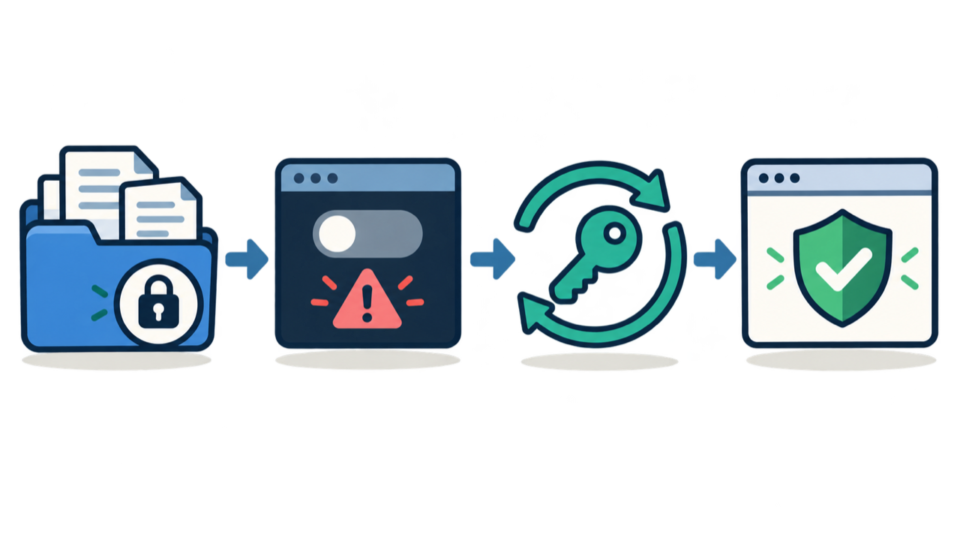
- Export the database and preserve files, logs, snippet metadata, and account evidence.
- Stop the suspicious snippet or plugin from executing and restrict public exposure.
- Quarantine the exact payload outside the live site, then remove or disable its stored entry.
- Remove related users, sessions, application passwords, cron events, files, and loaders.
- Patch or replace the vulnerable component and rotate passwords, salts, and relevant service keys.
- Restore only reviewed snippets, test in staging, and monitor the live database for recurrence.
After cleanup, test the front end, dashboard, login, REST API, forms, and scheduled jobs from clean desktop and mobile sessions. Confirm snippet counts, activation states, administrators, application passwords, and cron events remain stable. Reactivate reviewed snippets one at a time in staging, then follow a post-malware WordPress hardening plan.
Malicious WPCode and Code Snippets Entry FAQ
Malicious WPCode or Code Snippets Recovery Requires Evidence and Root-Cause Closure
Remove confirmed malware in a controlled order, rotate compromised access, restore only reviewed code, and monitor for recurrence. That process protects evidence, limits downtime, and gives you a defensible reason to trust the recovered site.
If You Can’t Secure or Recover Your WordPress Site Yourself

If your website shows malware warnings, redirects to strange pages, or you are not sure whether it is secure,
SiteFixNow can help clean, repair, and recover your WordPress site.
- Your WordPress site may be infected with malware.
- Security warnings appear in Google or browser results.
- You found unknown admin users or suspicious files.
- The site redirects to spam or unknown websites.
- You need urgent WordPress hacked site repair.
- Reduce visitor risk and SEO damage.
- Find hidden malware and backdoors, not only visible symptoms.
- Recover the site safely without unnecessary data loss.