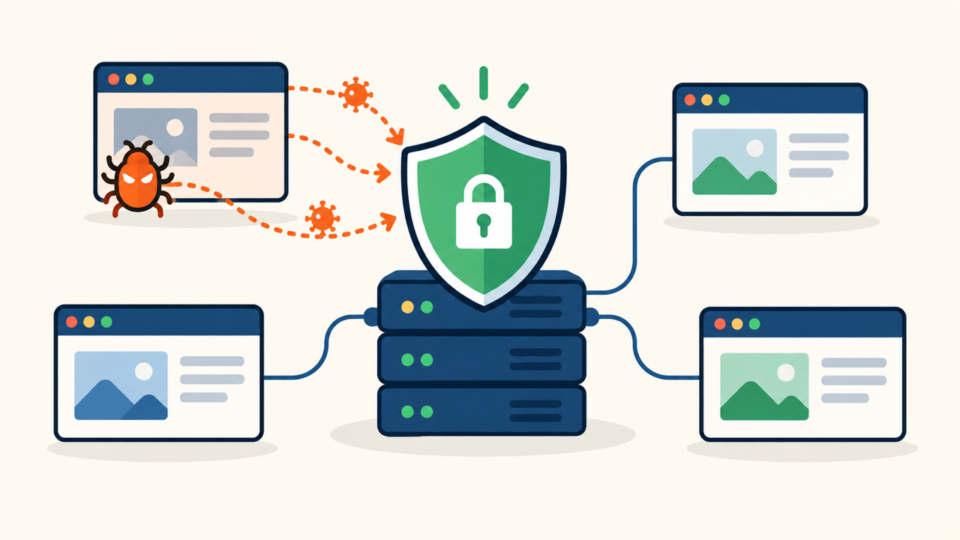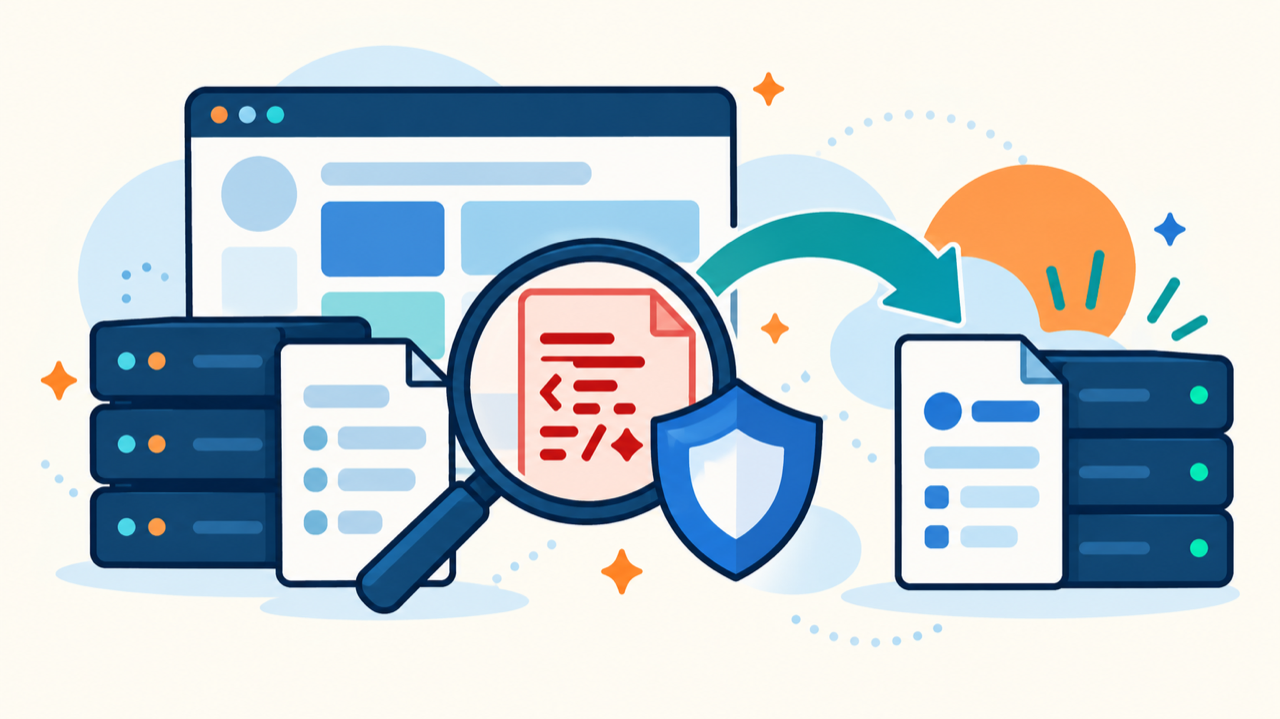
WordPress wp-load.php malware is serious because this root file runs near the beginning of almost every normal WordPress request. An unauthorized loader placed there can execute before the theme, ordinary plugins, or the dashboard shows a warning.
 RyoheiYokoyama
I’m Ryohei Yokoyama, founder of SiteFixNow. I’ve worked as an IT engineer for over 20 years and have handled many WordPress recovery, malware removal, hacked site repair, and security cleanup cases. Here I’ll explain how to inspect wp-load.php without destroying evidence or restoring only the visible symptom.
- What a normal wp-load.php file is expected to do
- Which additions deserve immediate investigation
- How to restore the file without damaging site data
- How to prove that reinfection has stopped
WordPress wp-load.php Has a Small and Predictable Bootstrap Role
The first decision is whether the file still performs its narrow official job. In a standard installation, wp-load.php defines ABSPATH when needed, locates wp-config.php, and begins loading the WordPress environment. It is not a normal home for redirects, remote requests, user creation, or encoded payloads.
<?php
/* Define the WordPress root path if necessary. */
/* Locate wp-config.php and start the WordPress environment. */If visitors receive malware, redirects, or fake login pages, preserve evidence and restrict access before cleanup. Use the emergency WordPress malware removal checklist to prioritize visitor safety, backups, accounts, and logs.
WordPress wp-load.php Evidence Must Be Preserved Before Comparison
Copy the suspicious file outside the public document root and record its metadata before editing it. The modification time, owner, permissions, hash, and neighboring changes can connect the altered bootstrap to a compromised account, deployment, request, or task.
cd /path/to/wordpress
stat wp-load.php
ls -ln wp-load.php
shasum -a 256 wp-load.php
cp -p wp-load.php /protected-quarantine/wp-load.php.suspect
Record the installed WordPress version and locale before running an update. Updating first changes the comparison target and can erase evidence. Compare against the exact official package, not another website and not the newest WordPress release.
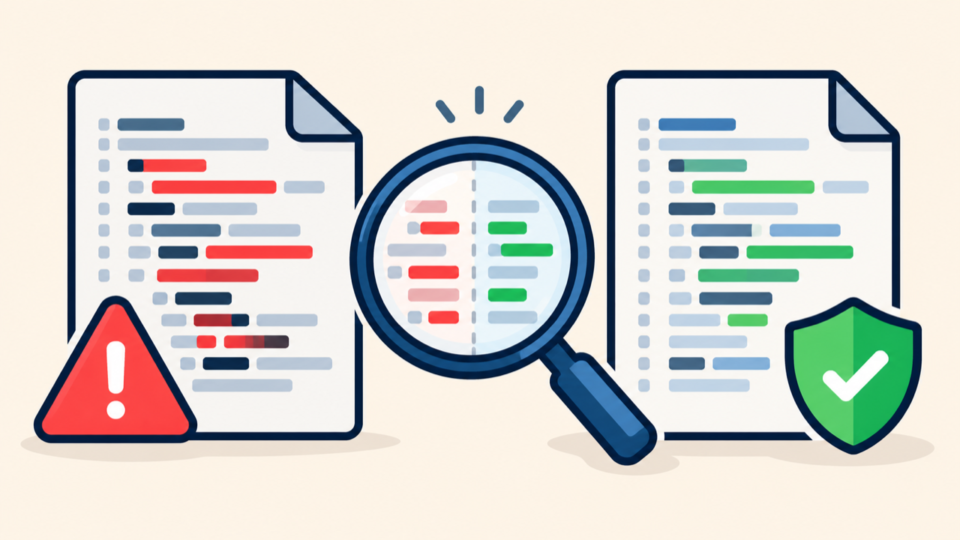
The WordPress core checksum and rebuild guide explains how to verify the wider core. A failed checksum identifies a difference; it does not tell you who changed the file or whether plugins, content, configuration, and the database are clean.
WordPress wp-load.php Malware Signals Need Technical Context
A difference is a finding, not an automatic verdict. Read the added code as a control-flow change: what path is loaded, when does it run, what input does it use, what state does it alter, and can it be traced to a documented host or deployment feature?
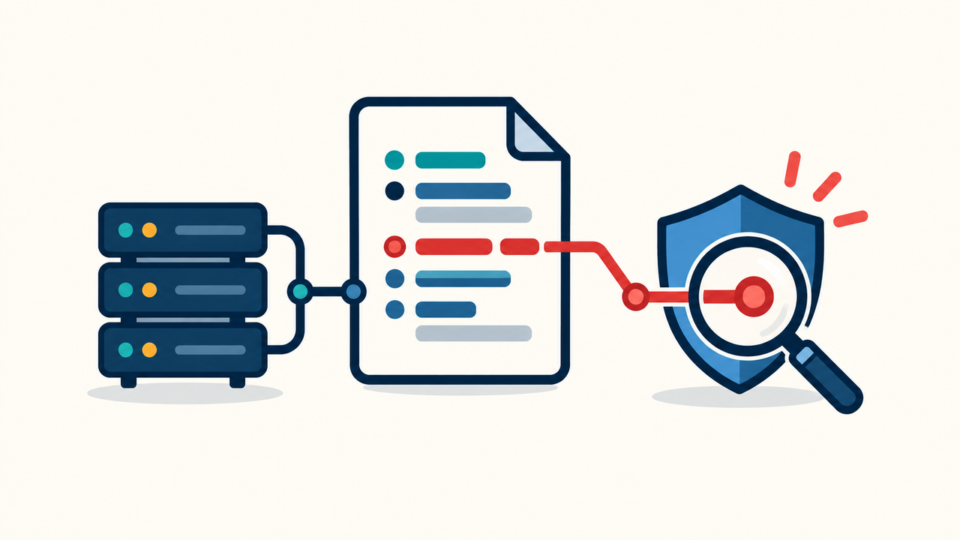
Trace every unauthorized include to its destination
An added include, require, or assembled path matters because the visible line may only be a loader. Resolve relative paths from the actual file location, account for symlinks, and inspect the destination without executing it.
- An undocumented hidden PHP file is loaded before WordPress.
- Decoded or decompressed data is executed as PHP.
- A remote URL is fetched during bootstrap.
- Redirect behavior changes by referrer, visitor, or user agent.
- The code writes to other PHP files or bypasses normal configuration.
Check loaders that execute before wp-load.php
A clean file does not prove the request starts clean. PHP can preload another file through auto_prepend_file in .user.ini, php.ini, a PHP-FPM pool, or host configuration. Follow the WordPress .user.ini malware investigation when observed behavior differs from visible bootstrap code.
WordPress wp-load.php Must Be Restored in Dependency Order
Restore the bootstrap only after containing active harm and preserving the suspect copy. Replacing the file can be necessary, but it is one controlled step inside a larger recovery, not proof that the incident is over.
- Restrict harmful public behavior and preserve files, database, metadata, and logs.
- Identify the installed WordPress version and obtain its trusted official package.
- Quarantine confirmed loaders and disable the account, task, or process that writes them.
- Replace wp-load.php and other distributed core files from the clean package.
- Inspect wp-config.php, wp-content, the database, and server configuration separately.
- Restore permissions, clear caches, and test the bootstrap before reopening traffic.
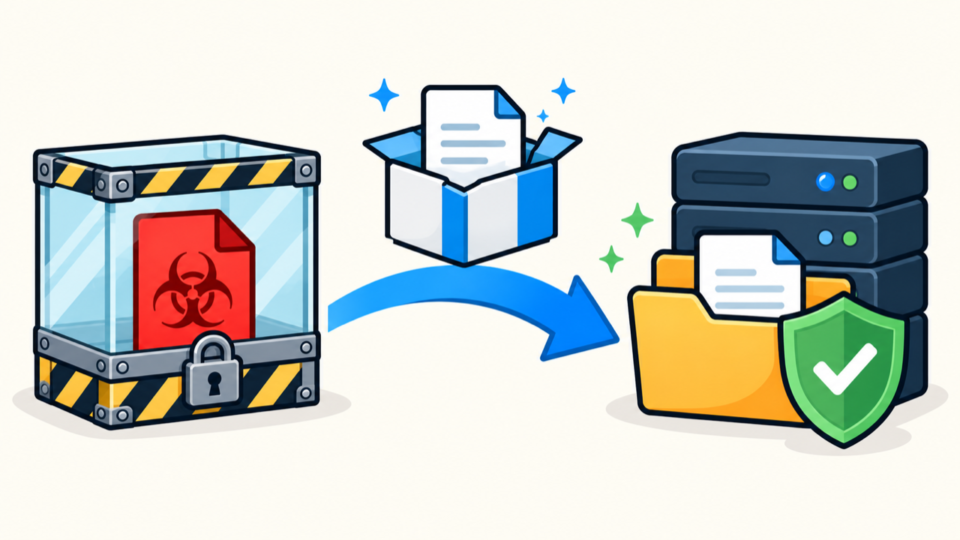
Never replace wp-config.php or the entire wp-content directory with generic files. They hold settings, plugins, themes, uploads, and custom code. Use the wp-content and wp-config.php infection checklist to inspect those areas without discarding legitimate data.
WordPress wp-load.php Reinfection Requires Root-Cause Analysis
Correlate the suspicious file’s modification time with web access logs, PHP errors, SFTP and SSH history, hosting-panel sessions, deployment records, security alerts, and scheduled jobs. A narrow event window is more useful than scanning months of unrelated activity.
Review index.php, wp-blog-header.php, wp-load.php, wp-config.php, and wp-settings.php as one chain. Then inspect must-use plugins, drop-ins such as object-cache.php, active extensions, uploads, and unexpected PHP files in writable locations.
The broader WordPress malware reinfection guide shows how to map surviving writers across files, database records, tasks, credentials, and neighboring sites. Use it when the modification time does not match an obvious web request.
WordPress wp-load.php Recovery Must Be Verified Over Time
A successful page load is only the first test. The restored file must keep the same hash, owner, permissions, and modification time through normal visits, administrator logins, cache purges, plugin operations, scheduled tasks, and the longest interval in which the suspicious code previously returned.
After the site is stable, rotate credentials that could write to the account, remove obsolete users and keys, update trusted software, reduce unnecessary write access, and add file-integrity monitoring. Use the post-malware WordPress security checklist to complete hardening.
WordPress wp-load.php Malware Frequently Asked Questions
WordPress wp-load.php Malware Recovery Summary
Then investigate the writing account, request, task, earlier bootstrap layer, vulnerable component, and neighboring sites. A clean file that stays clean through a defined verification window—and a root cause you can explain—is the standard for safe recovery.
If You Can’t Secure or Recover Your WordPress Site Yourself

If your website shows malware warnings, redirects to strange pages, or you are not sure whether it is secure,
SiteFixNow can help clean, repair, and recover your WordPress site.
- Your WordPress site may be infected with malware.
- Security warnings appear in Google or browser results.
- You found unknown admin users or suspicious files.
- The site redirects to spam or unknown websites.
- You need urgent WordPress hacked site repair.
- Reduce visitor risk and SEO damage.
- Find hidden malware and backdoors, not only visible symptoms.
- Recover the site safely without unnecessary data loss.