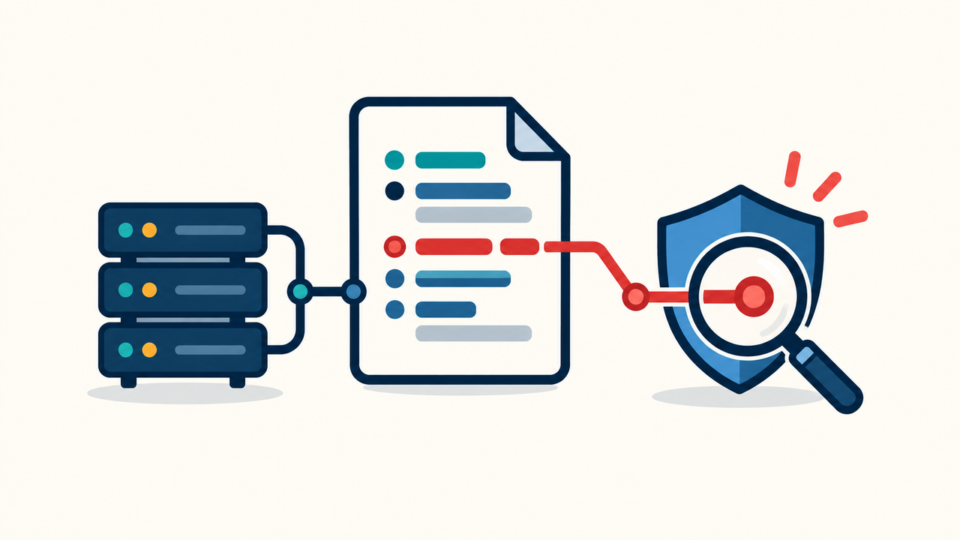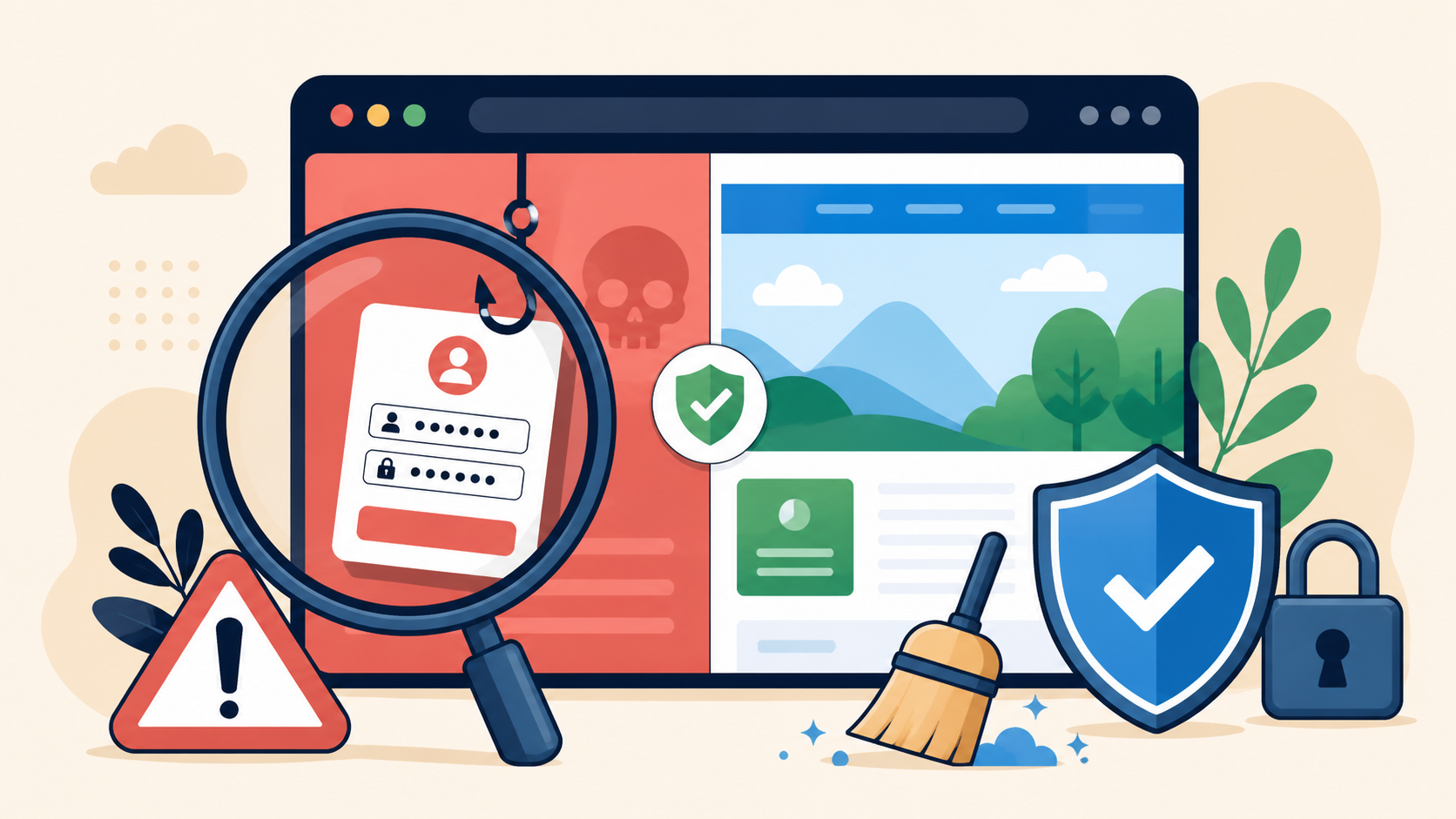
A WordPress phishing page on your domain is an active security incident. It may imitate webmail, a bank, delivery service, payment screen, or login to steal visitor data. Deleting only the page can leave the attacker’s access intact.
The safe order is to block public access, preserve evidence, and then remove confirmed malicious components. This protects visitors without destroying clues needed to find persistence.
 RyoheiYokoyama
I’m Ryohei Yokoyama, founder of SiteFixNow. I’ve worked as an IT engineer for over 20 years and have handled many WordPress recovery and security cleanup cases. Here I’ll explain safe phishing-page containment and removal.
- How to contain the page and preserve evidence.
- Which files, records, and accounts to inspect.
- What to remove first and how to verify recovery.
WordPress Phishing Page Response Starts With Containment and Evidence
Stop new victims while keeping evidence. Do not delete every unfamiliar file, restore over the live site, or submit test credentials. Those actions can alter timestamps, trigger code, or erase the trail.
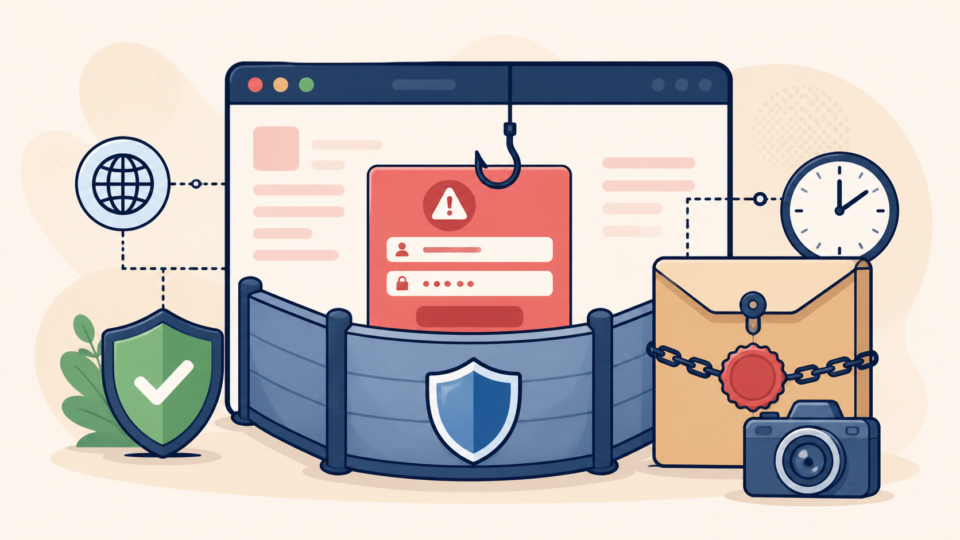
Make confirmed phishing URLs return a neutral 403, 404, or maintenance response. If needed, restrict the entire site at hosting level. Create a restricted files-and-database backup, then preserve URLs, timestamps, screenshots, redirects, and access logs.
- Block public access to confirmed phishing URLs.
- Back up current files and database.
- Save screenshots, timestamps, redirects, and logs.
- Limit administration to trusted responders.
The WordPress hacked site repair response explains the broader containment and account-control process.
WordPress Phishing Page Scope Must Be Confirmed Before Deletion
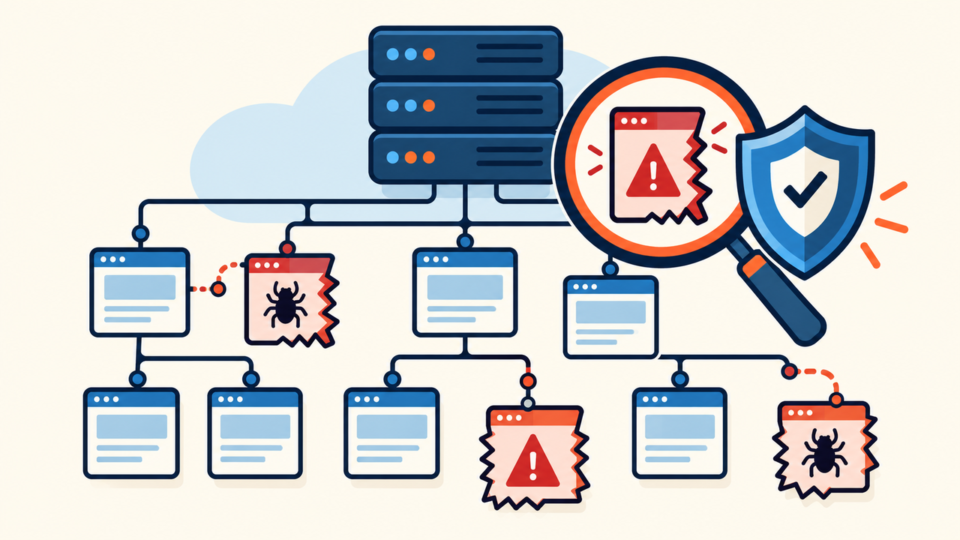
Confirm what visitors receive and where it comes from. It may be a rogue WordPress page, static HTML file, PHP inside uploads, database-injected template, or conditional redirect.
Review Pages, Posts, reusable blocks, menus, revisions, users, plugins, and themes. Note unexpected authors, slugs, dates, or application passwords. WP-CLI can create a read-only inventory when the dashboard is unreliable:
wp post list --post_type=page --post_status=any \
  --fields=ID,post_title,post_name,post_status,post_author,post_modified
wp user list --fields=ID,user_login,user_email,roles,user_registered
wp cron event list
Check the document root, core, wp-content/plugins, wp-content/themes, wp-content/mu-plugins, and wp-content/uploads. Compare files with clean packages from original sources.
WordPress Phishing Page Persistence Can Hide Beyond the Visible Page
The page is often only the payload. Find what created it, kept it online, and received submitted data. Otherwise, it can return under a different slug after the first copy is deleted.
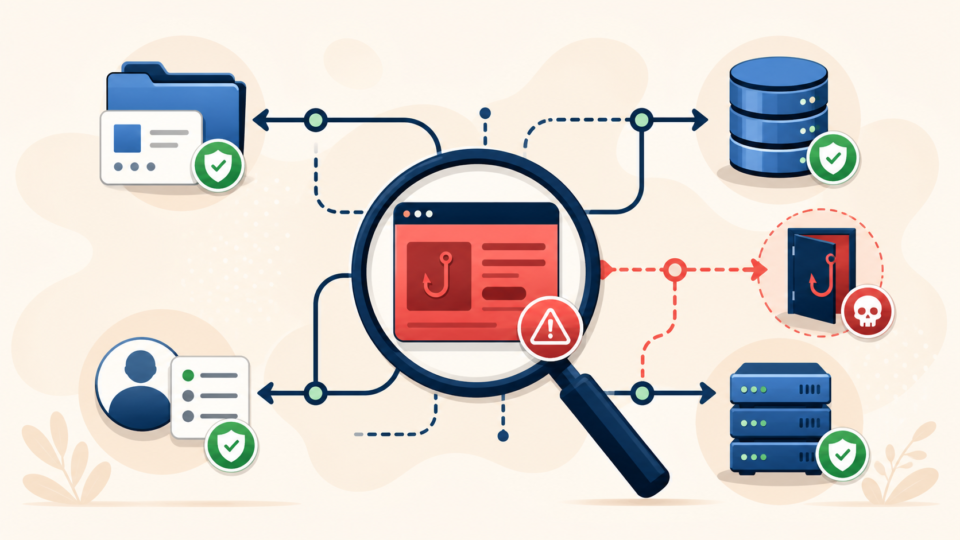
Look for recently changed files, PHP in uploads, unfamiliar must-use plugins, altered .htaccess rules, suspicious wp-config.php code, rogue administrators, new application passwords, unusual cron events, and unexplained hosting or SFTP logins. Search database options, post metadata, widgets, and plugin tables for the phishing domain or form handler.
find wp-content -type f -mtime -14 -print
find wp-content/uploads -type f \( -name '*.php' -o -name '*.phtml' \) -print
grep -RIl 'known-phishing-domain.invalid' wp-content .htaccess wp-config.php
These results are leads, not proof. Preserve and compare them with clean versions. Use the guide to scan WordPress for hidden backdoors, then follow the files, database, and backdoor cleanup workflow.
WordPress Phishing Page Components Should Be Removed in a Controlled Order
After preserving evidence, remove confirmed malicious components in order: public delivery, phishing content, persistence, attacker access, and the original entry point.
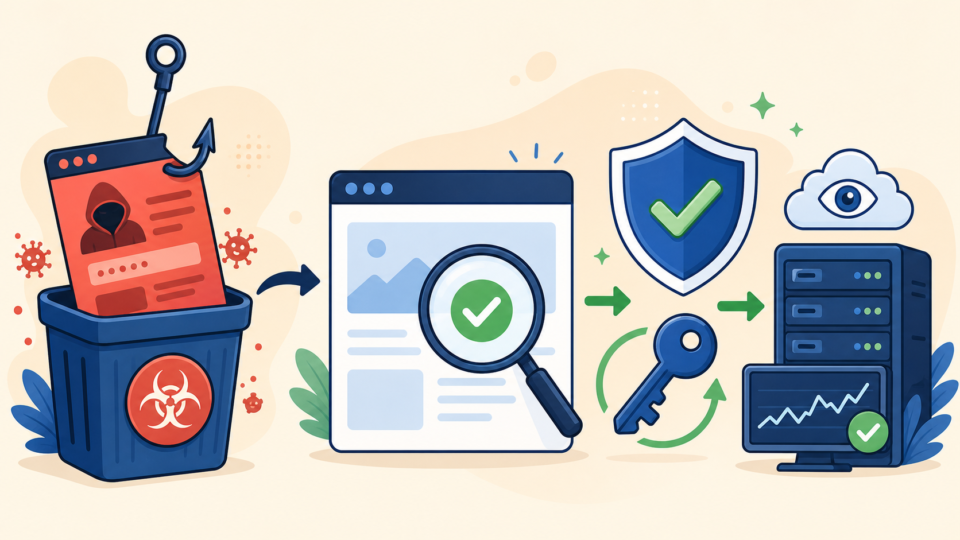
- Keep malicious URLs inaccessible.
- Quarantine the page, template, and form handler.
- Remove confirmed loaders, backdoors, and malicious tasks.
- Remove rogue users, keys, and unauthorized access.
- Replace compromised components from trusted packages.
- Patch the entry point and rotate exposed credentials.
Quarantine means moving a copy outside the web root, recording its path and hash, and preventing execution. Renaming malicious PHP in a public folder is not quarantine. Remove only confirmed rogue records.
If PHP appeared in uploads, block execution after testing. One Apache option for wp-content/uploads/.htaccess is:
<FilesMatch "\.ph(p[0-9]?|tml)$">
  Require all denied
</FilesMatch>
WordPress Phishing Page Incidents May Require Credential and Data Response
If the form accepted submissions, treat the incident as possible data exposure. Determine requested fields, destination, exposure time, and whether logs show submissions. Do not open, test, or redistribute captured credentials.
Rotate administrator and application passwords, hosting credentials, SFTP/SSH keys, database passwords, deployment tokens, CDN keys, and relevant email accounts. End active sessions and use a trusted device.
Notify the host with the timeline and paths. Use the impersonated organization’s official abuse channel. Review privacy, payment, contractual, and legal duties with qualified advisers. The WordPress emergency recovery guide helps organize recovery.
WordPress Phishing Page Cleanup Is Complete Only After Verification
A disappearing page is not proof of recovery. Test URL variations, devices, search referrals, form endpoints, source, and network requests. Clear WordPress, hosting, CDN, and browser caches.
Repeat file, database, user, cron, and access-log checks after traffic resumes. Confirm removed items do not return. Review outbound mail, DNS, processes, and resource usage.
Request external review only after content and persistence are gone. Save a clean backup and incident report. Follow the WordPress post-malware security guide for updates, least privilege, protected backups, and monitoring.
WordPress Phishing Page FAQ
WordPress Phishing Page Removal Must Protect Visitors and Evidence
The right order is containment, evidence, scope, controlled removal, credential and data response, and repeated verification. Remove visitor access first, not every clue. Then eliminate the page, its delivery and persistence, attacker access, and the original entry point.
If You Can’t Secure or Recover Your WordPress Site Yourself

If your website shows malware warnings, redirects to strange pages, or you are not sure whether it is secure,
SiteFixNow can help clean, repair, and recover your WordPress site.
- Your WordPress site may be infected with malware.
- Security warnings appear in Google or browser results.
- You found unknown admin users or suspicious files.
- The site redirects to spam or unknown websites.
- You need urgent WordPress hacked site repair.
- Reduce visitor risk and SEO damage.
- Find hidden malware and backdoors, not only visible symptoms.
- Recover the site safely without unnecessary data loss.