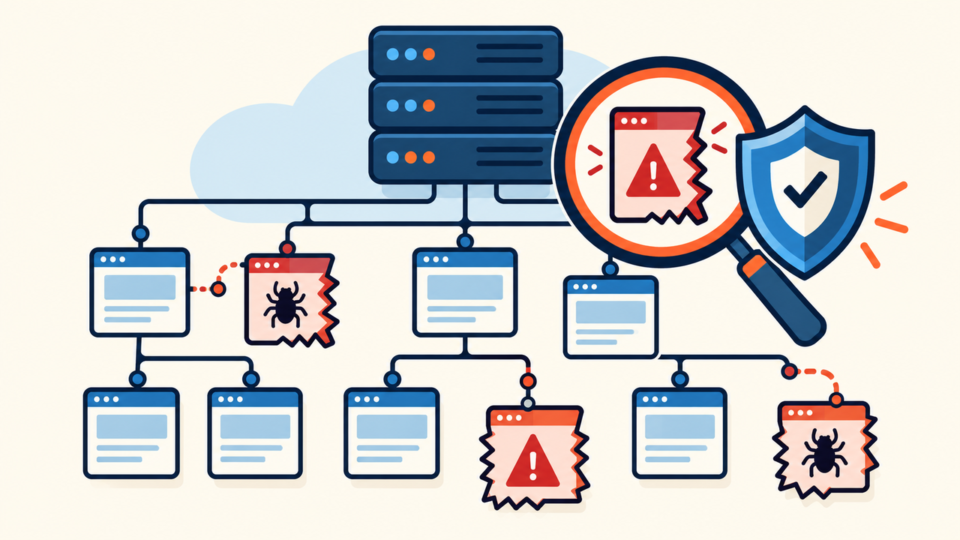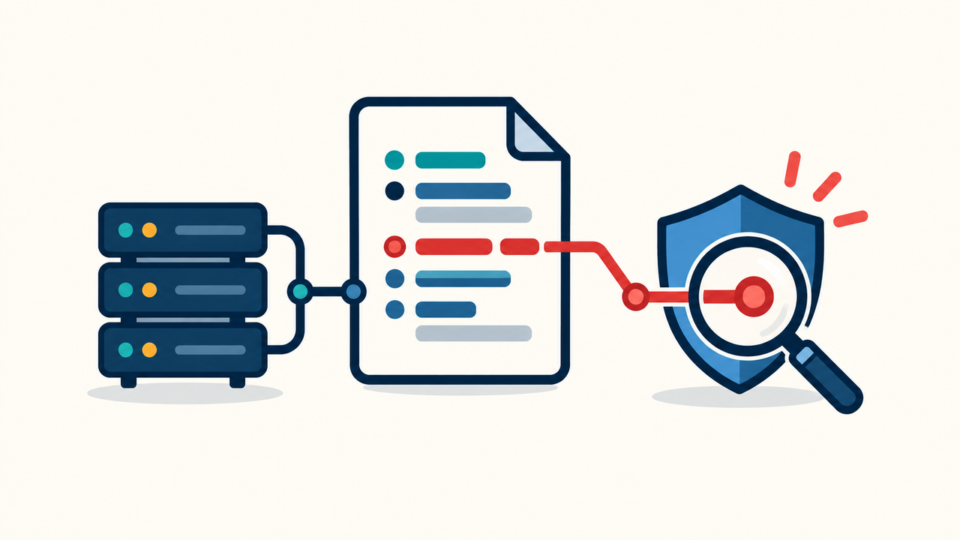
WordPress application password abuse can let an attacker publish posts, upload files, or call plugin REST endpoints without knowing the account’s normal login password. Resetting that dashboard password alone may leave the separate credential active.
The safe response is to preserve evidence, inventory every application password, revoke untrusted access, reconstruct the REST activity, and verify that no other persistence remains.
 RyoheiYokoyama
I’m Ryohei Yokoyama, founder of SiteFixNow. I’ve worked as an IT engineer for over 20 years and have handled many WordPress recovery and security cleanup cases. Here I’ll explain how to contain application-password abuse without destroying the evidence needed to understand what changed.
- Which evidence to save before revocation
- How to inventory and revoke credentials safely
- How to audit affected REST objects and verify recovery
WordPress Application Password Abuse Uses a Separate Credential
A WordPress application password is separate from the user’s normal password. WordPress generates it for an integration, stores a one-way hash, and accepts it for programmatic authentication. Changing the ordinary password does not prove that the application credential has stopped working.
Legitimate uses include publishing tools, mobile apps, and management systems. If the value leaks from a repository, note, infected device, or account takeover, it inherits that user’s permissions and may change posts, users, media, or plugin data.
An unfamiliar label is not proof by itself. Judge the label, owner, user role, creation time, last-used time, last IP, and matching requests together. The first goal is to identify behavior before deciding what to revoke.
WordPress Application Password Abuse Evidence Comes Before Revocation
Preserve the immediately available evidence before revocation whenever the site is stable enough. A short snapshot can reveal the account, endpoint, timeline, and whether the attacker created another route back in.

- User, role, credential label, UUID, created time, last-used time, and last IP
- Origin, proxy, CDN, WAF, hosting, and security-plugin logs
- Recent posts, pages, media, users, settings, and database changes
- A file and database copy stored outside the public web root
Never copy the password value into a ticket, command, or screenshot. If harmful publishing or uploads continue, save what is immediately available and revoke first. When unknown administrators also exist, use the WordPress hacked-admin response checklist in parallel.
WordPress Application Password Inventory Must Cover Every User
Inventory every account that can affect the site. An attacker may prefer an editor, API user, or old staff account because it attracts less attention.
Review the Application Passwords section in each profile. Confirm that every entry has a human owner, current business purpose, and expected source. WP-CLI makes the same review repeatable without creating a new secret.
wp option get home
wp user list --fields=ID,user_login,user_email,roles --format=table
wp user application-password list USER_ID \
  --fields=uuid,name,created,last_used,last_ip --format=table
WordPress stores one-way hashes in usermeta. Do not hand-edit serialized data or try to recover plaintext. If roles look wrong, inspect hidden WordPress admin privileges.
WordPress Application Password Revocation Must Remove the Right Access
Revoke a confirmed suspicious credential immediately. Remove one UUID when the owner is known and one value was exposed; revoke all application passwords for the user when ownership is uncertain or the account itself was compromised.

wp user application-password delete USER_ID APPLICATION_PASSWORD_UUID
wp user application-password delete USER_ID --all
wp user application-password list USER_ID --format=table
Record the revocation time. If the login, email, session, or device may also be compromised, reset the password from a clean device, invalidate sessions, and rotate related access according to the evidence.
Preserve account ownership before deletion. Revoke access first, then handle authorship and roles deliberately; one revocation does not cancel every other credential.
WordPress REST API Audit Must Reconstruct Affected Objects
An audit is complete only when you know what the stolen credential did. Correlate its user, last-used metadata, source IP, and revocation time with POST, PUT, PATCH, and DELETE requests in origin and proxy logs.
/wp-json/wp/v2/posts
/wp-json/wp/v2/pages
/wp-json/wp/v2/media
/wp-json/wp/v2/users
/wp-json/wp/v2/comments
/wp-json/namespace/version/plugin-endpoint
For each request, record the method, endpoint, time, response, source, user, and object ID. Compare content, metadata, revisions, and uploaded files with a known-good state, then check users, options, and scheduled tasks.
The guide to suspicious WordPress cron jobs covers delayed persistence. If altered content or users return, use the WordPress reinfection root-cause workflow instead of repeating the same deletion.
WordPress Application Password Security Must Close the Entry Path
Recovery is incomplete until the exposure path is closed. Use one credential per integration, assign an owner, require HTTPS and least privilege, and remove abandoned access.
- Give each credential a meaningful integration name
- Store it only in protected secret storage
- Never place it in URLs, repositories, screenshots, or shell history
- Review last-used metadata and remove dormant access regularly
If the site does not use application passwords, you can temporarily disable them while investigating. Test first because publishing and management tools may stop working.
<?php
add_filter( 'wp_is_application_passwords_available', '__return_false' );
WordPress Application Password Abuse Verification Continues After Revocation
Verification must prove that unauthorized requests stop and altered objects stay clean. A dashboard login or clean scan does not rule out another credential, session, scheduled task, or hosting account.
- The revoked UUID is absent and its requests fail authentication
- No unknown credentials, users, roles, or sessions appear
- Posts, media, settings, and files remain clean
- Legitimate integrations use separate reviewed credentials
Monitor through the integration’s normal schedule. Then apply the controls in securing WordPress after malware removal and retain the timeline without any reusable secret.
WordPress Application Password Abuse FAQ
WordPress Application Password Abuse Recovery Requires Proof
Preserve evidence, inventory every user, revoke the right access, reconstruct REST changes, close the exposure path, and monitor normal automation cycles. Recovery is complete when the stolen credential fails, unauthorized changes stay removed, and every legitimate integration has a named owner and least privilege.
If You Can’t Secure or Recover Your WordPress Site Yourself

If your website shows malware warnings, redirects to strange pages, or you are not sure whether it is secure,
SiteFixNow can help clean, repair, and recover your WordPress site.
- Your WordPress site may be infected with malware.
- Security warnings appear in Google or browser results.
- You found unknown admin users or suspicious files.
- The site redirects to spam or unknown websites.
- You need urgent WordPress hacked site repair.
- Reduce visitor risk and SEO damage.
- Find hidden malware and backdoors, not only visible symptoms.
- Recover the site safely without unnecessary data loss.