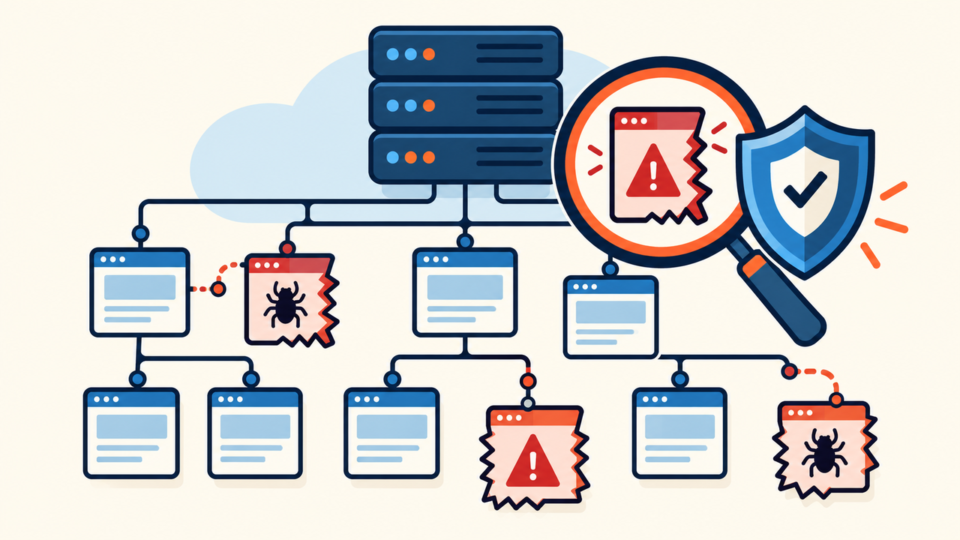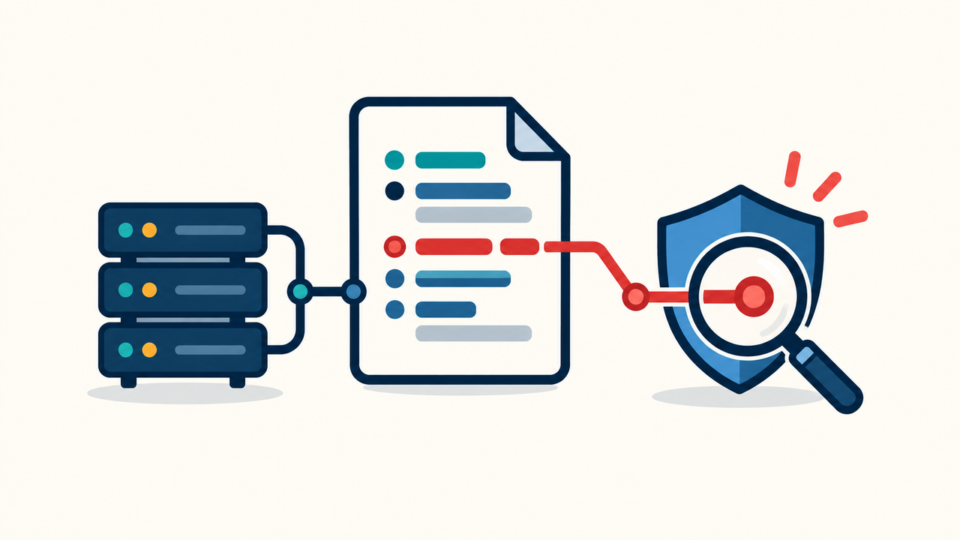
A WordPress wp-config.php hack is serious because this file loads before most themes and plugins. One injected include, remote loader, or encoded block can run on every request, recreate deleted malware, or expose database credentials even while the homepage still appears normal.
If you find suspicious code, do not delete the whole file or replace it blindly. Preserve the current copy, identify the settings your site genuinely needs, compare the structure with a clean reference, and treat the discovery as evidence of a wider compromise.
 RyoheiYokoyama
I’m Ryohei Yokoyama, founder of SiteFixNow. I’ve worked as an IT engineer for over 20 years and have handled many WordPress recovery, malware removal, hacked site repair, and security cleanup cases. In this guide, I’ll show you how to inspect and recover wp-config.php without destroying legitimate configuration.
- What to preserve before editing a hacked configuration file
- How to distinguish normal WordPress settings from suspicious persistence code
- How to clean or rebuild
wp-config.phpwithout breaking database access - Which secrets, access points, and nearby files to check after recovery
WordPress wp-config.php hack response starts by preserving evidence
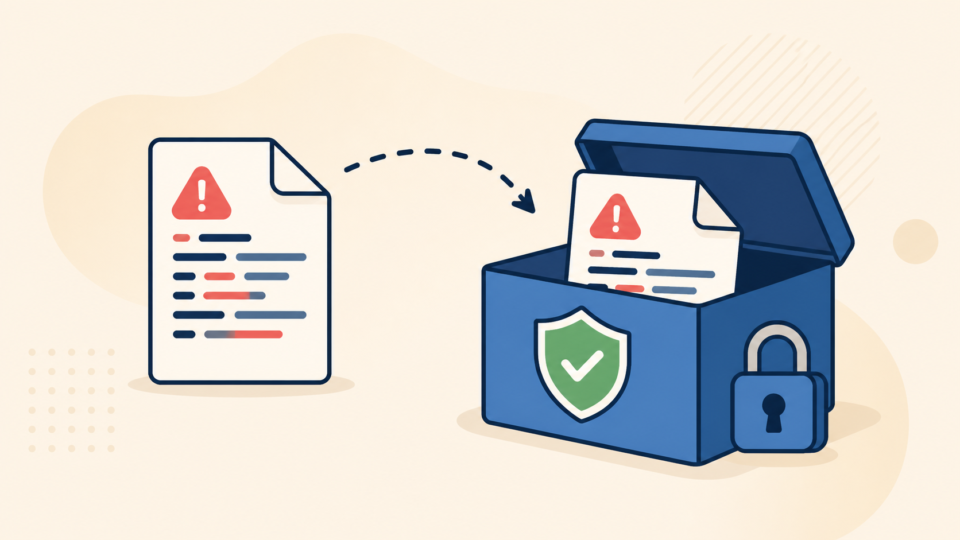
The safest first action is to copy the current wp-config.php, record its path, owner, permissions, size, and modification time, and preserve a complete file-and-database backup. A suspicious file is not a backup you should deploy, but it may show how persistence was established.
- The current
wp-config.phpunder a clearly marked infected-evidence filename - A complete database export and a copy of the whole document root
- Hosting malware reports, access logs, error logs, and recent file timestamps
- A list of legitimate administrators, SFTP users, database users, and control-panel accounts
Store evidence outside public_html, htdocs, or any web-accessible backup directory. If you need help choosing a clean recovery point, follow the safe order in the guide to safe WordPress backup restore after a hack.
WordPress wp-config.php hack checks must separate normal settings from malware
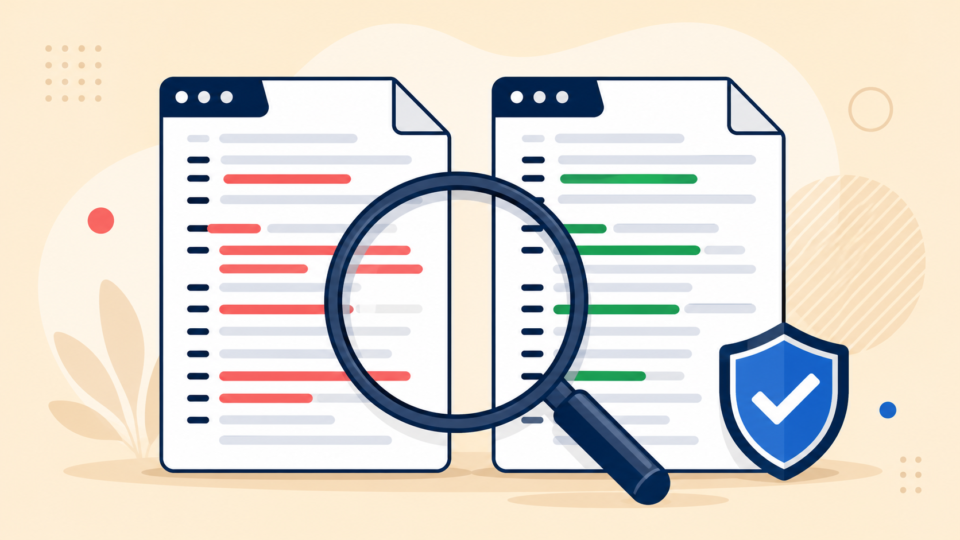
Unfamiliar code is not automatically malicious. Managed hosts, caching systems, reverse proxies, security tools, multisite networks, and deployment platforms may add legitimate constants or includes. The correct test is whether the line is expected, documented, and traceable to a trusted component.
DB_NAME,DB_USER,DB_PASSWORD, andDB_HOST- Authentication keys, salts, and
$table_prefix WP_DEBUG, memory, cache, SSL, proxy, or environment constants you can explain- The final
require_once ABSPATH . 'wp-settings.php';loader
Warning signs include long encoded strings, error suppression around an unknown loader, remote URLs, paths into uploads or temporary folders, code that writes new PHP files, and conditionals that run only for certain visitors. A legitimate include should point to a file you recognize and can inspect.
Investigate unexpected uses of:
eval or assert with decoded input
base64_decode, gzinflate, or long escaped strings
includes under uploads, tmp, cache, or hidden folders
remote requests or code that writes executable files
Do not delete every function-name match. Compare its source, path, context, timestamp, and deployment history. The broader WordPress file infection cleanup guide explains how this file relates to plugins, themes, and uploads.
WordPress wp-config.php hack cleanup is safer when you rebuild deliberately
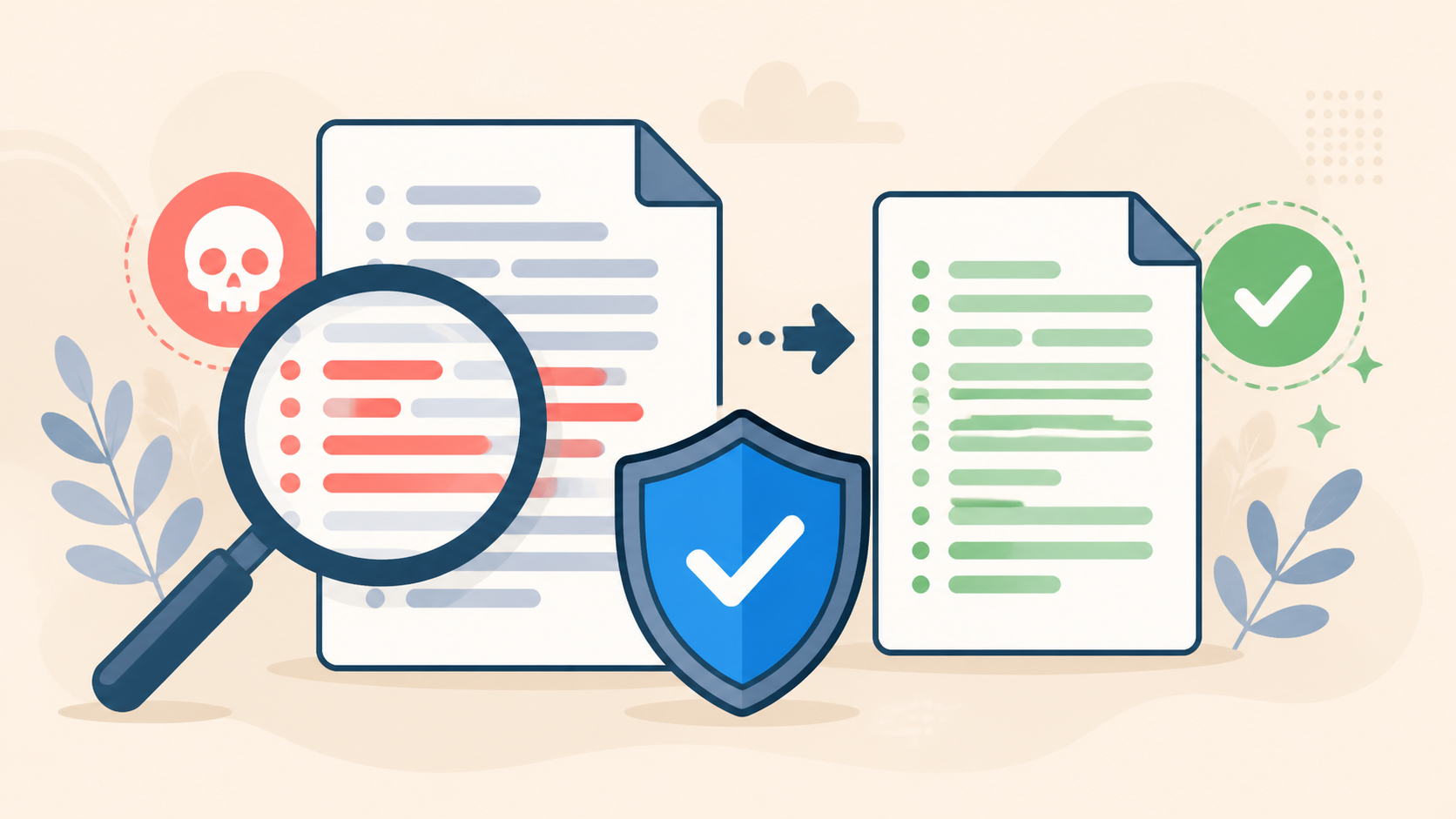
If the suspicious addition is small and clearly isolated, you may remove only that block from a working copy, validate the PHP syntax, and test the result in staging. If the file contains many unknown edits, rebuilding from the current WordPress wp-config-sample.php is usually easier to audit.
- Start from the sample matching the installed WordPress version.
- Copy the database constants and exact table prefix from evidence.
- Generate fresh salts instead of reusing potentially exposed ones.
- Validate syntax, upload atomically, and test in staging or maintenance mode.
php -l wp-config.php.clean
chmod 600 wp-config.php.clean

# Rename in one operation only after backup and validation:
mv wp-config.php wp-config.php.infected-evidence
mv wp-config.php.clean wp-config.phpWordPress wp-config.php hack recovery requires new secrets and a closed entry point
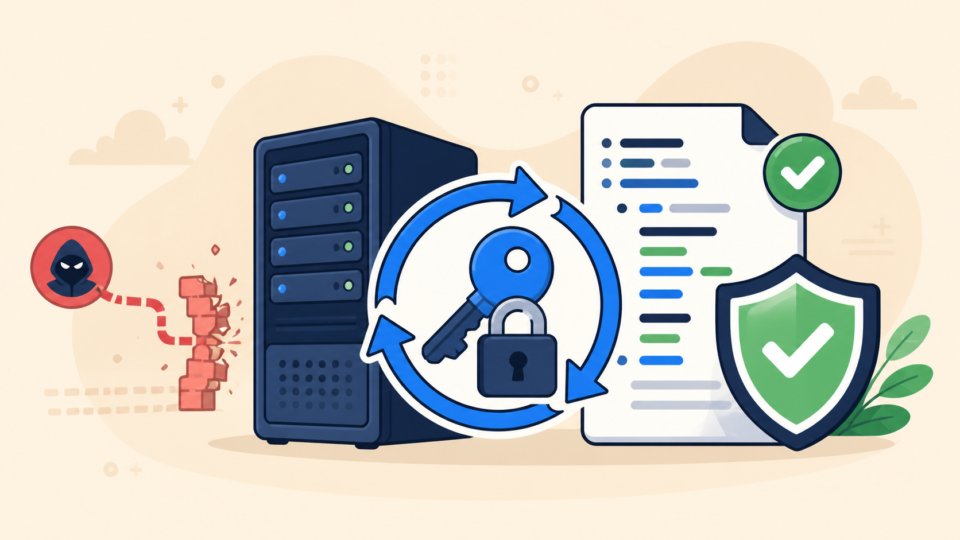
Assume secrets in a compromised wp-config.php may have been read. Rotate the WordPress authentication keys and salts so existing sessions are invalidated, change the database user password, update the rebuilt file, and reset credentials for hosting, SFTP, SSH, administrators, and deployment services.
- Update WordPress core, plugins, and themes from trusted sources
- Remove abandoned components and review every administrator account
- Check the database, uploads, must-use plugins,
.user.ini, prepend directives, cron jobs, and neighboring sites for persistence - Enable logging and monitor changes to critical configuration files
If you cannot explain how the attacker changed the file, the incident is not fully resolved. Follow the wider files, database, and backdoor checks, then use the hardening steps to secure WordPress after malware removal.
WordPress wp-config.php hack cleanup must be verified before normal traffic returns
A clean-looking file is only one checkpoint. Test the front end, wp-admin, forms, scheduled jobs, email, checkout, APIs, and a private-browser visit from another device. Watch PHP errors and access logs while those requests run.
- PHP syntax is valid and the site connects to the intended database
- Front end, dashboard, forms, jobs, and business functions work normally
- No unexpected redirect, remote request, new file, or unknown user appears
- Critical file hashes remain stable through normal traffic and scheduled tasks
- Backups created after recovery are stored safely and tested separately
Keep the evidence archive outside public directories. Record what changed, which credentials were rotated, and why the final file is trusted so an infected copy is not restored later.
Frequently asked questions about a WordPress wp-config.php hack
WordPress wp-config.php hack cleanup summary
A safe WordPress wp-config.php hack cleanup begins with evidence and a full backup, continues with a careful comparison of legitimate settings and suspicious code, and ends with a verified rebuild, secret rotation, entry-point investigation, and monitoring. Removing one strange line is not enough when the wider site may still contain a backdoor.
If You Can’t Secure or Recover Your WordPress Site Yourself

If your website shows malware warnings, redirects to strange pages, or you are not sure whether it is secure,
SiteFixNow can help clean, repair, and recover your WordPress site.
- Your WordPress site may be infected with malware.
- Security warnings appear in Google or browser results.
- You found unknown admin users or suspicious files.
- The site redirects to spam or unknown websites.
- You need urgent WordPress hacked site repair.
- Reduce visitor risk and SEO damage.
- Find hidden malware and backdoors, not only visible symptoms.
- Recover the site safely without unnecessary data loss.