WordPress must-use plugin malware is easy to miss because files inside wp-content/mu-plugins run without normal activation. A hidden loader may restore redirects or recreate a backdoor after ordinary plugins are cleaned.
 RyoheiYokoyama
I’m Ryohei Yokoyama, founder of SiteFixNow. I’ve worked as an IT engineer for over 20 years and handled many malware and hidden-backdoor cleanups. I’ll show you how to inspect MU plugins without breaking legitimate host features.
- Why must-use plugins run differently from ordinary plugins
- How to find the real MU plugin directory and inventory every loader
- How to distinguish suspicious persistence from legitimate host code
WordPress must-use plugin malware can run without normal plugin activation
WordPress automatically loads PHP files at the top level of the must-use plugin directory. They need no activation and cannot be disabled from the normal Plugins screen, making the folder useful for essential host features but attractive for persistent malware.
By default, the directory is wp-content/mu-plugins. However, constants in wp-config.php can change the content or MU plugin path. A reliable inspection therefore starts with the runtime value, not an assumed folder copied from a tutorial.
The Must-Use tab in wp-admin is helpful, but it is not a forensic report. A file can lack a useful header or load code from elsewhere, so confirm the file system directly.
For a broader first pass across files, users, and database clues, compare this focused workflow with the SiteFixNow guide to scanning WordPress for malware and hidden backdoors.
WordPress mu-plugins malware inventory starts with files, loaders, and runtime paths
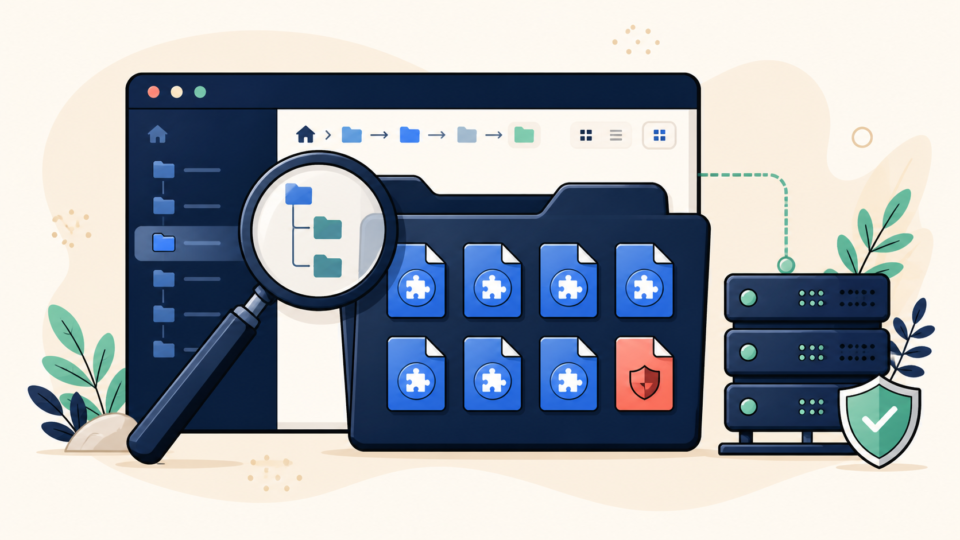
Build an inventory before changing anything. Record each path, owner, permissions, modification time, checksum, and first meaningful lines. Preserve a complete file and database backup because timestamps and loader relationships may explain the compromise.
If WP-CLI is available, confirm the runtime directory and list the plugins WordPress recognizes as must-use.
wp eval 'echo WPMU_PLUGIN_DIR . PHP_EOL;'
wp plugin list --status=must-use --fields=name,status,version
find wp-content/mu-plugins -type f -maxdepth 4 -print
find wp-content/mu-plugins -type f -name '*.php' -mtime -30 -print
Do not inspect only top-level PHP files. A loader can include vendor/autoload.php, a hidden subfolder, or code outside mu-plugins. Follow every require, include, autoloader, and assembled path.
The database active_plugins option controls ordinary plugins, not MU plugins. Changing that list will not stop a file in the runtime MU directory. For the surrounding scope, review WordPress file infection cleanup for wp-content and wp-config.php.
WordPress must-use plugin malware signs require context, not one suspicious function
No single function proves malware. The stronger conclusion combines an unexplained owner, a recent incident-time change, hidden purpose, an unknown outbound domain, and behavior that recreates a symptom.
- Random or core-like file names with no vendor documentation
- Long encoded strings combined with
eval, decompression, or dynamic execution - Requests to unfamiliar domains or IP addresses
- Writes to
.htaccess, theme files, uploads, users, or cron events - Conditional behavior for mobile visitors, search referrers, or logged-out users
Compare questionable code with a trusted source. Ask a managed host whether the exact path and checksum belong to its platform, or download a clean vendor package. A filename match is not proof.
stat wp-content/mu-plugins/suspicious-loader.php
shasum -a 256 wp-content/mu-plugins/suspicious-loader.php
grep -RInE 'base64_decode|gzinflate|eval\(|shell_exec|curl_exec|wp_create_user' wp-content/mu-plugins
Treat pattern search as triage, not automatic deletion. A compromise may span an MU loader, database payload, stolen session, and vulnerable plugin. The guide to WordPress malware cleanup across files, database records, and backdoors explains how to check those layers together.
WordPress mu-plugins malware cleanup should quarantine the loader chain safely
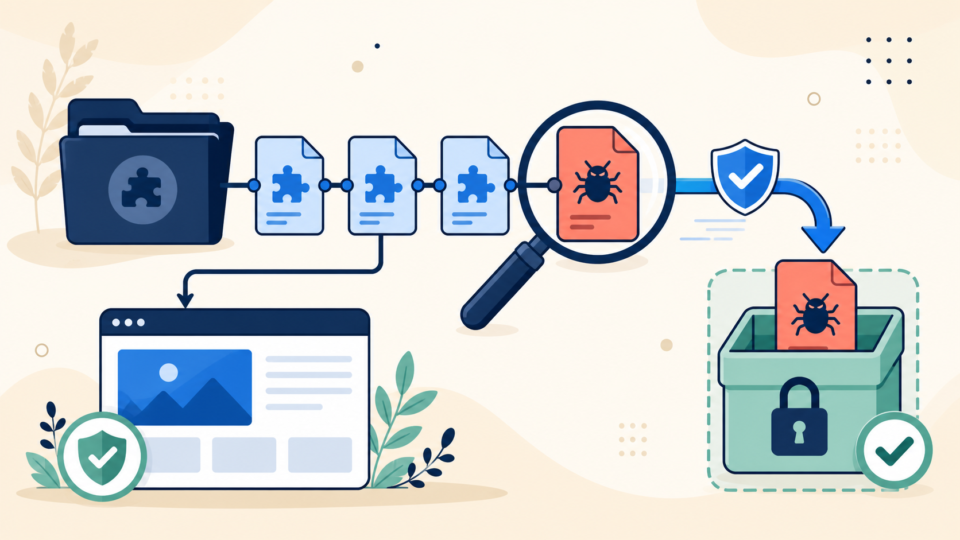
Quarantine is safer than blind deletion. Copy the suspicious chain outside the web root, record checksums, then rename the confirmed malicious top-level loader so WordPress cannot execute it. Keep a rollback path for legitimate host features.
- Back up files, database, logs, and current checksums.
- Map the top-level loader and every included dependency.
- Confirm legitimate files with the host or original vendor.
- Move confirmed malware outside the web root and disable its loader.
- Replace altered legitimate files from a trusted clean source.
- Test front end, wp-admin, cron, checkout, forms, and host features.
Clear opcode and application caches only after the origin is clean, then inspect error logs for broken includes. If ownership is unclear or the site is business-critical, stop DIY work and consider professional website malware removal.
WordPress must-use plugin malware recovery must close the entry point
Removing the MU file is only symptom cleanup unless you know how it arrived. Review administrator and hosting accounts, SFTP keys, deployment credentials, database access, vulnerable extensions, writable directories, and server logs.
Update trusted components, remove abandoned code, rotate credentials, reset salts when appropriate, invalidate sessions, and enforce least privilege. Follow how to fix a hacked WordPress site and stop reinfection to close the entry point.
After cleanup, use the SiteFixNow post-malware security guide to strengthen access, updates, backups, and monitoring.
WordPress mu-plugins malware verification proves the backdoor is gone
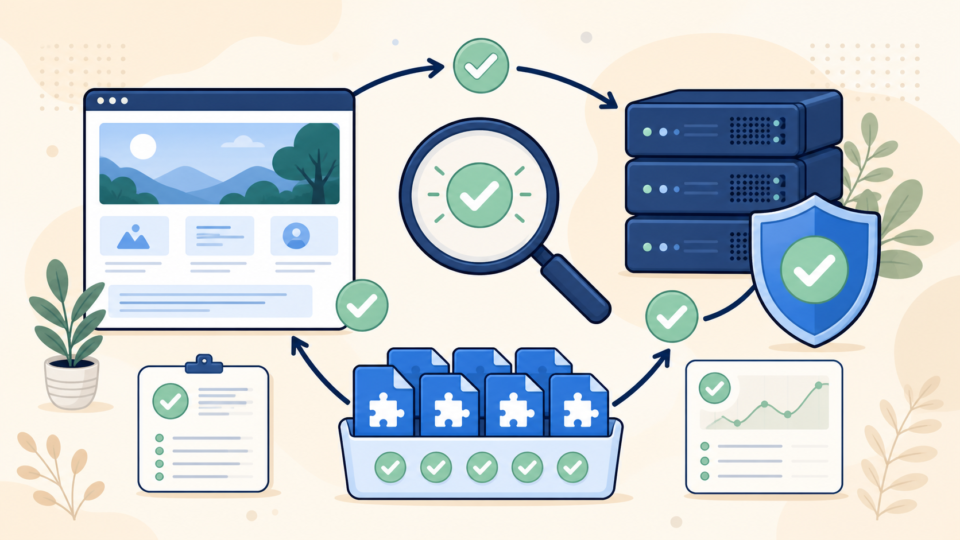
Verification is not one clean page load. Rebuild the MU inventory, compare hashes, and watch whether deleted files, redirects, users, or cron events return. Test logged-in, logged-out, desktop, mobile, and search-referrer requests.
Monitor file changes and access logs through normal traffic. Confirm that unknown outbound calls stop and the host no longer reports the path. Request external warning review only after the site is clean and stable.
wp plugin list --status=must-use --fields=name,status,version
find wp-content/mu-plugins -type f -print -exec shasum -a 256 {} \;
find wp-content -type f -name '*.php' -mmin -120 -print
wp cron event list --fields=hook,next_run_relative,recurrence
Create a clean baseline with the approved file list, checksums, owner, purpose, and source for each MU plugin. Recovery is complete when the runtime is documented, the entry point is closed, and persistence does not return.
WordPress must-use plugin malware FAQ
WordPress must-use plugin malware cleanup summary
WordPress must-use plugin malware requires a careful sequence: preserve evidence, confirm the runtime path, inventory top-level loaders and dependencies, compare files with trusted sources, quarantine confirmed malware, close the original entry point, and monitor for recurrence.
If You Can’t Secure or Recover Your WordPress Site Yourself

If your website shows malware warnings, redirects to strange pages, or you are not sure whether it is secure,
SiteFixNow can help clean, repair, and recover your WordPress site.
- Your WordPress site may be infected with malware.
- Security warnings appear in Google or browser results.
- You found unknown admin users or suspicious files.
- The site redirects to spam or unknown websites.
- You need urgent WordPress hacked site repair.
- Reduce visitor risk and SEO damage.
- Find hidden malware and backdoors, not only visible symptoms.
- Recover the site safely without unnecessary data loss.