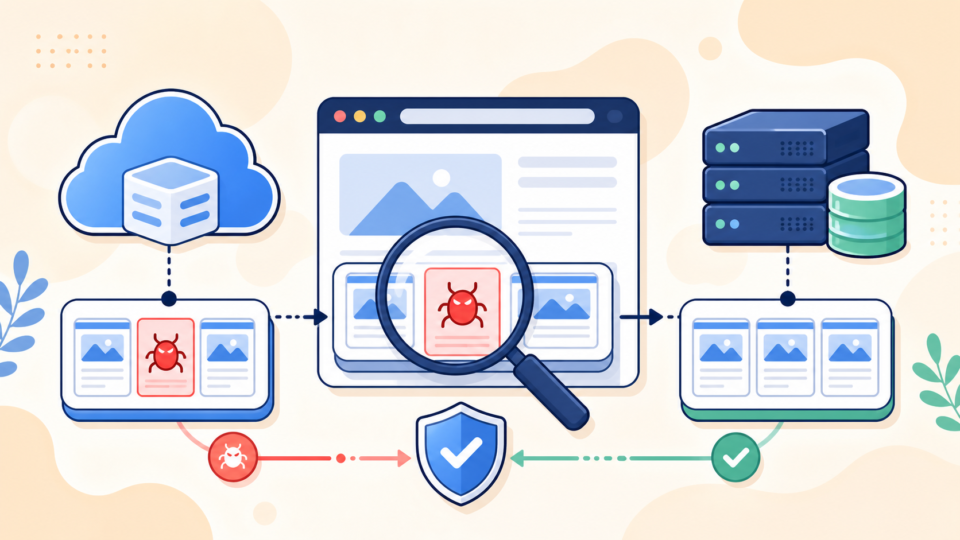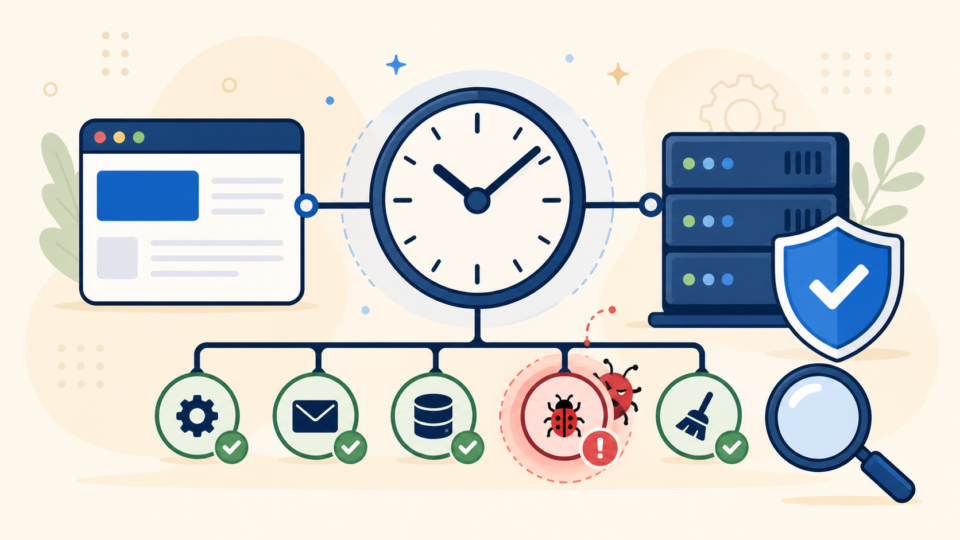
A website malware removal service becomes the right option when the infection is no longer a simple cleanup task. If your site keeps redirecting visitors, unknown files return after deletion, or you are unsure which WordPress files are safe to trust, the risk has moved beyond a quick DIY fix.
Many site owners start with a scan plugin or a backup restore. That is reasonable. The problem starts when the same malware comes back, Google warnings remain, or the site breaks further while you are testing random fixes. This guide explains when DIY cleanup stops being cost-effective, what a real malware removal service should actually do, and how to choose help without making the damage worse.
 RyoheiYokoyama
I’m Ryohei Yokoyama, founder of SiteFixNow. I’ve spent more than 20 years in IT engineering and have handled many WordPress malware removal, hacked site repair, security cleanup, and recovery cases. This article is based on real recovery work, not generic scan-tool advice.
- How to tell when a website malware removal service is safer than DIY cleanup
- What a professional cleanup should inspect in WordPress files, database tables, and server settings
- What information to prepare before handing a compromised site to a recovery service
- How to choose a trustworthy malware removal service and avoid shallow “scan-only” fixes
Website malware removal service becomes necessary when the infection keeps growing
The main point is simple: a website malware removal service is worth it when the problem is spreading faster than you can verify it. If you are deleting suspicious files without knowing the entry point, you may remove symptoms while leaving the actual backdoor active.
This happens often on WordPress sites where malware hides in several places at once. A fake plugin in wp-content/plugins/, a loader inside wp-content/uploads/, a modified .htaccess, and a rogue admin user can all work together. Cleaning only one layer rarely solves the whole incident.
- Spam redirects return after you restore a backup or remove a plugin
- Google Safe Browsing or browser warnings remain even after visible cleanup
- You find unfamiliar files in more than one folder or new admin users appear again
- The site begins showing critical errors, 403 errors, or login failures during cleanup
If you are still in the early detection stage, start with WordPress Malware Removal: How to Clean an Infected Site Safely. If the damage is already affecting visitors or business operations, the safer path is usually faster escalation.
Website malware removal service is the better choice when DIY cleanup cannot prove the site is clean
The best reason to hire help is not panic. It is lack of proof. A DIY cleanup is only reliable when you can explain what was infected, how it entered, what was replaced, and why reinfection should no longer happen.
If you cannot answer those four questions, you do not yet have a verified recovery. For example, deleting one obfuscated file does not help much if a scheduled task, malicious administrator account, or injected option inside the database keeps recreating it.
DIY cleanup usually stops being enough at these technical checkpoints
- You cannot compare WordPress core files against clean originals safely
- You do not know whether
wp-config.phpor.htaccesswas altered - You cannot review users, cron jobs, and suspicious database options confidently
- You restored the site once, but malware or redirects returned anyway
wp-config.php
.htaccess
wp-content/uploads/
wp-content/mu-plugins/
wp-content/plugins/
wp-content/themes/
wp-content/debug.log
wp-content/uploads/*.php
database: wp_users, wp_usermeta, wp_optionsWhen the infection has already broken admin access or the frontend, this often overlaps with broader recovery work. In that situation, also review WordPress Critical Error Fix and WordPress Recovery Service.
Website malware removal service should inspect more than scan results and deleted files
A real website malware removal service should investigate the root cause, not just run a plugin scan and remove flagged files. The point is to restore trust in the site, not only reduce the warning count for one day.
That means checking WordPress core integrity, plugin and theme modifications, rogue users, injected redirects, suspicious scheduled tasks, writable directories, and database values that load malicious code or external URLs. Good cleanup work is part incident response, part quality control.
What a thorough malware removal workflow usually includes
- Compare WordPress core files with clean versions and replace compromised files safely
- Review
wp-contentfor injected PHP, fake plugins, and suspicious uploads - Audit administrator accounts, password reset status, and privilege changes
- Inspect redirect rules, database options, and suspicious external calls
- Harden the site after cleanup so the same entry point cannot reopen immediately
define( 'DISALLOW_FILE_EDIT', true );
define( 'FORCE_SSL_ADMIN', true );
define( 'WP_DEBUG', false );
define( 'WP_DEBUG_LOG', true );
define( 'WP_DEBUG_DISPLAY', false );
# Clean WordPress baseline example
RewriteEngine On
RewriteBase /
RewriteRule ^index\.php$ - [L]
RewriteCond %{REQUEST_FILENAME} !-f
RewriteCond %{REQUEST_FILENAME} !-d
RewriteRule . /index.php [L]Those examples do not remove malware by themselves. They show the kind of concrete file-level review a service should be comfortable handling. If a provider cannot explain where malware usually hides or what changed in these files, the service is probably too shallow.
If the compromise also involves obvious public defacement or visitor-side redirects, compare your situation with WordPress Hacked Site Repair: What to Do Before It Gets Worse.
Website malware removal service works faster when you prepare the right access and evidence first
You can reduce recovery time by preparing the basics before handing the site to a malware removal service. The conclusion here is practical: organized access and evidence save hours of guesswork.
Many delays come from missing hosting access, missing backups, or no record of when the symptoms started. If the site is still partially reachable, capture the current state before more changes are made. That gives the cleanup team better chances of finding the real entry point.
- Hosting control panel, SFTP, and WordPress admin access if available
- The approximate time malware symptoms first appeared
- Any recent plugin installs, theme edits, migrations, or new users
- A fresh backup copy of files and database before more changes are made
- Screenshots of redirects, warnings, or injected spam pages if they are intermittent
Information that often shortens recovery time
First noticed: 2026-06-08 09:40 UTC
Symptoms: spam redirects on mobile, login failure, unknown admin user
Recent changes: plugin update, theme edit, new form plugin
Backups available: file backup yes / database backup yes
Hosting access: yes
Search console warning: yesWebsite malware removal service should be chosen for depth, not just price or speed claims
The safest provider is usually the one that explains scope clearly. A low-price service that promises “instant malware removal” but cannot describe post-cleanup hardening, verification, and reinfection prevention may only be offering a temporary cosmetic fix.
Price matters, but the bigger question is whether the provider is responsible for the whole recovery path. You need to know whether they review files manually, reset compromised access, verify Google warnings, and explain what to change after cleanup.
- Do you inspect both files and database, or only run a scan plugin?
- Will you check
wp-config.php,.htaccess, uploads, and rogue admin users? - Do you explain the likely entry point and the hardening steps after cleanup?
- What happens if the malware returns shortly after the first cleanup?
If you want a simple prevention baseline after recovery, use WordPress Security Checklist for Beginners as a companion reference.
Website malware removal service is the right move when every extra hour increases business risk
The final decision point is business impact. If malware warnings, spam redirects, broken admin access, or SEO damage are already costing leads, traffic, or customer trust, every extra hour of uncertain DIY work gets more expensive.
That does not mean every suspicious file demands emergency outsourcing. It means you should measure the risk honestly. If visitors are exposed, forms are compromised, or the site supports active revenue, a website malware removal service is often the more responsible option.
Frequently asked questions about using a website malware removal service
Summary
A website malware removal service makes sense when a WordPress infection is affecting visitors, returning after cleanup, blocking admin access, or growing beyond what you can verify safely. The right provider should inspect files, database changes, access control, and hardening steps together, not just remove one suspicious script and disappear.
If your site is already under active risk, moving from uncertain DIY cleanup to expert recovery is often the fastest way to reduce damage and regain control.
If You Can’t Secure or Recover Your WordPress Site Yourself
If your website shows malware warnings, redirects to strange pages, or you are not sure whether it is secure,
SiteFixNow can help clean, repair, and recover your WordPress site.
- Your WordPress site may be infected with malware.
- Security warnings appear in Google or browser results.
- You found unknown admin users or suspicious files.
- The site redirects to spam or unknown websites.
- You need urgent WordPress hacked site repair.
- Reduce visitor risk and SEO damage.
- Find hidden malware and backdoors, not only visible symptoms.
- Recover the site safely without unnecessary data loss.