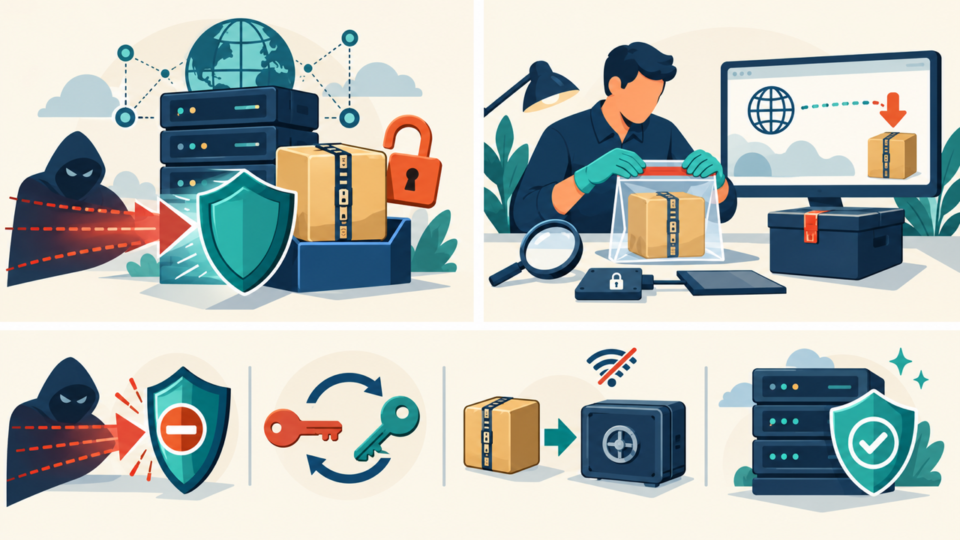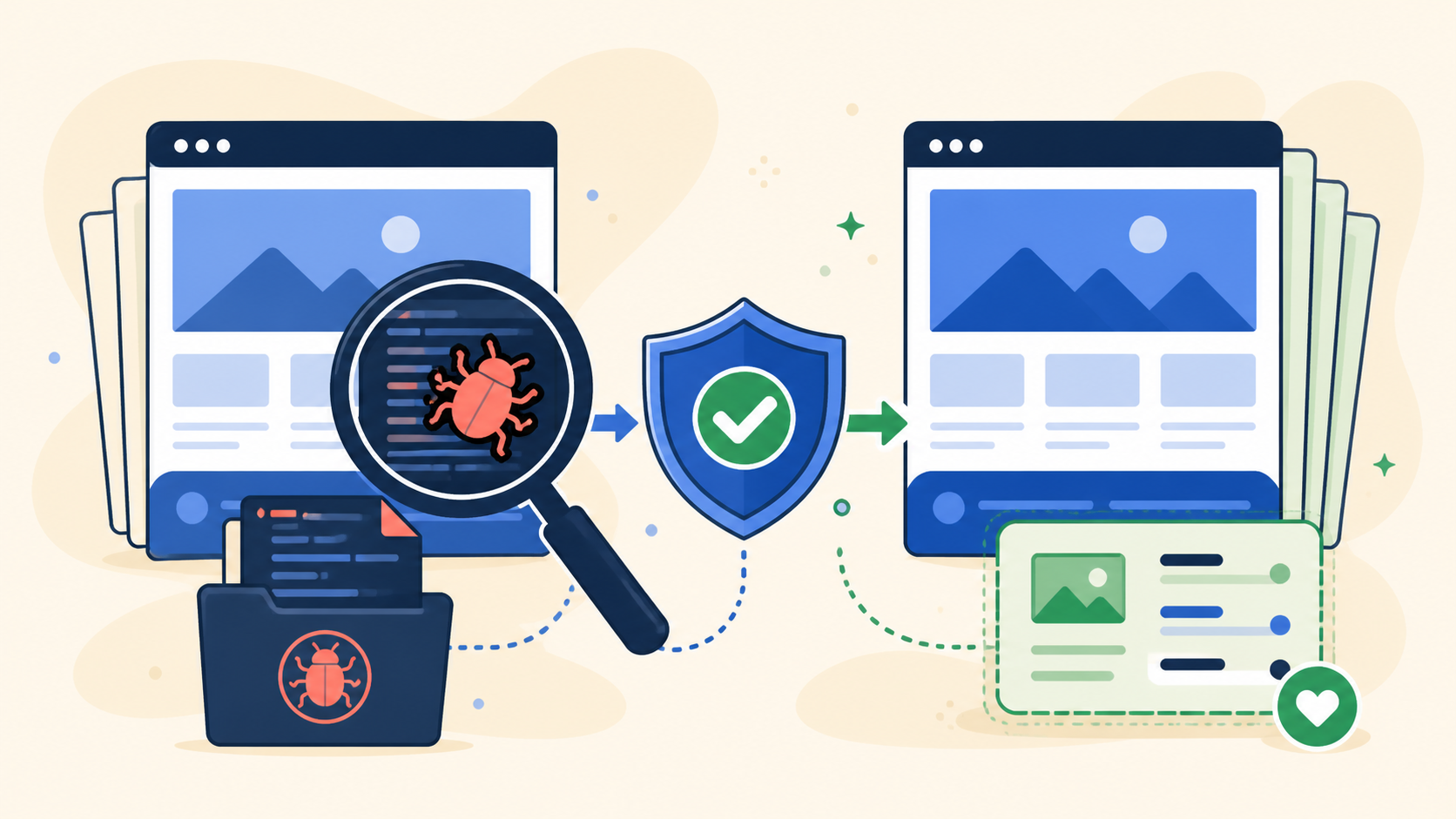
WordPress theme malware is especially risky because an infected theme can run code on every front-end request. A few injected lines in functions.php, header.php, or an included file may redirect visitors, recreate spam, add hidden administrators, or load a remote payload.
Replacing the whole theme may remove malware but also erase a child theme, custom templates, styling, or business logic. Preserve evidence and intentional work before replacing untrusted code.
 RyoheiYokoyama
I’m Ryohei Yokoyama, founder of SiteFixNow. I’ve worked as an IT engineer for over 20 years and have handled many WordPress recovery, malware removal, hacked site repair, and security cleanup cases. In this article, I’ll explain how to clean infected theme files without sacrificing legitimate customizations or overlooking the wider compromise.
- Which theme files deserve investigation first
- How to preserve child-theme and custom work
- How to compare a theme with a trusted clean package
- How to replace infected files and verify the site safely
WordPress theme malware: identify infection without guessing
Start by proving what changed instead of deleting every unfamiliar file. Themes legitimately contain PHP, JavaScript, templates, generated assets, and vendor libraries, so a strange name or long code block is not enough to declare malware.
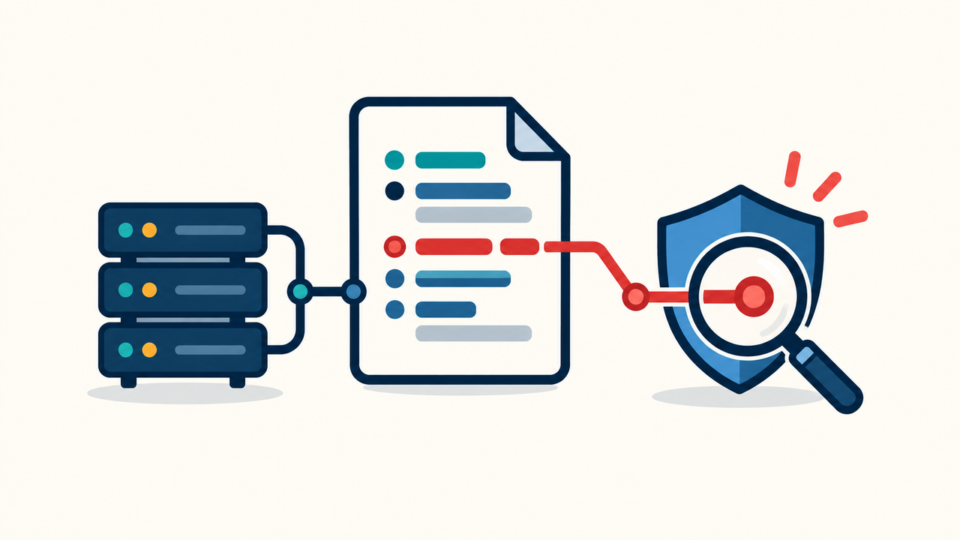
Useful evidence combines timestamps, differences from the official package, unexplained remote requests, obfuscation, and behavior that stops when the theme is disabled. Record symptoms and recent updates first.
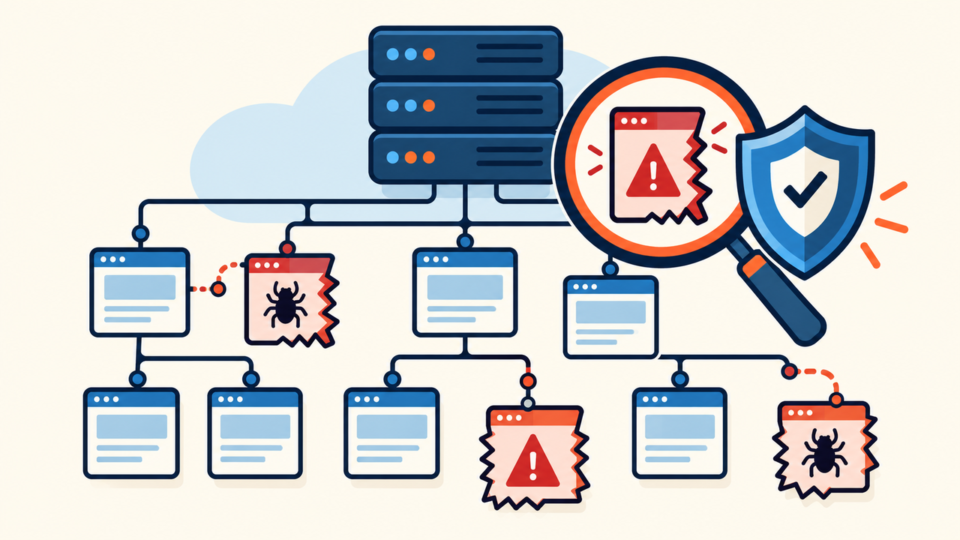
wp-content/themes/active-theme/functions.phpheader.php,footer.php, and templatesinc/,includes/,vendor/, and new folders- Inactive themes, copied themes, and old ZIP packages in public folders
Inventory installed themes and confirm the active parent and child. If the site has redirects or unknown scripts, review WordPress file infection cleanup across wp-content and wp-config.php, because the theme may be only one affected area.
wp theme list
find wp-content/themes -type f -mtime -14 -print
find wp-content/themes -type f \( -name "*.php" -o -name "*.js" \) -print
WordPress theme malware evidence: preserve files and customizations
Before cleanup, save an evidence copy and a separate working copy. This protects custom code and timestamps if replacement causes an error.

Preserve site files, database, logs, and both active theme folders. Treat the child theme’s overrides separately from parent-theme vendor code.
- Export the database and copy the current document root
- Archive the parent theme and child theme separately
- Save server logs covering the suspected infection window
- Record theme version, source, license, and recent manual edits
The newest backup may already contain malware. The guide to restore WordPress from a backup after a hack explains how to choose a restore point and verify it.
WordPress theme malware comparison: separate vendor code from custom work
Compare against a clean package from the original source and use the same theme version. Different versions create legitimate noise that can hide malware.
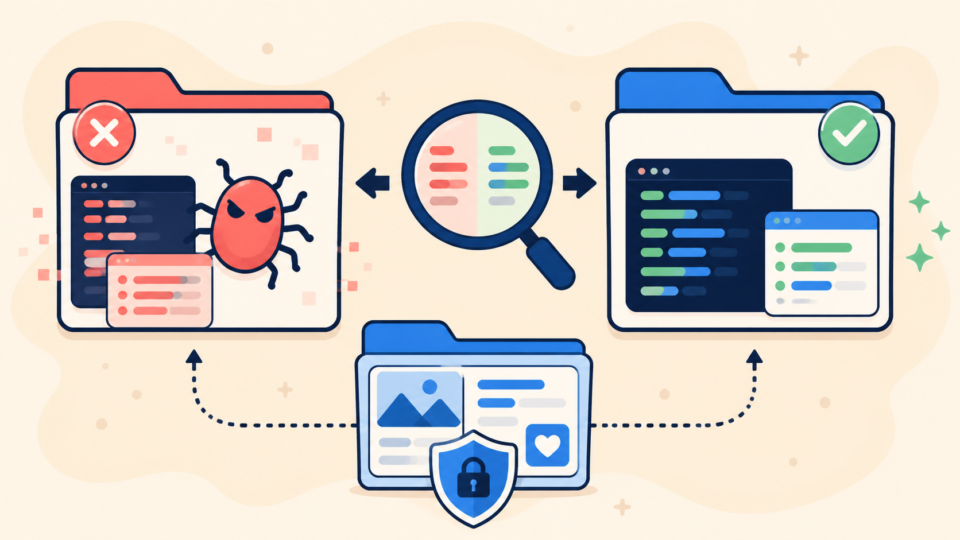
Replace a commercial parent theme instead of repairing vendor files by hand. For a custom or child theme, keep documented overrides, hooks, CSS, and approved snippets; quarantine unexplained code.
diff -ru clean-theme/ suspected-theme/ > theme-differences.txt
find suspected-theme -type f -exec shasum -a 256 {} \; > theme-hashes.txt

# Review differences; do not delete automatically.
Review unexpected decoding, remote includes, file-writing code, logged-out-only behavior, and PHP inside asset folders. These are warning patterns, not automatic proof.
WordPress theme malware cleanup: replace infected files in a controlled order
Remove the attacker’s write path first. Stolen credentials, a vulnerable plugin, or a backdoor can reinfect a clean theme.
Use maintenance mode, rotate access, and disable confirmed entry points. Replace the parent theme, restore only reviewed custom changes, clear caches, and test before reopening traffic.
- Contain the incident and rotate compromised access
- Move the infected theme copy outside the public web root
- Install the clean parent theme from its trusted source
- Restore only reviewed child-theme and custom-theme changes
- Clear page, object, CDN, browser, and hosting caches
If replacement causes a fatal error, do not restore the infected folder wholesale. Check logs, PHP, and dependencies, then use the guide to recover a WordPress site after a plugin or theme crash.
WordPress theme malware scope: check beyond the theme folder
A clean theme does not prove a clean site. Investigate other files, accounts, database values, scheduled tasks, and server access.
Check wp-config.php, .htaccess, plugins, uploads, administrators, database options, and WP-Cron. Review server logs around the theme’s change time.
wp-config.php
.htaccess
wp-content/plugins/
wp-content/mu-plugins/
wp-content/uploads/
WordPress Users and application passwords
Database options and scheduled events
Hosting, SFTP, access, and error logs
Scanners may miss custom loaders, while file comparison may miss stolen access. Follow the wider process to scan WordPress for malware and hidden backdoors before declaring recovery complete.
WordPress theme malware verification: test behavior and watch for return
Prove both function and security. Test public pages, wp-admin, forms, checkout, mobile, logged-out visits, and search-result traffic.
Recheck hashes and timestamps after page loads and scheduled tasks. If code returns, stop deleting symptoms and find the process or account writing it.
- Theme files match the trusted package plus documented custom changes
- Desktop, mobile, logged-in, and logged-out tests behave normally
- No suspicious file returns after cache clearing or scheduled events
- Access has been rotated and the original vulnerability is closed
Then secure WordPress after malware removal: update trusted components, remove abandoned themes, keep off-site backups, and monitor changes.
WordPress theme malware FAQ
WordPress theme malware cleanup summary
Clean WordPress theme malware by preserving evidence, separating parent and child themes, comparing the correct clean version, replacing vendor code, and restoring only reviewed customizations.
Most importantly, verify the whole site. Rotate access, inspect other persistence locations, test from several visitor contexts, and monitor for the malicious file’s return. A theme replacement is complete only when the writer is gone and the site remains clean.
If You Can’t Secure or Recover Your WordPress Site Yourself

If your website shows malware warnings, redirects to strange pages, or you are not sure whether it is secure,
SiteFixNow can help clean, repair, and recover your WordPress site.
- Your WordPress site may be infected with malware.
- Security warnings appear in Google or browser results.
- You found unknown admin users or suspicious files.
- The site redirects to spam or unknown websites.
- You need urgent WordPress hacked site repair.
- Reduce visitor risk and SEO damage.
- Find hidden malware and backdoors, not only visible symptoms.
- Recover the site safely without unnecessary data loss.