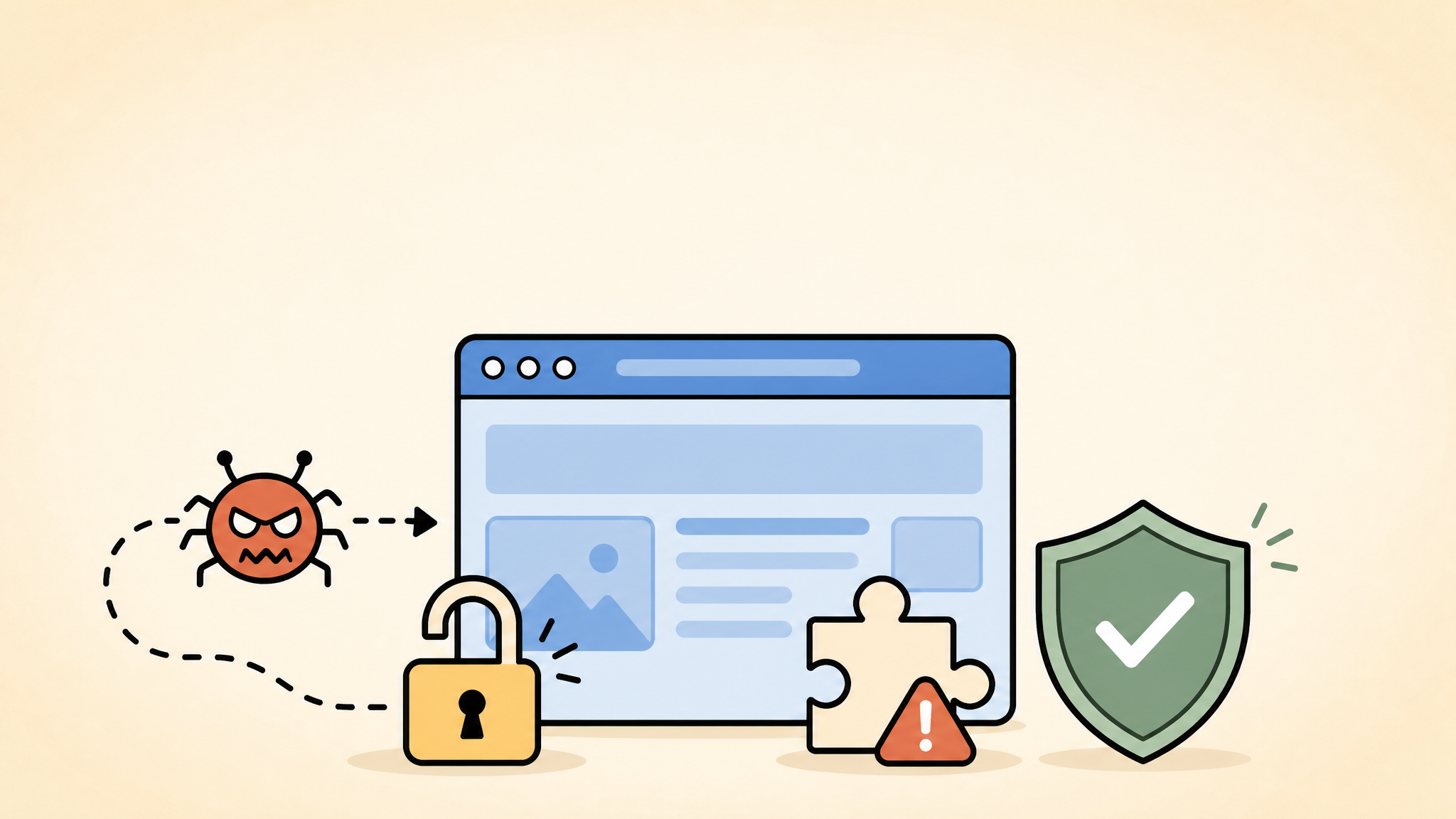
WordPress sites rarely get infected with malware because of one dramatic event alone. In most real cases, the infection starts with a small gap such as an outdated plugin, a weak password, a forgotten admin account, or a file permission mistake that stayed unnoticed for too long.
If you have been wondering why WordPress sites get infected even when the site seems small or quiet, the answer is simple: attackers automate everything. They do not care whether your site is famous. They care whether something on it is easy to exploit.
This article explains the most common reasons WordPress sites get infected with malware, where to check for those weaknesses, and what to fix first if you want to lower the risk before cleanup becomes urgent.
 RyoheiYokoyama
I’m Ryohei Yokoyama, founder of SiteFixNow. I’ve worked as an IT engineer for over 20 years and have handled many WordPress recovery, malware removal, hacked site repair, and security hardening cases. In this guide, I’ll show you the entry points that cause infections most often and the practical checks that actually matter.
- Why small WordPress sites still get targeted by malware bots
- The seven causes that lead to most WordPress infections
- Which files, folders, and settings you should inspect first
- How to reduce infection risk with safer update, login, and hosting habits
The main takeaway is that WordPress malware usually enters through ordinary neglect, not mysterious hacker magic. If you tighten the most common weak points before an incident, you lower both the chance of infection and the cost of recovery.
If your site already shows spam redirects, unfamiliar files, or browser warnings, compare this guide with WordPress malware removal and what to do before a hacked site gets worse. Prevention and cleanup overlap, but the response becomes more urgent once malware is active.
Why WordPress Sites Get Infected With Malware More Often Than Owners Expect
WordPress sites get infected with malware because the platform is popular, extensible, and often maintained unevenly. That is the core reason. Attackers build bots that scan thousands of domains for old plugins, weak credentials, exposed setup files, and writable locations where malicious code can be dropped automatically.
The reason this works so often is not that WordPress is uniquely unsafe. It is that many site owners install many moving parts and then stop reviewing them. A site can look normal on the front end while its plugin stack, theme files, and PHP version quietly drift into risky territory.
- They search for version-specific plugin and theme vulnerabilities.
- They test default login paths such as
/wp-login.phpand/wp-admin/. - They look for writable folders, leftover backups, and abandoned admin users.
- They revisit compromised sites later if the original weakness stays open.
The practical example is simple: a small business site with an old plugin can be attacked by the same bot that targets a high-traffic store. Size does not protect you. Predictability and weak maintenance expose you.
That is why the right question is not “Why would anyone target my site?” but “What on my site would a bot find first?” Start there, and your security decisions become more realistic.
Outdated Plugins, Themes, and Core Files Create Easy Entry Points
Outdated software is one of the biggest reasons WordPress sites get infected with malware. If a known vulnerability exists in a plugin, theme, or WordPress core version, attackers do not need to invent a new exploit. They only need to find sites that never patched the old one.
The reason outdated components are dangerous is that they often sit in public-facing code paths. A vulnerable form plugin, file upload handler, page builder add-on, or backup tool can give an attacker the exact opening needed to upload a shell, alter database options, or inject redirect code.
Review the folders that usually reveal outdated components
The most useful folders to review are wp-content/plugins, wp-content/themes, and the WordPress core files in the site root. Compare installed versions against the latest vendor release, not only what the admin screen happens to highlight.
wp-content/plugins/
wp-content/themes/
wp-admin/
wp-includes/
wp-config.php
.htaccess
If you inherited the site from another developer, pay extra attention to plugins that are no longer updated, commercial tools with expired licenses, and themes that have been edited directly instead of maintained through a child theme. Those are common infection routes because patches arrive late or never arrive at all.
Old PHP versions make vulnerable code harder to defend
WordPress security is not only about plugins. The server stack matters too. If the site runs an old PHP version, unsupported functions and weaker compatibility layers can make exploitation easier and recovery harder.
- Plugins are updated only after something breaks.
- Unused themes remain installed for years.
- PHP and server packages fall outside supported versions.
- Site owners assume “working” means “safe,” even when patches are missing.
WordPress security checklist for beginners is a good follow-up if you want a broader maintenance routine after checking versions.
Weak Logins and Exposed Admin Access Turn Small Mistakes Into Full Compromises
Weak credentials are another major reason WordPress sites get infected with malware. A bot that cannot exploit a plugin may still break in through a reused password, a predictable admin username, or an old account that no one removed after a contractor left.
The reason this matters is that successful admin access changes everything. Once attackers log in, they can install a plugin, edit theme files, create hidden users, modify redirects, or plant malware in places that look like normal administrative activity.
Check users, roles, and recent access points first
Open Users in the WordPress dashboard and verify every administrator account. Then review your hosting panel, SFTP users, and database users. A clean WordPress password does not help if the same attacker still has panel or file access.
- Remove unknown or unused administrator accounts.
- Change passwords for WordPress, hosting, SFTP, and database access.
- Enable two-factor authentication where possible.
- Review whether XML-RPC access is needed or should be blocked.
Harden login-related settings in wp-config.php
A simple but effective step is forcing secure admin sessions and limiting what attackers can do if they obtain a browser cookie. The exact setup depends on your hosting environment, but these are common hardening lines to review.
define('FORCE_SSL_ADMIN', true);
define('DISALLOW_FILE_EDIT', true);
define('WP_AUTO_UPDATE_CORE', true);
These settings do not replace proper credential hygiene, but they reduce avoidable risk. In many cleanup cases, attackers kept access longer than expected because file editing stayed enabled and old admin accounts survived the first reset.
Attackers do not need a visible front-end vulnerability if they can log in through WordPress, SFTP, the hosting panel, or a forgotten API credential.
Closing only one access path often leaves the real problem unresolved.
If the site is already redirecting or behaving strangely after login-related concerns, WordPress redirect hack fix is a relevant next read.
Nulled Software, Abandoned Code, and Unsafe Custom Changes Hide Backdoors
Nulled themes, pirated plugins, and abandoned custom snippets are some of the most direct reasons WordPress sites get infected with malware. The conclusion here is blunt: if you install untrusted code, you may be importing the malware yourself.
The reason this pattern is so common is convenience. Site owners want a premium feature for free, reuse an old ZIP from a former developer, or leave experimental code in functions.php without review. That creates a perfect place for hidden loaders, spam injectors, and credential stealers.
Inspect the custom code locations attackers love to reuse
When reviewing suspicious behavior, check child theme files, custom must-use plugins, and any code-insertion plugin that can add snippets sitewide. Malware often blends into areas where owners already expect custom code to exist.
wp-content/themes/your-child-theme/functions.php
wp-content/mu-plugins/
wp-content/plugins/
wp-content/uploads/
wp-content/uploads/*.php
.htaccess
A healthy uploads directory should mostly contain media files, not executable PHP files. If you find unexpected PHP inside wp-content/uploads, treat it as a serious warning sign rather than a harmless leftover.
Block PHP execution in uploads when your setup allows it
One practical defense is preventing PHP execution inside the uploads directory. This does not remove malware by itself, but it helps stop one common abuse path where an attacker uploads a file and runs it from a media folder.
<Files *.php>
Require all denied
</Files>
Test carefully after adding a rule like this, because server behavior differs between Apache, LiteSpeed, and managed environments. The principle still holds: if executable code can live in uploads, attackers will try to place it there.
- Nulled themes and plugins can contain hidden loaders from day one.
- Abandoned custom snippets are rarely reviewed after launch.
- Uploads and child-theme files often hide backdoors in plain sight.
WordPress malware infection recovery is useful if you already suspect hidden backdoors rather than a simple update problem.
Poor Hosting Hygiene, File Permissions, and Missing Monitoring Let Malware Spread
Poor server hygiene is another reason WordPress sites get infected and stay infected longer. Even when the first weakness is small, bad file permissions, missing logs, old backups, and low-quality hosting practices make it easier for malware to persist and harder for owners to prove what happened.
The reason server hygiene matters is that compromise is not only about entry. It is also about what the attacker can do after entry. Loose permissions can let malicious files spread. Missing monitoring can delay detection. No recent backup can turn a contained incident into a full business outage.
Review file permissions and log visibility before an incident
At minimum, know where your server error logs are stored and verify that file ownership and permissions follow your hosting provider’s guidance. World-writable files and folders are especially dangerous if a plugin vulnerability already exists.
Directories: 755
Files: 644
wp-config.php: 600 or 640 (hosting dependent)
Also confirm that you can access wp-content/debug.log when WordPress debugging is enabled and that your hosting panel exposes PHP or web server error logs. In many malware cases, logs reveal the repeated file path or request pattern long before the visible infection becomes obvious.
Backups and monitoring change the cost of infection
Backups do not stop malware, but they reduce panic and improve decision-making. Monitoring does not patch vulnerabilities, but it shortens the time between compromise and detection. That is often the difference between a quick file cleanup and a painful full rebuild.
- Reason #5: File permissions and server settings are too loose.
- Reason #6: No useful monitoring or log review is in place.
- Reason #7: Backups exist, but nobody verified whether they are clean or recent.
The conclusion is that malware defense is operational, not only technical. A site with average tools but good maintenance usually survives better than a site with expensive tools and no review routine.
If recovery already feels urgent, WordPress recovery service explains when professional help becomes the safer option.
How to Reduce WordPress Malware Risk Before You Need Emergency Cleanup
The best way to reduce WordPress malware risk is to remove the routine weaknesses that attackers exploit every day. That means fewer stale components, stronger access control, safer code sources, tighter server rules, and a habit of checking the right places before trouble starts.
The reason prevention works is that most infections are not unstoppable zero-day events. They succeed because ordinary gaps remain open for weeks or months. Closing those gaps consistently is more effective than doing one dramatic security sprint after a scare.
- Update WordPress core, plugins, themes, and PHP on a planned schedule.
- Remove unused plugins, themes, users, and old backup archives from the server.
- Audit admin, hosting, and file-access credentials after staff or vendor changes.
- Review
wp-content/uploads,mu-plugins, andfunctions.phpfor unexpected executable code. - Keep verified backups and know where your logs live before an emergency starts.
When you follow that routine, the site becomes much harder to exploit and much easier to recover. That is the real point of prevention: not perfection, but fewer surprises and faster containment.
FAQ About Why WordPress Sites Get Infected With Malware
Why WordPress Sites Get Infected With Malware Summary
WordPress sites get infected with malware because ordinary weak points stay open: outdated plugins, exposed logins, unsafe custom code, poor server hygiene, missing monitoring, and unverified backups. Those issues are common, which is exactly why attackers automate against them.
The safest approach is to reduce those risks before an emergency starts and to investigate root causes carefully if you already suspect compromise. If your site is showing redirects, unfamiliar files, unknown users, or repeated instability, act early instead of waiting for the infection to spread.
If You Can’t Secure or Recover Your WordPress Site Yourself
If your website shows malware warnings, redirects to strange pages, or you are not sure whether it is secure,
SiteFixNow can help clean, repair, and recover your WordPress site.
- Your WordPress site may be infected with malware.
- Security warnings appear in Google or browser results.
- You found unknown admin users or suspicious files.
- The site redirects to spam or unknown websites.
- You need urgent WordPress hacked site repair.
- Reduce visitor risk and SEO damage.
- Find hidden malware and backdoors, not only visible symptoms.
- Recover the site safely without unnecessary data loss.